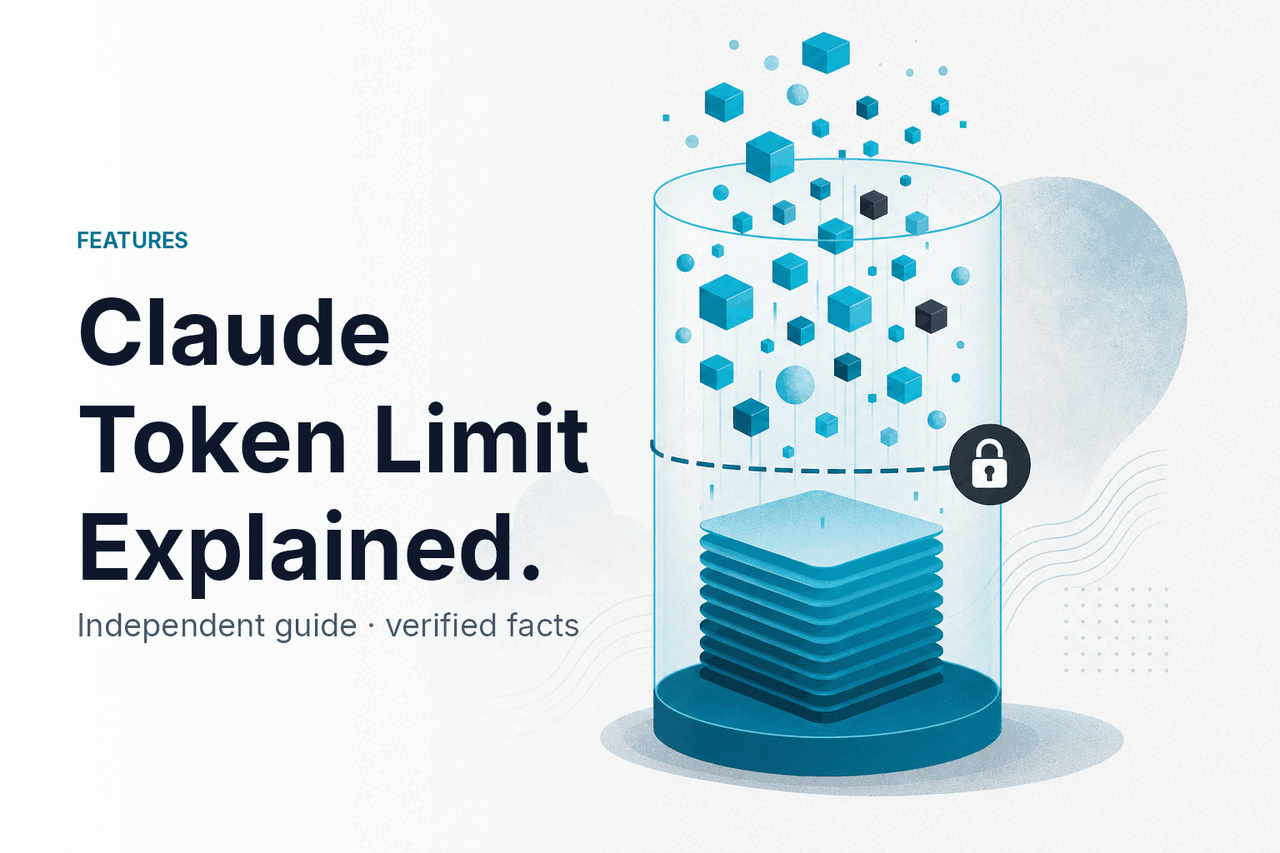
The claude token limit is the amount of text Claude can read and generate within a single interaction, and the exact limit depends on the model, the product surface, and how much of that budget is used by your prompt, conversation history, files, and output; for a broader overview of Claude itself, see our independent Claude guide.
- What it does at a glance
- How it works
- When this feature actually helps
- What it can’t do
- Other questions readers ask
- The honest take
What it does at a glance
Claude’s token limit is not one single number across every plan and tool. In practice, you need to think about three separate limits: the model’s context window, the maximum output it can return, and any product-level caps in claude.ai, the API, or Claude Code. The headline figure most people care about is that Claude Opus 4.7, Opus 4.6, and Sonnet 4.6 support up to 1,000,000 tokens of context at standard rates in the API.
- Context window = everything Claude can consider at once
- 1,000,000 tokens available on Opus 4.7, Opus 4.6, and Sonnet 4.6 in supported API use
- Output limit is separate from context limit and can be much smaller
- Chats feel shorter when files, long history, or large replies consume the budget
If you are comparing model options rather than limits alone, our Claude models guide is the quickest way to see which model is built for long context, speed, or lower cost.
| Model | Input price | Output price | Context window | Useful token-limit note |
|---|---|---|---|---|
| Claude Opus 4.7 | $5/M | $25/M | 1,000,000 tokens | Largest context for complex long-document work |
| Claude Sonnet 4.6 | $3/M | $15/M | 1,000,000 tokens | Best default for most long-context workflows |
| Claude Haiku 4.5 | $1/M | $5/M | Check current product-specific limits | Fast and cheap, but not the main long-context pick |
1M
token context window on Opus 4.7, Opus 4.6, and Sonnet 4.6 in the API
How it works
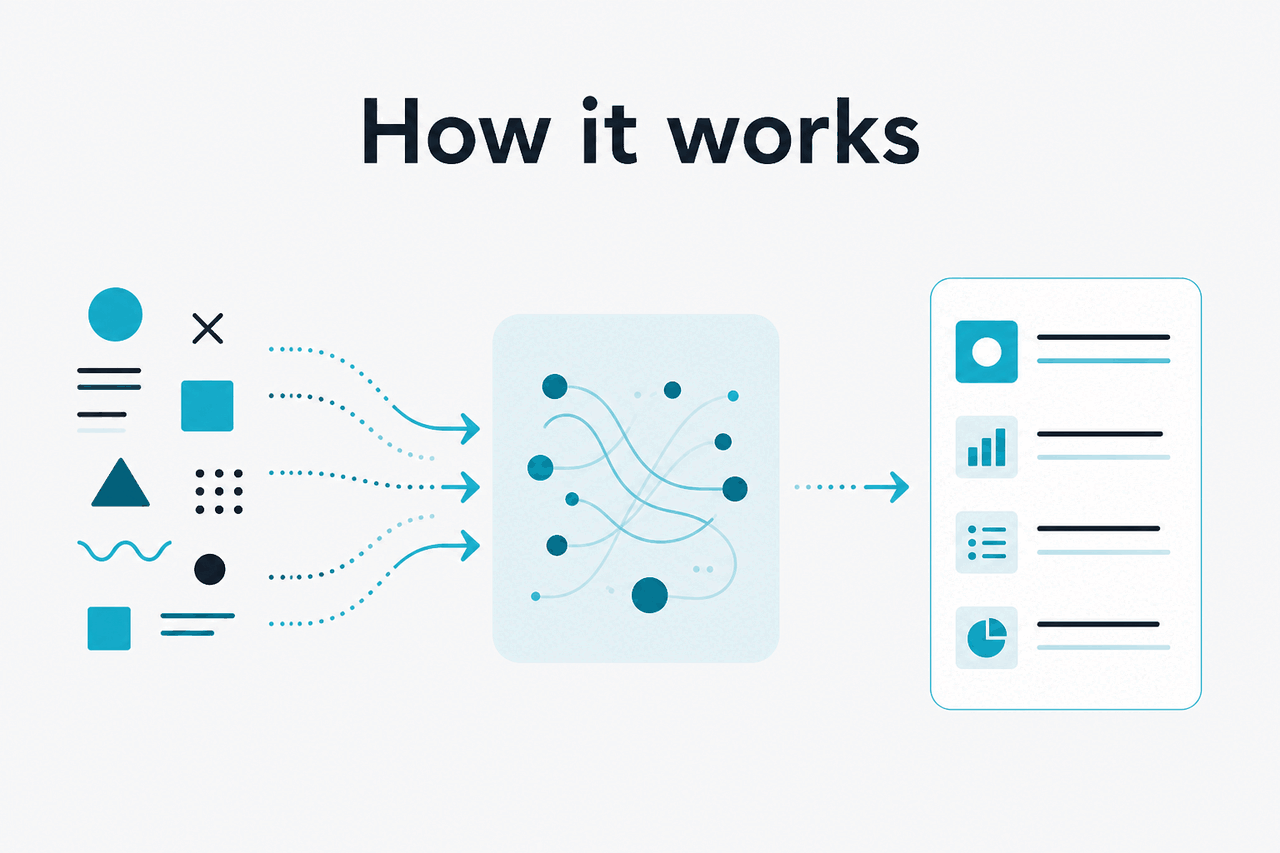
A token is a chunk of text, not the same thing as a word. When you send Claude a prompt, the model counts the tokens from your instructions, the current message, prior conversation turns, attached files that are pulled into context, tool results, and any system-level instructions. All of that competes for the same overall budget. If the total gets too large, something has to give: the model may refuse the request, trim context, or produce less output.
This is why “How many words can Claude handle?” has no single fixed answer. A short prompt with no chat history leaves more room for output. A long project thread with pasted documents leaves less. In the API, developers can control this more directly by choosing the model, setting maximum output, and designing prompts to avoid wasting tokens. In the consumer app, Claude manages more of this for you, but the same underlying trade-off still applies. If you want the practical product view, our Claude features guide shows where these limits matter in everyday use.
Worked example
Why a “huge limit” can still feel tight
The advertised context window is large, but long files and chat history can consume most of it before Claude starts answering.
There is also a cost angle. In the API, you pay for input and output tokens, so large contexts are not just a technical limit but a budget decision. Anthropic also offers prompt caching, which cuts the price of cached input by 90%, and Batch API pricing, which cuts both input and output by 50% for eligible asynchronous workloads. Those savings matter if your application repeatedly sends the same large instructions or documents.
90% off
cached input tokens with prompt caching
For developers, the practical rule is simple: the token limit is a shared budget. Every repeated instruction, every long chat turn, and every oversized file uses part of that budget before Claude writes a single line back.
When this feature actually helps
Large token limits matter when the job genuinely requires broad context. If your prompt is only a few paragraphs long, a million-token context window is mostly irrelevant. If you are working across manuals, transcripts, codebases, contracts, or multi-step research notes, it can be the difference between a useful answer and a fragmented one.
- Analysing long documents: reviewing a policy pack, annual report, or technical specification without splitting it into many smaller prompts.
- Working across many files: asking Claude to compare several documents and identify contradictions, overlap, or missing details.
- Maintaining long project memory: keeping a substantial conversation history so Claude can reference earlier decisions and revisions.
- Code and repo assistance: giving Claude larger slices of a codebase or more generated logs when debugging in Claude Code.
- Research synthesis: combining transcripts, notes, and drafts in a single pass instead of stitching together many partial responses.
Pick when
- You need Claude to reason over long source material in one session
- You want fewer manual chunking steps
- Your work depends on cross-document comparison
- Conversation continuity matters across many turns
Skip when
- Your prompts are short and self-contained
- Speed matters more than keeping massive context
- You can preprocess or summarise files before sending them
- You are trying to cut token costs in the API
For many users, Sonnet 4.6 is the practical middle ground. It supports long-context work while staying cheaper than Opus 4.7. Opus is the better choice when the task is harder, but a bigger context window alone does not guarantee better answers. Good prompt design still matters.
What it can’t do
High token limits help, but they do not turn Claude into perfect long-term memory or guarantee flawless retrieval from huge inputs. Once prompts become very large, quality can still vary. The model may miss a detail, overweight recent text, or answer from patterns instead of the exact sentence you expected it to use. Large context is useful; it is not magic.
- It does not mean unlimited chat: product interfaces can still apply daily usage limits, message limits, or output caps.
- It does not guarantee full recall: a model can have access to text without perfectly using every part of it.
- It does not remove cost trade-offs: in the API, bigger prompts increase spend unless you use caching or batch processing where appropriate.
- It does not solve bad prompt structure: messy instructions and redundant context waste budget and often reduce answer quality.
- It does not mean every model has the same limit: the headline 1,000,000-token figure applies to specific models and supported surfaces, not to every Claude experience everywhere.
- It does not promise huge outputs: output limits are separate from context windows, so Claude may read far more text than it can return in one response.
If you hit a token limit, the fix is usually structural: shorten repeated instructions, summarise old turns, split giant files, or move to a model and surface built for long context.
This is also where many searchers get confused between “message limits” and “token limits.” Free, Pro, Max, Team, and Enterprise plans affect access, usage volume, and collaboration features, but they are not the same thing as the model’s raw context capacity. For plan details, check the official Claude pricing page.
| Common confusion | What it actually means |
|---|---|
| “Claude has a 1M token limit” | Some Claude models support a 1,000,000-token context window in supported API use |
| “My chat stopped, so I hit the token limit” | You may have hit a product usage cap, message limit, or output cap instead |
| “A bigger context means better answers” | Only if the extra context is relevant and well-structured |
| “Token limit equals output length” | No. Input budget and output budget are related but separate constraints |
Other questions readers ask
These are the related questions that usually sit next to “claude token limit” in search results.
The honest take
If you searched for claude token limit, the short answer is this: Claude can handle very large contexts on the right models, but the number that matters in your real workflow is the usable budget left after prompts, history, files, and output all take their share. The official standout figure is a 1,000,000-token context window on Opus 4.7, Opus 4.6, and Sonnet 4.6 in supported API use. That is excellent for long-document and multi-file work.
The catch is that token limits are only part of the story. You also need to account for output caps, app-level restrictions, response quality on very large inputs, and cost. For most people, the smartest move is not chasing the biggest possible number. It is choosing the right model, keeping context clean, and using long windows only when the task truly needs them.
Independent guide. Not affiliated with Anthropic. For the official Claude product, visit claude.ai.
Last updated: 2026-05-12