Claude usage is limited by plan, model, message size, attachments, context length, and current demand; c-ai.chat is an independent guide, not Anthropic, and this page explains how those limits work alongside our broader Claude AI guide.

- Quick answer
- How Claude usage works
- When usage planning helps
- What usage limits cannot tell you
- FAQ
- The honest take
- Sources
Quick answer
Claude usage means how much Claude you can use before you hit a plan, model, API, or temporary capacity limit.
On claude.ai, usage usually appears as a message cap or temporary pause. In the API, usage is measured in input tokens, output tokens, rate limits, and billing. Anthropic does not publish one fixed message number for every web plan because usage depends on conversation length, files, model choice, tools, and service demand.
Usage is capacity
not a fixed public message count for every account
Check live plan terms on Claude pricing. For developers, Anthropic publishes API pricing documentation. Our Claude pricing guide explains how those plans compare in plain terms.
Free
$0
Best for light use and trying Claude.
Pro
$20/mo
Best for regular individual work. Annual pricing is $17/mo.
Max
From $100/mo
Best for heavy individual use and repeated caps.
Team
From $25/seat
Best for managed team access.
| Plan or product | Price | How usage works | Best fit |
|---|---|---|---|
| Free | $0 | Entry access with usage limits. Long chats, files, and heavier tasks can reach limits faster. | Trying Claude, occasional writing, quick questions, and light research. |
| Pro | $20/month or $17/month annual | Higher individual usage than Free, with access to more Claude features depending on current plan terms. | Regular individual work, study, coding, analysis, and document tasks. |
| Max | From $100/month | Higher-capacity individual plan for users who often hit Pro limits. | Heavy daily use, long sessions, coding work, and frequent complex tasks. |
| Team Standard | $25/seat/month or $20/seat/month annual | Managed team plan with shared workspace and administrative controls. | Small teams that need managed access instead of separate personal accounts. |
| Team Premium | $125/seat/month or $100/seat/month annual | Higher-capacity team tier with stronger administrative needs. | Teams with heavier shared usage and more governance requirements. |
| Enterprise | $20/seat base + API rates | Enterprise access with usage and controls set by contract and API rates. | Organizations that need procurement, governance, security review, and spend controls. |
| API | Priced per million tokens | Metered by model, input tokens, output tokens, rate limits, and billing settings. | Apps, automations, internal tools, data processing, and production integrations. |
For model selection, see our Claude models guide. For developer billing, the Claude API guide covers token usage, rate limits, caching, and batching.
| API model | Input price | Output price | Usage note |
|---|---|---|---|
| Claude Opus 4.7 | $5/M tokens | $25/M tokens | Flagship model with a 1,000,000-token context window. |
| Claude Sonnet 4.6 | $3/M tokens | $15/M tokens | Balanced model with a 1,000,000-token context window and 128K max output. |
| Claude Haiku 4.5 | $1/M tokens | $5/M tokens | Fast, lower-cost model for short answers, extraction, classification, and high-volume work. |
How Claude usage works
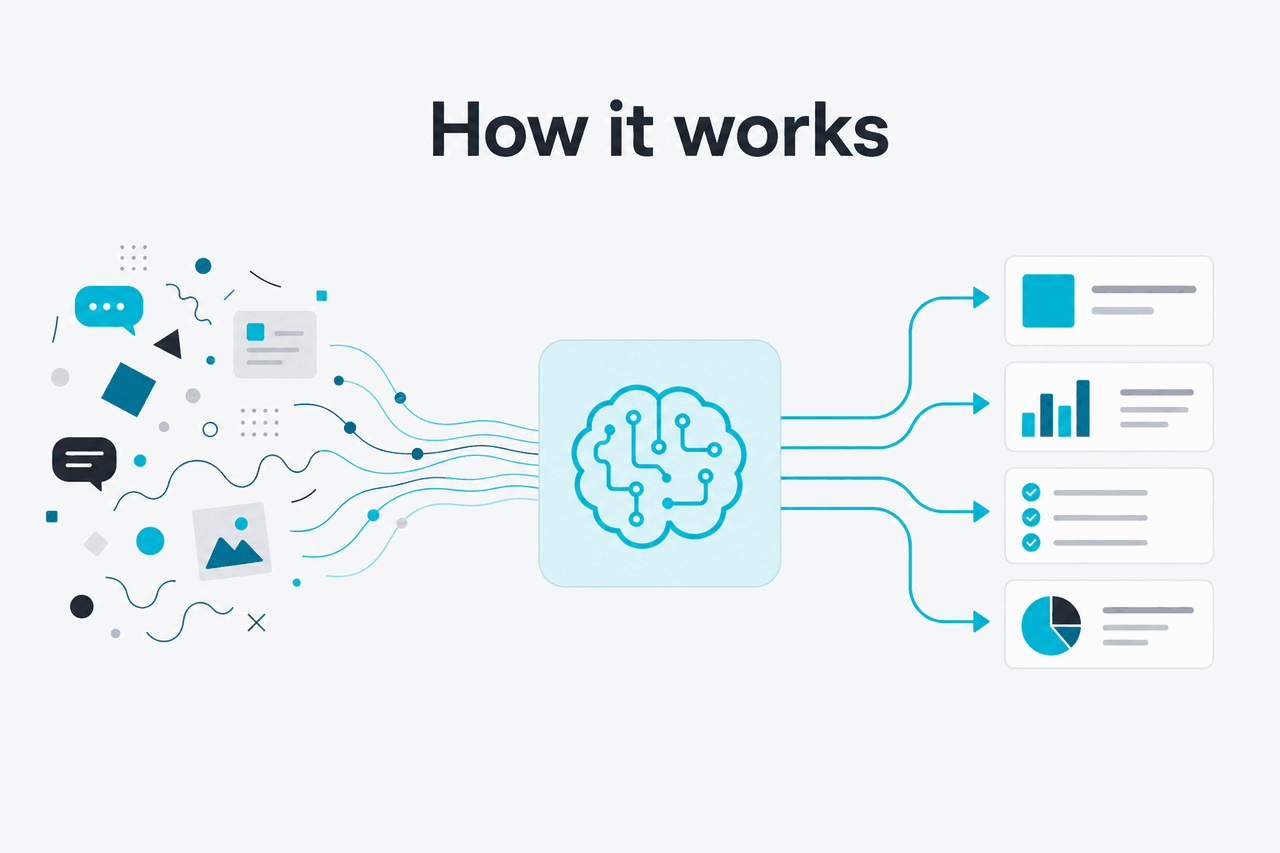
Claude web usage is not just a count of Send clicks. A short rewrite prompt uses far less capacity than a long thread with uploaded files, generated artifacts, tool calls, and a large conversation history. Claude must process relevant prior context, not only your latest message.
That is why two people on the same plan can hit limits at different times. One may send many short prompts. Another may upload long documents, keep one large thread open, and ask for detailed outputs.
API usage is more explicit. Anthropic bills by input tokens and output tokens. Input tokens include your prompt, system instructions, conversation history, retrieved text, and tool results sent to the model. Output tokens are what Claude generates. Rate limits control how quickly you can send requests, separate from total spend.
Worked example
Why long chats hit limits faster
Start a fresh, focused chat when the old context no longer matters.
Features also change usage. Research-style tasks can involve more reading and synthesis than a normal chat. Coding sessions can create many file reads, edits, tool calls, and retries. Office and document workflows can send larger amounts of content into the conversation.
Developers have more control over cost. Prompt caching gives 90% off cached input tokens. The Batch API gives 50% off both input and output for eligible asynchronous jobs. These discounts reduce API cost; they do not make usage unlimited.
50% off
both directions with the Batch API for eligible workloads
If your main work is coding, compare chat usage with the developer options in our Claude features guide. Agentic coding can be useful, but it may run longer sessions than normal chat because it inspects files, proposes edits, runs commands, and iterates.
When usage planning helps
Usage planning helps when you need to choose a plan, avoid avoidable caps, or design an API workflow that stays within budget.
- Choosing between Free, Pro, and Max: Free fits occasional use. Pro fits regular individual work. Max fits heavier personal usage when Pro caps get in the way.
- Planning a team rollout: Team plans matter when admins need managed access, workspace controls, and shared billing.
- Managing document-heavy work: Long PDFs, policies, transcripts, spreadsheets, and slide decks consume more allowance than short prompts.
- Reducing API spend: Use Haiku 4.5 or Sonnet 4.6 when they meet the quality bar. Reserve Opus 4.7 for work that needs stronger reasoning or more reliability on complex tasks.
- Building production workflows: Set token budgets, output caps, retries, batching, logging, and alerts before users depend on the system.
Plan usage carefully when
- You use Claude for repeated work.
- You upload files, run research tasks, code, or keep long project threads.
- You need to compare Free, Pro, Max, Team, Enterprise, and API use.
- You want to lower API cost with model choice, caching, or batching.
Do not overthink it when
- You only use Claude once in a while.
- You never hit caps.
- You need exact account-specific billing data that only Anthropic can show.
- You are trying to bypass plan limits rather than manage work within them.
The practical rule is simple: match the plan to the work pattern. A student drafting occasional outlines does not need the same allowance as a developer running long coding sessions. A company using Claude across departments should compare Team and Enterprise controls, not only headline usage. A developer building an app should treat API usage as a separate product with its own pricing and limits.
Also check which Claude features you rely on. Projects, research workflows, coding tools, document handling, and model access can matter as much as the raw message allowance.
What usage limits cannot tell you
Claude usage limits do not provide a public, permanent message count that applies equally to every user. Anthropic can adjust limits, feature access, traffic handling, and rate limits. Your experience can also depend on account, region, plan, model, feature mix, prompt length, and current service conditions. For live availability issues, check Claude status.
- They cannot guarantee a fixed number of messages. A short chat and a long file-heavy chat do not consume the same capacity.
- They do not make higher plans unlimited. Higher plans still have practical limits, traffic policies, and fair-use constraints.
- They are not the same as context length. A 1,000,000-token context window describes how much text a supported model can consider in one request or conversation context. It is not a daily allowance.
- They cannot replace billing tools. API users should use Anthropic’s console, logs, and billing views for exact usage.
- They cannot bypass plan restrictions. If you keep hitting caps, use shorter tasks, better model choice, API design changes, or a higher plan.
- They cannot promise every feature on every plan. Plan features can change, and some tools may be limited by region, beta access, or workspace settings.
For enterprise use, limits also depend on contract terms, security settings, spend controls, and administrative configuration. Anthropic’s Trust Center is the better source for security and compliance posture. Your contract or admin console controls operational details.
FAQ
How many messages do I get on Claude Free?
Anthropic does not publish one fixed Free message count that applies to every user and workload. Free has usage limits. Long chats, large files, and heavier features can reduce the number of messages you can send before a pause.
Does Claude Pro have unlimited usage?
No. Pro gives higher individual usage than Free, but it is not unlimited. If long daily sessions often hit caps, Max may fit better.
What counts against Claude usage?
Your messages, Claude’s replies, conversation history, uploaded content, tool results, and feature activity can all matter. In the API, these appear as input tokens, output tokens, and rate-limit behavior.
Can I buy more Claude usage without changing plans?
For claude.ai subscriptions, the normal path is choosing the plan that matches your workload. For developers, the API is metered and can scale with billing, rate limits, and account controls. Enterprise customers may have custom terms through Anthropic.
Are Claude API limits the same as claude.ai limits?
No. claude.ai plans are user-facing subscriptions with plan allowances and product features. The API is a developer platform with model pricing, token billing, rate limits, and usage controls documented on platform.claude.com.
Does a 1,000,000-token context window mean I can use that much every day?
No. Context length and daily usage are different limits. Context length describes how much text a supported model can consider in a single request or conversation context. Daily usage depends on plan capacity, workload, and service conditions.
The honest take
Claude usage is best understood as capacity, not a simple message tally. Free is for light access. Pro is the practical individual plan for regular use. Max is for people who hit Pro limits often. Team and Enterprise are for managed organizations. The API is a separate usage model based on tokens, rate limits, and billing controls.
If you keep hitting a limit, first reduce avoidable load. Start fresh chats for new tasks. Avoid sending unnecessary files. Choose the smallest capable model. Cap output length. If that still blocks real work, upgrade the plan or move suitable workloads to the API.
Independent guide. Not affiliated with Anthropic. For the official Claude product, visit claude.ai.
Last updated: 2026-05-12