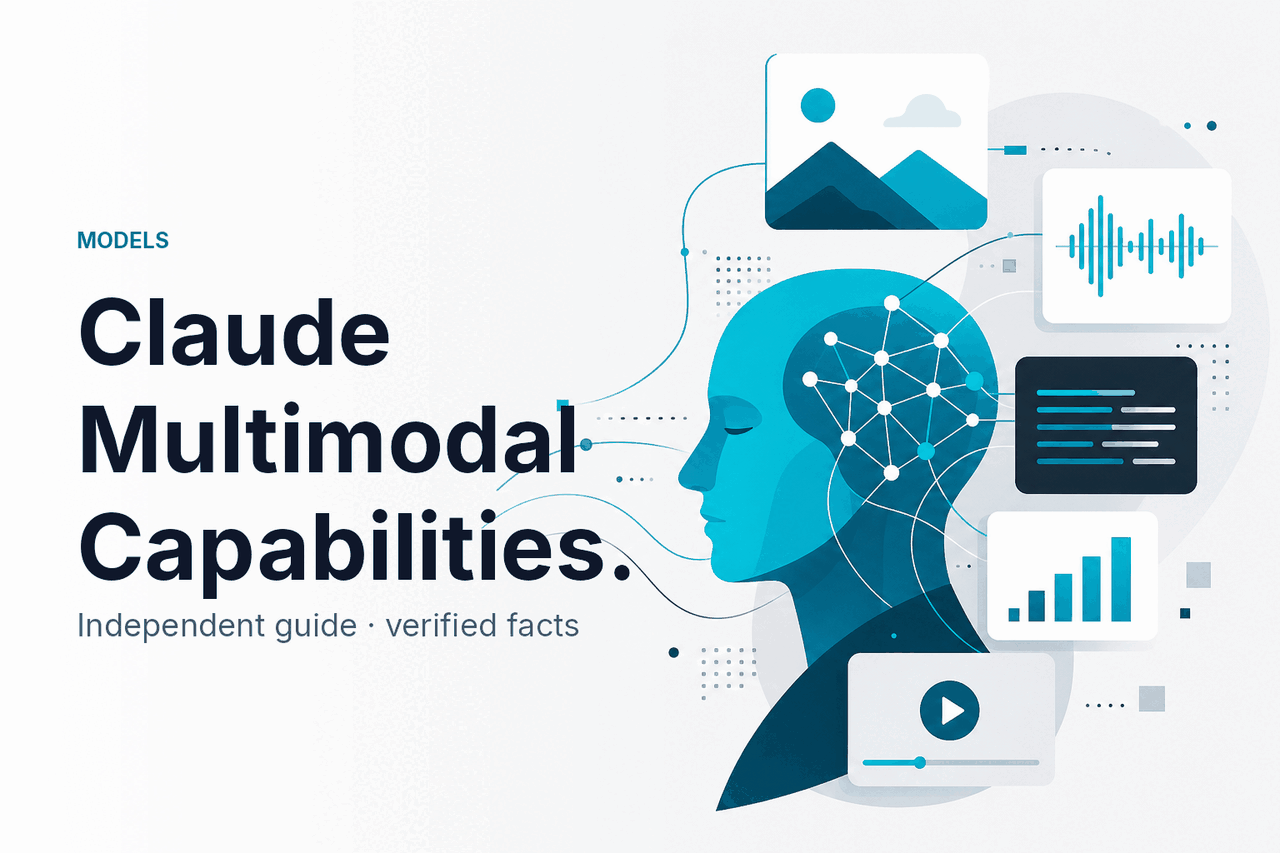
Claude multimodal means Claude can work across text and images together: you can give it written instructions, attach visual inputs, and ask for analysis, extraction, description, or reasoning based on both. This guide from c-ai.chat is independent of Anthropic, and it explains what Claude can actually do, where it is strong, and when another Claude model or workflow makes more sense.
- Which model is this?
- What it’s best at
- Where it falls short
- When to pick this model
- Other questions readers ask
- The honest take
Which model is this?

Claude multimodal is not a separate product line. It is a capability available in Claude’s current model family, with image understanding paired with text prompting and text output. For most people, the practical default is Claude Sonnet 4.6, while higher-end multimodal work can justify Opus 4.7 and lower-cost image tasks often fit Haiku 4.5.
- Input $3 per million tokens on Sonnet 4.6
- Output $15 per million tokens on Sonnet 4.6
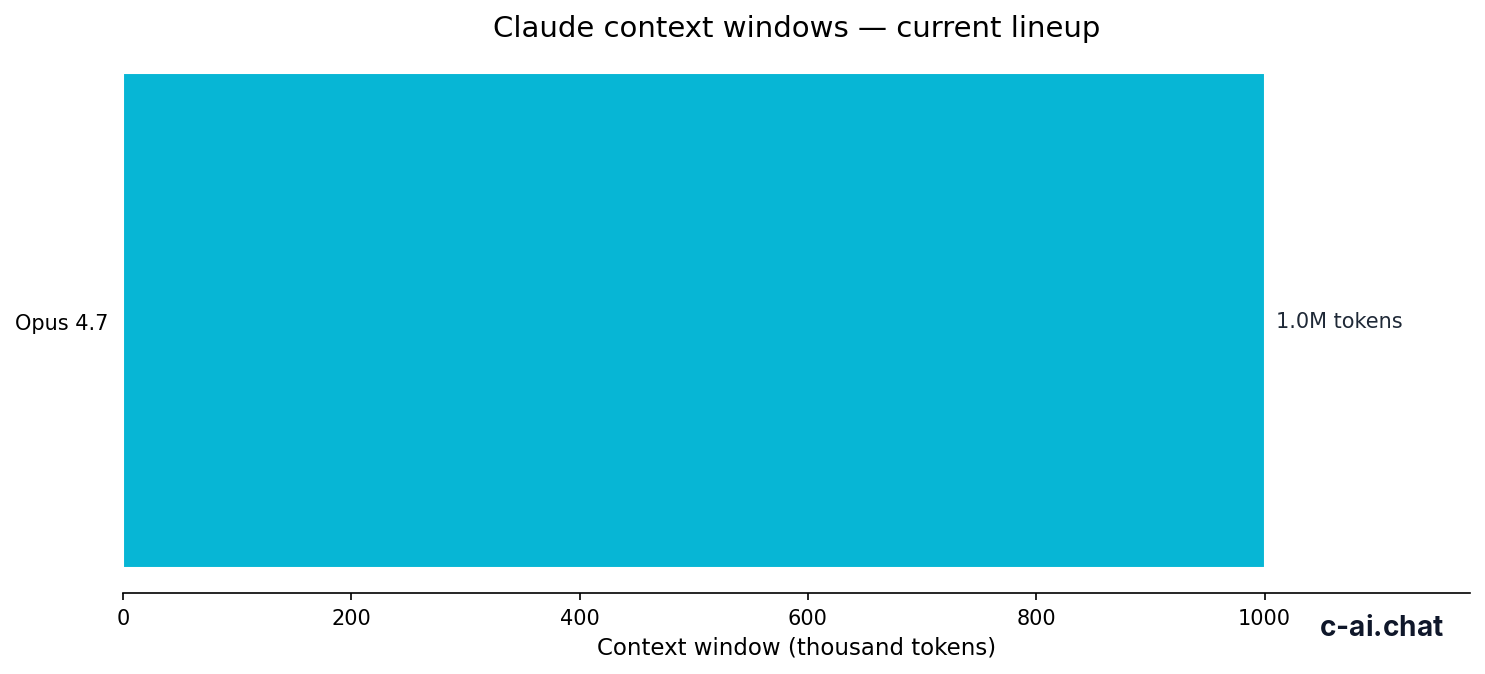
- Context window up to 1,000,000 tokens on supported long-context tiers
- Max output 128K tokens on Sonnet 4.6
If you are searching for “claude multimodal,” the useful answer is this: Claude can interpret images alongside text prompts, but your experience depends on the model you choose and whether you use the consumer app or the Claude API. Sonnet 4.6 is usually the best balance for multimodal work because it is cheaper than Opus 4.7 and stronger than Haiku 4.5 on complex visual reasoning.
| Model | Role in lineup | Input price | Output price | Multimodal fit |
|---|---|---|---|---|
| Claude Opus 4.7 | Flagship | $5/M | $25/M | Best for the hardest image-plus-text reasoning |
| Claude Sonnet 4.6 | Recommended default | $3/M | $15/M | Best overall balance for most multimodal workflows |
| Claude Haiku 4.5 | Fast / cheap | $1/M | $5/M | Good for lightweight extraction and classification |
What it’s best at
Claude multimodal is strongest when the job mixes visual evidence with written instructions. That includes reading charts, extracting structured fields from screenshots or documents, comparing visual layouts, checking whether an image supports a claim in the prompt, and turning messy visual information into a clean text summary. In day-to-day use, this is often more useful than generic image captioning because the model can follow precise task instructions instead of only describing what it sees.
Among the current lineup, Sonnet 4.6 is the best default for most users because it handles visual tasks with a better price-performance balance than Opus 4.7, while Haiku 4.5 is more attractive when speed and low cost matter more than nuanced reasoning. If the prompt asks for careful comparison across several images, multi-step analysis, or output that must stay consistent across a long workflow, Opus 4.7 is usually the safer choice. If the task is basic classification, OCR-adjacent extraction, or fast triage, Haiku 4.5 can be enough.
- Document and screenshot extraction: pulling names, totals, labels, or action items from invoices, dashboards, forms, and UI captures.
- Chart and table interpretation: explaining what a graph shows, spotting trend changes, and converting visual data into plain language.
- Design and layout review: assessing whether a landing page, slide, or interface matches written requirements.
- Visual Q&A: answering targeted questions about an image instead of returning a generic description.
- Multistep workflows: combining image understanding with long prompts, instructions, and structured outputs in the Claude feature set or API workflows.
90% off
cached input tokens with prompt caching
That cost optimisation matters for multimodal pipelines because the expensive part is often not the image itself but the repeated instruction wrapper around it. If you send the same system prompt, schemas, extraction rules, or evaluation rubric many times, prompt caching can lower input costs materially. Anthropic also offers Batch API pricing at 50% off both input and output for suitable non-urgent jobs, which can make large-scale image review more practical through the pricing options.
Worked example
Choosing a model for screenshot analysis at scale
For most production teams, the cheapest good answer is better than the strongest expensive answer. Sonnet usually hits that point first.
Where it falls short
Claude multimodal is useful, but it is not magic vision software. It can misread low-quality images, miss tiny visual details, struggle with ambiguous layouts, or sound more confident than the evidence supports if the prompt asks for certainty where the image is unclear. It also works best when you give a narrow task, a schema, or a clear output format rather than asking for broad “understand everything in this image” behaviour.
- Tiny text and low-resolution inputs: if the source image is blurry, skewed, cropped, or compressed, extraction quality drops.
- Dense spreadsheets or complex diagrams: another workflow may be better, such as direct file parsing before you ask Claude to reason about the results.
- High-stakes compliance decisions: use human review. Claude can support triage, but it should not be your only control.
- Simple bulk classification: Haiku 4.5 may be the better pick if Sonnet’s extra reasoning is not improving outcomes enough to justify the higher price.
- Very difficult visual reasoning: Opus 4.7 is the better choice when mistakes are costly and the job needs deeper comparison or longer chains of thought.
When to pick this model
Use Claude multimodal on Sonnet 4.6 when you need image understanding plus strong instruction following and you care about cost. Move to Opus 4.7 when the extra reasoning quality is worth paying $5/M input and $25/M output instead of Sonnet’s $3/M and $15/M. Drop to Haiku 4.5 when you need speed and low cost more than nuanced visual judgment.
Pick when
- You want one model for both text-heavy and image-assisted tasks.
- You need better multimodal reasoning than Haiku 4.5 without paying Opus 4.7 prices.
- You are building document review, screenshot QA, chart explanation, or extraction workflows.
- You can lower cost further with prompt caching or Batch API.
Skip when
- You only need very cheap, fast image triage; Haiku 4.5 may be enough.
- You need the strongest available reasoning on difficult visual tasks; Opus 4.7 is the safer pick.
- Your workflow depends on exact OCR-like parsing from poor inputs; preprocess the files first.
- You are using the consumer app but need predictable programmatic throughput; use the API instead.
If you are using Claude through the app rather than the API, your real decision may be plan-based rather than model-based. The official plan page lists Free at $0/month, Pro at $20/month or $17/month annual, Max from $100/month, Team Standard at $25/seat/month or $20/seat/month annual, Team Premium at $125/seat/month or $100/seat/month annual, and Enterprise with a $20/seat base plus usage at API rates. For consumer multimodal use, Pro is usually the first meaningful upgrade; for production multimodal systems, the API is usually the cleaner route.
Other questions readers ask
If you want the broader picture, the best next pages are our guides to Claude models, the API, and Claude features. Those pages explain model selection, limits, and where app usage and API usage differ.
The honest take
Claude multimodal is real and useful, but the useful part is narrower than the buzzword. Claude can combine image understanding with text instructions and text output, which makes it strong for screenshot analysis, document extraction, chart interpretation, and visual QA. For most people, Sonnet 4.6 is the right place to start because it gives the best trade-off between quality and cost.
If your image tasks are easy, Haiku 4.5 may save money. If they are hard and mistakes are expensive, Opus 4.7 can be worth the premium. The practical rule is simple: start with Sonnet, measure error rate on your own visual tasks, then move down for speed or up for reasoning when the numbers justify it.
Independent guide. Not affiliated with Anthropic. For the official Claude product, visit claude.ai.
Last updated: 2026-05-12