Claude plugins complement Anthropic’s official plugin directory at claude.com/plugins; they are the practical ways to extend Claude with Skills, agents, Model Context Protocol servers, integrations, and API-built tools, as covered in our independent guide to Claude features.
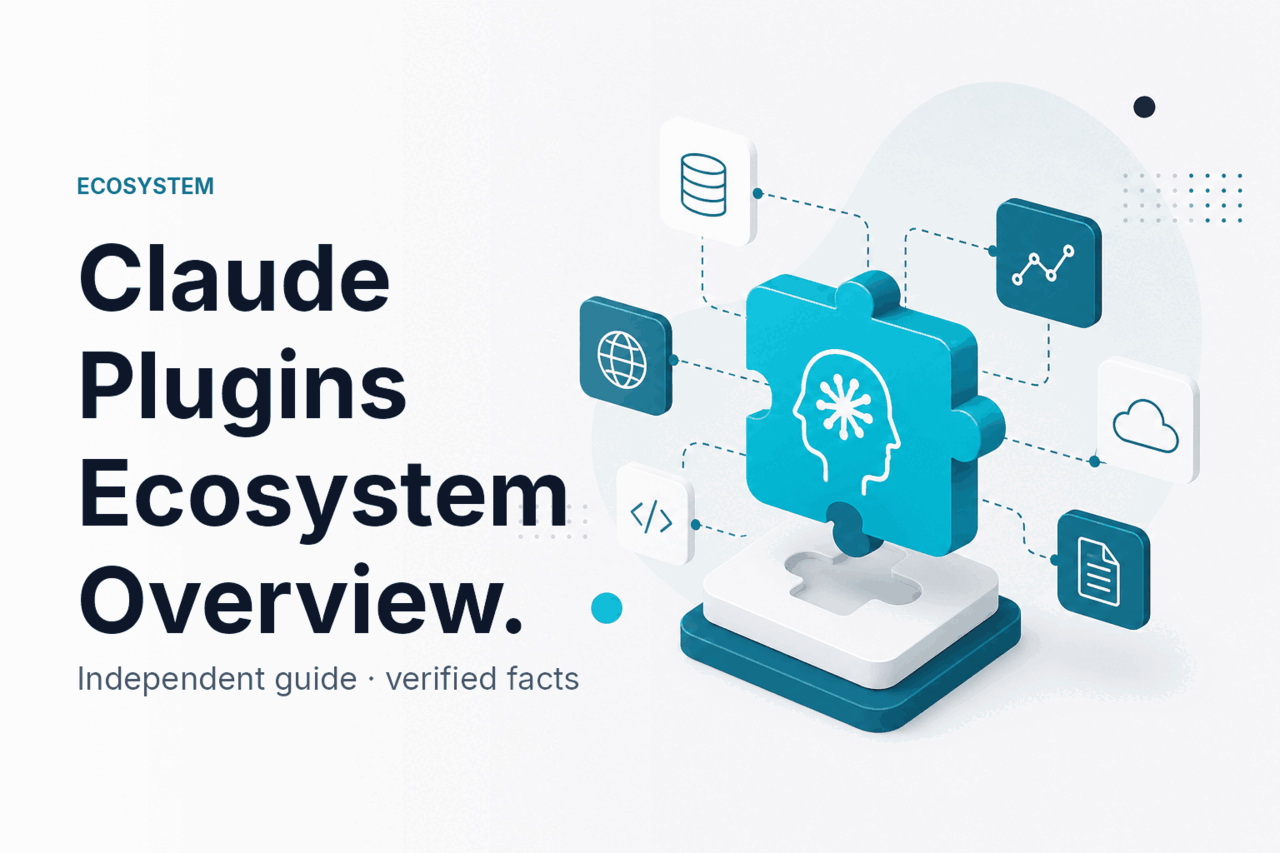
- Curated plugin marketplaces: On paid plans, open Customize → Plugins → Browse plugins to install from Anthropic-curated marketplaces (Knowledge Work, Life Sciences, Financial Services, Legal), or add a marketplace from a GitHub repository or git URL.
- MCP is the main open pattern. It connects Claude-enabled apps to tools and data sources.
- Skills and agents are different. Skills package instructions and resources. Agents can pursue tasks using tools.
What this is
When people ask about Claude plugins, they usually mean one of three things: a packaged capability Claude can use, an autonomous workflow that uses Claude, or a connector that lets Claude reach an external system. The terms overlap, but they matter because each has a different setup path, security model, and failure mode.
Anthropic makes Claude. Claude.ai is the official Claude product. c-ai.chat is an independent guide and is not affiliated with Anthropic.
Fast decision
Use a Skill when you need Claude to follow a repeatable process. Use an agent when Claude needs to plan and act across steps. Use MCP, integrations, or the API when Claude needs controlled access to another system.
Skills
Reusable instructions, files, and procedures Claude can apply when relevant.
Best for: report formats, brand checks, spreadsheet review, document workflows.
Agents
Claude-driven workflows that can plan steps, call tools, inspect results, and continue until complete or blocked.
Best for: code tasks, research workflows, ticket triage, internal operations.
Plugin-style connectors
An unofficial label for external capabilities connected through MCP servers, integrations, APIs, or product features.
Best for: apps, databases, files, developer tools, and business systems.
| Term | Plain meaning | Best used for |
|---|---|---|
| Skills | Reusable instructions, files, and procedures. | Standardising recurring work. |
| Agents | Workflows where Claude can plan, call tools, and continue across steps. | Multi-step tasks that need inspection and iteration. |
| Plugins | A broad, unofficial label for connected capabilities. | Connecting Claude to external tools, data, and actions. |
The useful question is not “Does Claude have plugins?” It is “Which extension pattern fits my job?” If you want Claude to connect to another system, start with MCP, approved integrations, or the Claude API documentation guide.
How it works
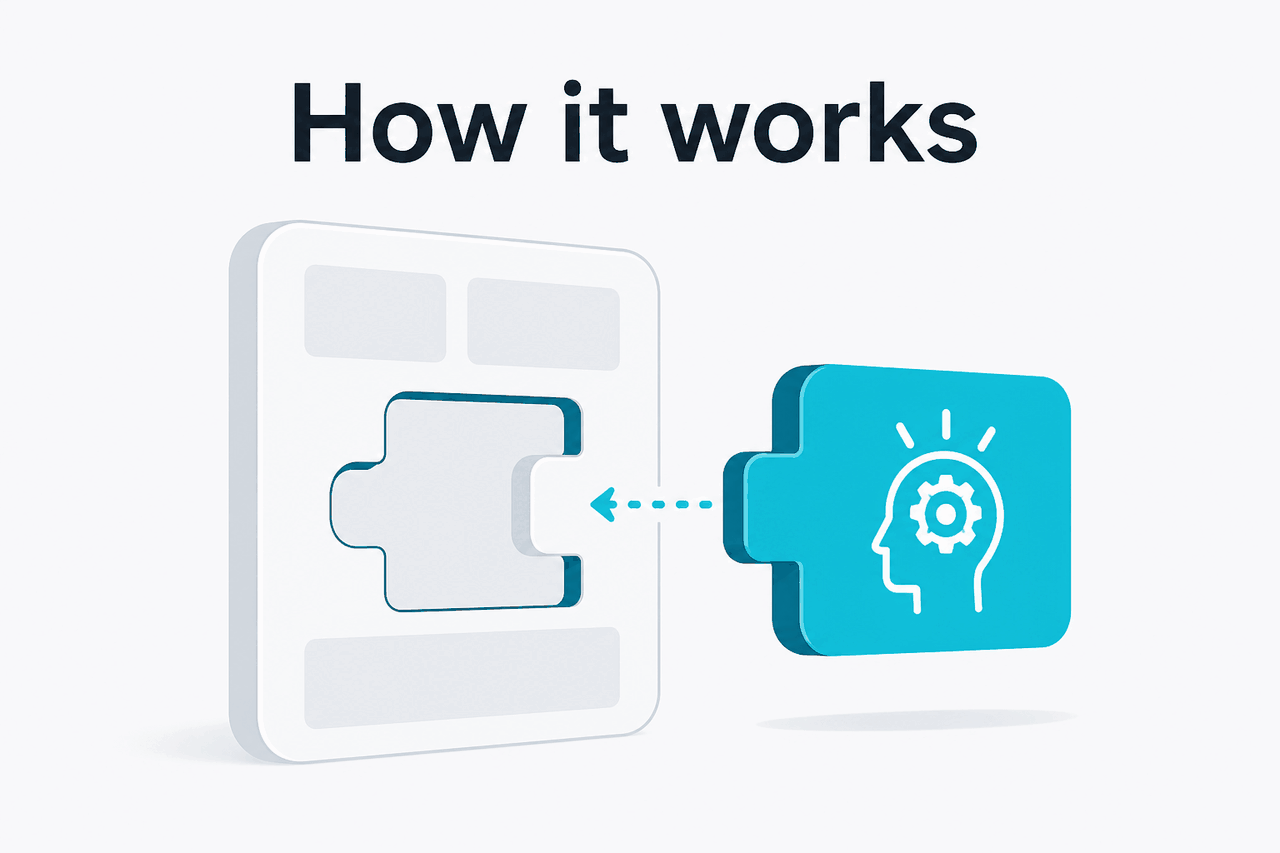
A Claude plugin-style flow starts with context. Claude receives the user request, conversation history, available files or Skill resources, and a list of available tools. If the environment supports tool use, Claude can choose to call a tool instead of answering from text alone.
The host application then executes the tool call, returns the result, and Claude uses that result to produce the next response or action. Claude does not replace the host application’s permission system. The surrounding app controls authentication, file access, network access, approvals, and logs.
In an MCP setup, an MCP server exposes specific tools or resources to a compatible client. The client decides what Claude can see and invoke. Anthropic documents MCP and tool-use patterns at the API documentation and platform.claude.com.
Pick the extension type
Use a Skill for repeatable instructions, an agent for multi-step work, or an MCP/API integration when Claude needs another system.
Define the allowed actions
List the exact tools Claude can use, such as
search_docs,read_ticket,create_draft_pr, orquery_customer_record.Keep authentication outside the prompt
Do not paste secrets into Claude. Store API keys, OAuth tokens, and service credentials in the host app, MCP server, or deployment environment.
Test with low-risk data
Use ambiguous requests, missing fields, and hostile instructions. Check whether Claude asks for clarification or attempts an unsafe action.
Log and review tool calls
Track the tool name, arguments, user, timestamp, and result. Logs matter for audits and debugging.
A simple setup might be a local MCP server that exposes read-only documentation search to Claude Desktop or another compatible client. A more advanced setup might connect the Claude API to an internal workflow engine, where Claude drafts a plan and a human approves any write action.
Model choice also matters. A smaller model can be enough for narrow tool calls. A stronger model may help when the workflow needs planning, long context, or careful reasoning. See our Claude models guide before you build around a specific model.
What you can build
The Claude plugins ecosystem is most useful when it turns Claude from a chat box into a controlled interface for real work. The examples below are realistic patterns, not promises that every Claude plan or app supports every feature. Availability depends on product, account, workspace settings, and whether you use the API.
1. Internal knowledge assistant. Connect Claude to approved documentation, onboarding materials, policy PDFs, and product notes. Claude can answer employee questions from those sources. Keep the first version read-only, and ask Claude to cite source titles or URLs when possible.
2. Developer workflow helper. Use Claude Code or an API agent to inspect a repository, explain a failing test, propose a patch, or draft a pull request description. The safer version lets Claude prepare changes while a developer reviews, runs tests, and merges.
3. Customer support triage. Connect Claude to ticket metadata, help centre articles, and account status fields. Claude can classify the issue, draft a reply, and suggest the next internal action. Do not let it close tickets, issue refunds, or change account settings without approval until you have strong monitoring and rollback controls.
4. Analyst workspace. Give Claude access to specific CSVs, spreadsheets, database views, or business metrics through a controlled connector. Claude can explain trends, generate a chart specification, or write a SQL query. The host system should enforce row-level access and prevent broad data export if the user is not authorised.
5. Document production Skill. Package a house style guide, example documents, checklist, and output format into a reusable Skill. Claude can then draft briefs, board notes, sales one-pagers, or legal intake summaries in a consistent structure. This is often easier than building a full external integration.
Worked example
Read-only documentation assistant using MCP-style tools
search_docs(query, max_results)A narrow read-only tool is a good first plugin-style build. The risk is lower, and the value is easy to measure.
{
  "tool_name": "search_docs",
  "description": "Search approved internal documentation. Returns titles, snippets, and source URLs.",
  "input_schema": {
    "query": "string",
    "max_results": "integer"
  },
  "access": {
    "mode": "read_only",
    "allowed_sources": ["handbook", "product_docs", "support_articles"],
    "blocked_sources": ["payroll", "private_hr_cases", "customer_secrets"]
  },
  "response_rule": "Answer only from returned sources. If sources are weak, say what is missing."
}
This example shows the core design principle: make the tool narrow, make the data boundary explicit, and make Claude state uncertainty. You can extend the pattern with write tools, such as creating a draft ticket or generating a pull request, but those actions need stronger approval controls.
If you plan to run plugin-style workflows at scale, check both model costs and tool-call volume. Prompt caching can reduce repeated cached input costs, and the Batch API can reduce eligible batch processing costs. Our Claude pricing guide explains the main cost levers.
Limits and watch-outs
Claude extension work is useful, but it is not magic. The main risks are over-permissioned tools, weak data boundaries, and treating generated text as verified system output. Use the official Anthropic status page at status.claude.com for service availability checks, and Anthropic’s trust materials at trust.anthropic.com for compliance context.
- Official plugin directory at claude.com/plugins. Anthropic provides a searchable, browseable official directory for Cowork and Claude Code plugins; a general web search may also surface third-party tools, MCP servers, integrations, browser extensions, and API wrappers. Evaluate each one separately.
- Product support varies. A workflow that works in one Claude surface may not work in another. Claude.ai, Claude Desktop, Claude Code, and API applications do not expose the same controls.
- Tool access creates security risk. If Claude can send email, delete records, change permissions, or spend money, the tool needs approval rules and audit logs.
- Prompt injection is real. External documents, web pages, tickets, and emails can contain instructions that try to override your rules. Treat third-party content as untrusted input.
- Claude can misunderstand tool results. A connector may return incomplete, stale, or ambiguous data. Claude can still produce a confident answer unless your prompt and tool design force caveats.
- Data governance still applies. Do not connect Claude to sensitive systems unless you understand retention, access control, regional requirements, and workspace policy.
- Third-party extensions need scrutiny. Check the maintainer, update history, permissions, data flow, and whether credentials leave your environment.
- Write actions need rollback. For any tool that changes state, plan how to undo mistakes. Approval gates are often cheaper than cleanup.
Use plugin-style extensions when
- The task needs current data from a specific system.
- The workflow repeats often enough to justify setup.
- You can define a narrow permission boundary.
- You can log tool calls and review failures.
Avoid them when
- The task is one-off and plain chat is enough.
- The tool would expose more data than the user should see.
- No one owns maintenance or monitoring.
- The action is high-risk and has no approval path.
For many teams, the best first step is not a broad plugin ecosystem. It is a controlled workflow using built-in Claude features, a small Skill, or a read-only connector. Add autonomy only after you know where the tool fails.
FAQ
The honest take
Claude plugins are best understood as an ecosystem of extension methods, not a single product shelf. If you are a normal Claude user, start with built-in features, Projects, Skills, and approved integrations. If you are a developer, MCP and the Claude API give you the cleanest path to connect Claude to tools while keeping authentication, permissions, and logs in your own system.
The strongest Claude plugin setups are narrow and observable: read-only defaults, explicit approvals, visible logs, and clear owners. That design beats a connector that can access everything and explain nothing.
Independent guide. Not affiliated with Anthropic. For the official Claude product, visit claude.ai.
Last updated: July 16, 2026