Skills, Agents & Plugins

Claude Skills package reusable task instructions; agents run multi-step tool workflows; plugins and MCP connectors let Claude reach approved external systems, and c-ai.chat is an independent guide, not Anthropic, with broader context in our Claude AI guide.

Claude Skills, Agents & Plugins Ecosystem — hero illustration.
Claude Skills, Agents & Plugins Ecosystem

Table of contents

Skills, agents, plugins — what’s the difference?

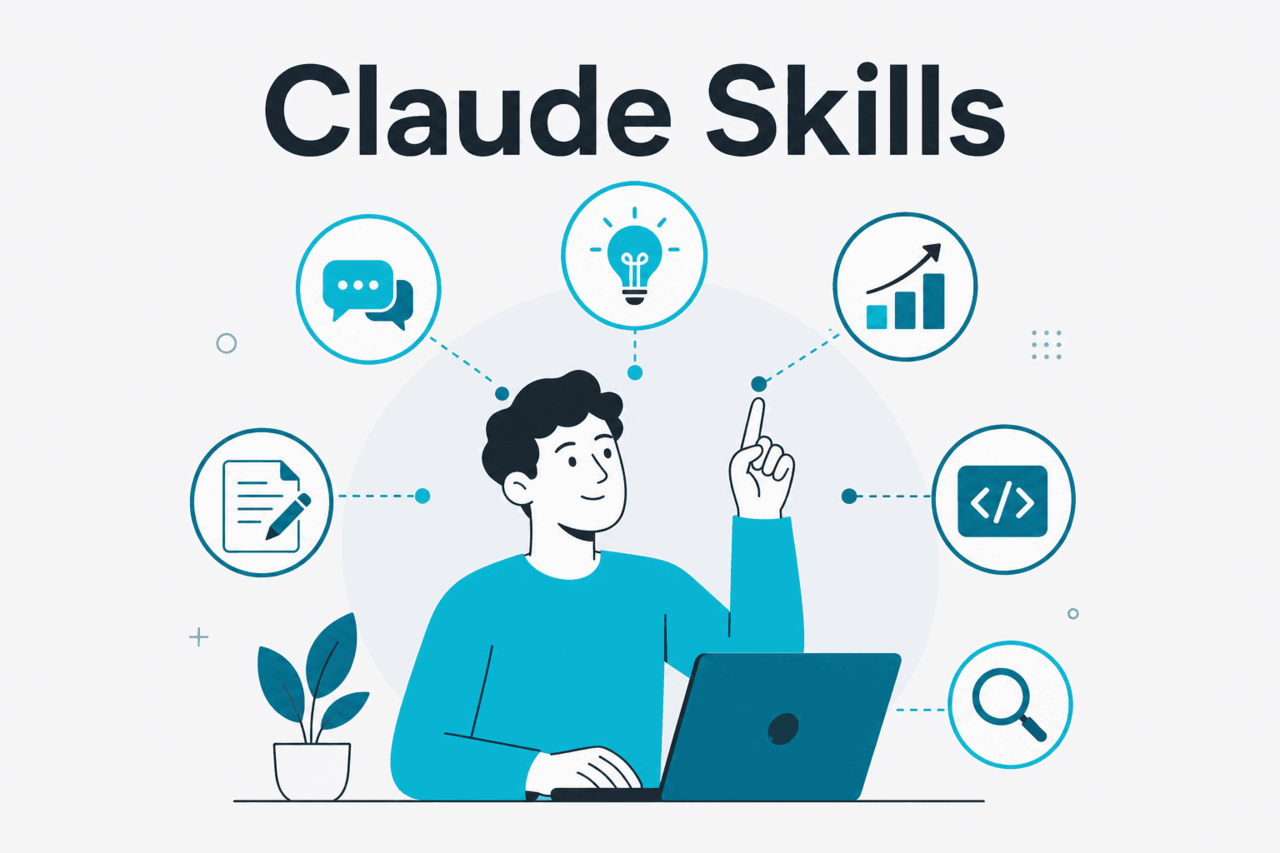
Concept diagram for claude skills

The terms answer three architecture questions. A Skill defines how Claude should do a repeatable job. An agent defines how Claude should plan, call tools, inspect results, and stop. A plugin or MCP connector defines which outside system Claude may read from or act on. If you need the wider product map first, see our guide to Claude features.

  • Skills package reusable know-how for repeatable tasks.
  • Agents run multi-step workflows with tools, state, and stop rules.
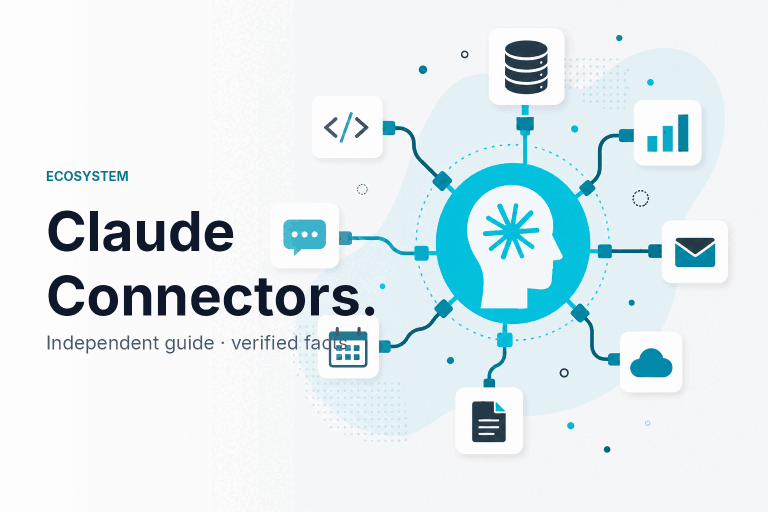
  • Plugins and MCP connect Claude to approved apps, files, APIs, and internal systems.
Layer What it is Use it when Simple example
Skills A reusable package of instructions, procedures, examples, templates, and supporting files or scripts. You need Claude to follow the same method across repeated work. A sales proposal Skill that applies your tone, sections, qualification rules, and pricing-note policy.
Agents A run loop where Claude plans, calls tools, checks results, and continues until it reaches a stop condition. The task has many steps, branches, external actions, or review checkpoints. A support agent that reads a ticket, checks policy, searches knowledge, drafts a reply, and flags risky cases.
Plugins / MCP A connector layer that gives Claude approved access to outside data or actions. Claude needs a tool it does not have by default, such as a database, file store, issue tracker, or internal app. An MCP server that exposes approved customer records and a “create follow-up task” action.

One workflow can use all three. A research workflow might use a Skill for the method, an agent to manage the sequence, and an MCP connector to search an approved knowledge base. Anthropic builds Claude. claude.ai is the official product. Use the official Claude documentation and Claude API platform for implementation details, because availability can vary by account, product surface, and admin settings.

Claude Skills

Abstract scene of using Claude AI

Claude Skills are reusable capabilities that help Claude apply a defined method without making users rewrite the same prompt. A useful Skill states when to use it, what steps Claude should follow, which standards matter, and what output the user expects. Depending on the official product surface, a Skill may also include reference files, examples, templates, or scripts.

Skills work best when the task has repeatable judgment and still needs language understanding. They fit editorial checks, customer research briefs, legal intake summaries, data-cleaning rules, sales memos, and team coding conventions. They are weaker when the main need is fresh data, privileged actions, or a long chain of tool calls. In those cases, use a Skill for the method and a connector or agent for execution.

Worked example

Quarterly business review Skill

TriggerUser asks for a QBR memo or deck outline
InputsMetrics, customer notes, risks, open actions
Skill contentStructure, tone rules, metric definitions, review checklist
OutcomeConsistent executive-ready draft

The Skill keeps the method consistent while Claude reasons over the specific account context.

What belongs in a Skill

A Skill should be narrow enough that Claude knows when to use it. “Marketing” is too broad. “Rewrite landing-page copy to match our editorial rules” is useful. Strong Skills give Claude enough context to act without burying the model in irrelevant policy. If the Skill needs long background material, split it or move reference content into a retrievable source.

  • Purpose: the job the Skill performs.
  • Activation guidance: signals that make the Skill relevant.
  • Procedure: the ordered steps Claude should follow.
  • Output contract: required sections, fields, format, or tone.
  • Quality bar: checks Claude should run before answering.
  • Boundaries: what Claude should refuse, escalate, or ask the user to confirm.

Do not put secrets, private tokens, or broad admin credentials inside a Skill. A Skill can tell Claude how to use an approved tool, but tool permission belongs in the integration layer. That separation makes the system easier to audit and maintain.

How to design a Skill that does not become a prompt dump

  1. Name the repeatable job

    Build the Skill around one outcome, such as draft renewal-risk memo or review Python pull request for team conventions.

  2. State when to use it

    List the phrases, file types, or task labels that should activate the Skill.

  3. Give Claude the method

    Use ordered steps, decision rules, examples, and a short self-check.

  4. Test weak inputs

    Run the Skill with incomplete, contradictory, and out-of-scope requests so you know when Claude should ask a question or stop.

Skills can also act as team knowledge containers. A product team can encode launch-note rules. A finance team can encode variance-analysis standards. A developer team can encode code-review expectations. Keep the reusable method in the Skill, and keep tool access in the API or connector layer.

Pick Skills when

  • The task repeats often.
  • The method matters more than live data access.
  • You want consistent outputs across users.
  • A human will review the result.

Skip Skills when

  • The task is a one-off prompt.
  • The core need is privileged data access.
  • The workflow needs many external actions.
  • The instructions contain credentials.

The common failure mode is overloading a Skill with every policy the team owns. That makes Claude less predictable. Start with one workflow, keep the Skill short, add examples only where they change behavior, and maintain it like operational documentation.

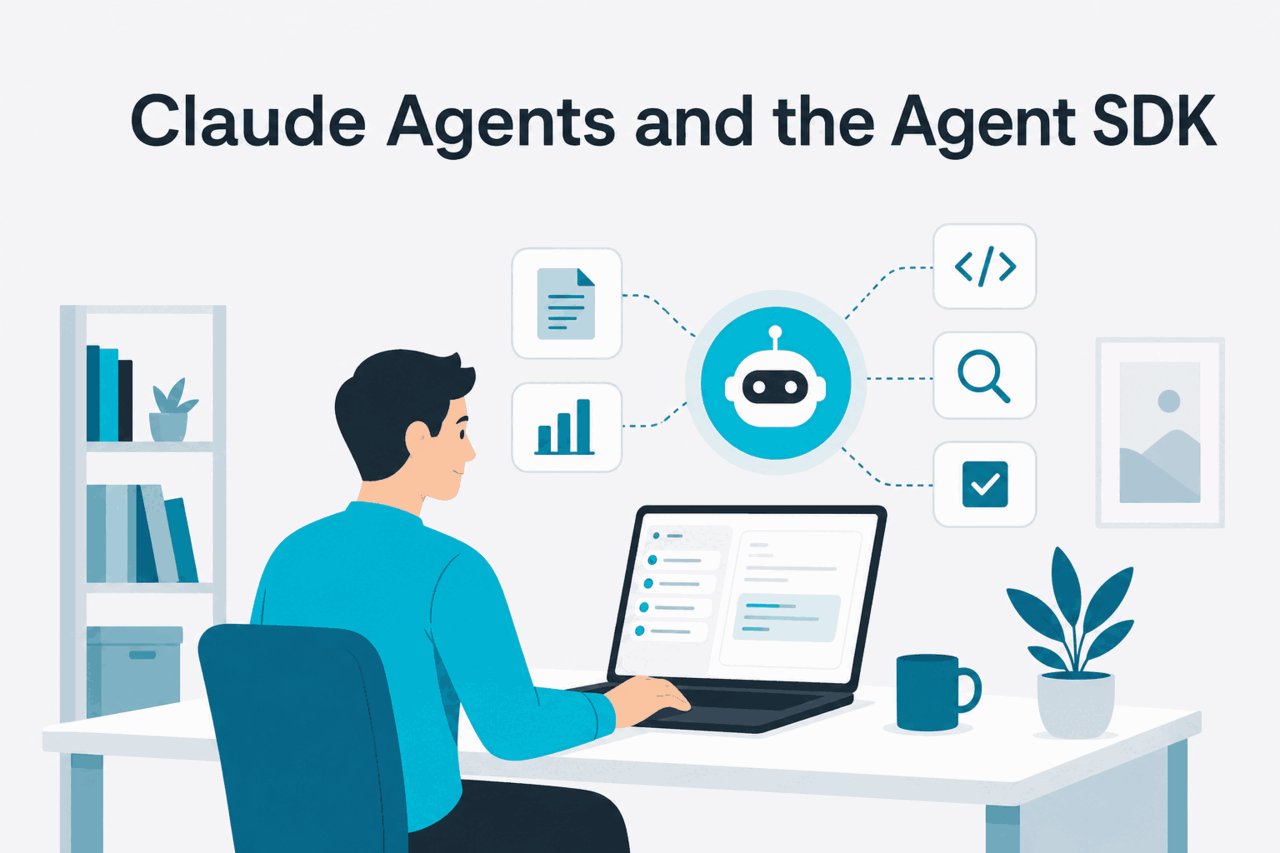
Claude Agents and the Agent SDK

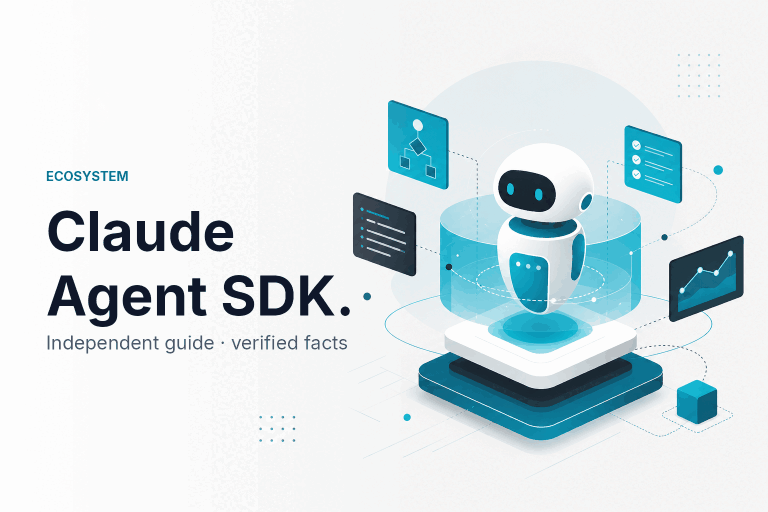
A Claude agent is a workflow pattern, not a magic setting. Claude receives an objective, chooses steps, calls tools, observes results, and continues until it reaches a stop rule. Developers usually build that loop with the API, official platform tooling, the Agent SDK where supported, and application code that manages tools, state, retries, logging, and approvals. Our Claude API guide covers the implementation layer.

If you use Anthropic’s Agent SDK, treat it as scaffolding for tool-using runs, not as a safety guarantee. Use it where the official platform documentation supports your language, deployment model, and tool needs. You still need scoped permissions, clear tool schemas, stop conditions, evaluation data, and human checkpoints for high-impact actions.

Worked example

Support escalation agent

GoalResolve or route a complex support ticket
ToolsKnowledge search, account lookup, policy checker, draft reply
Stop conditionReply drafted, escalation label applied, or human review requested
Human checkpointRequired before sending customer-facing text

The agent handles the middle of the workflow while the business keeps control over the final action.

What an agent run needs

A useful agent needs a tighter design than a chat prompt. It needs an objective, model choice, tool list, state store, budget policy, approval policy, and run log. If you cannot describe the stop condition, the agent is not ready for production.

  • Objective: the business result the run should reach.
  • Tool contract: approved functions, inputs, outputs, and error behavior.
  • Context policy: what the agent can read, ignore, or fetch on demand.
  • State: run history, intermediate findings, files, tool outputs, and unresolved questions.
  • Stop rules: when to finish, ask for help, retry, or fail safely.
  • Review path: the human or system that approves sensitive actions.

Model choice matters. Start with the least expensive model that passes your evaluations. See our Claude models guide and Anthropic’s official model overview before you standardize an agent workflow.

Model Best fit API price Important note
Opus 4.8 Flagship model for harder planning, long-context review, and complex reasoning. $5 input / $25 output per million tokens 1M-token context.
Sonnet 5 Best balance for many agent and tool workflows. $2 input / $10 output introductory (through 31 Aug 2026; $3/$15 from 1 Sep 2026) 1M-token context and 128K max output.
Haiku 4.5 Fastest, lowest-cost option for routing, extraction, and simpler tool use. $1 input / $5 output per million tokens Validate quality before using it for complex decisions.

Build the agent around controls, not autonomy

  1. Define the smallest useful run

    Start with one workflow, one owner, and one measurable outcome.

  2. Expose only the needed tools

    Give the agent narrow tools with typed inputs. Prefer create_draft_reply over a broad tool that can send email, update the CRM, and change billing records.

  3. Log every tool call

    Store the user request, model output, tool input, tool result, error, retry, and final state.

  4. Add stop and approval rules

    Require review for external messages, irreversible writes, financial changes, security actions, and low-confidence cases.

Cost control belongs in the design. Long-running agents can spend tokens through planning, tool outputs, retries, and large context windows. Prompt caching matters when the same system instructions or reference blocks are reused across many runs.

90% off

cached input tokens with prompt caching

Batch API can also reduce cost by 50% in both directions for eligible asynchronous workloads. For a fuller cost view, use our Claude pricing guide and Anthropic’s official API pricing documentation. The cheapest model is not always the cheapest workflow if it causes failed runs, bad tool calls, or heavy human rework.

Plan and API cost checkpoints

Plan fees and API usage are separate budget lines. Use these figures for planning, then confirm feature access and admin controls in the official product before rollout.

Free

$0

Basic individual access in the official product.

Pro

$20/mo or $17/mo annual

Individual plan for heavier personal use.

Max

from $100/mo

Higher-usage individual plan.

Team Standard

$25/seat or $20/seat annual

Team tier for shared workspace use.

Team Premium

$125/seat or $100/seat annual

Higher team tier; confirm included controls in official settings.

Enterprise

$20/seat base + API rates

Budget for seats plus model usage.

Plugins and MCP

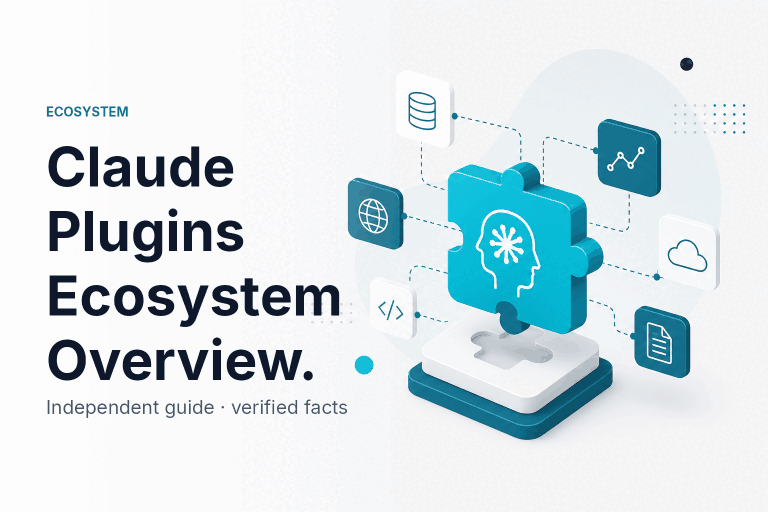
Abstract ecosystem illustration

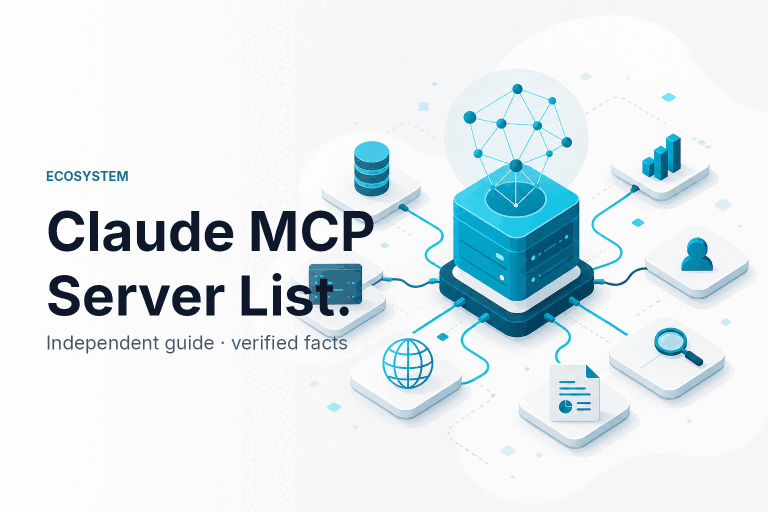
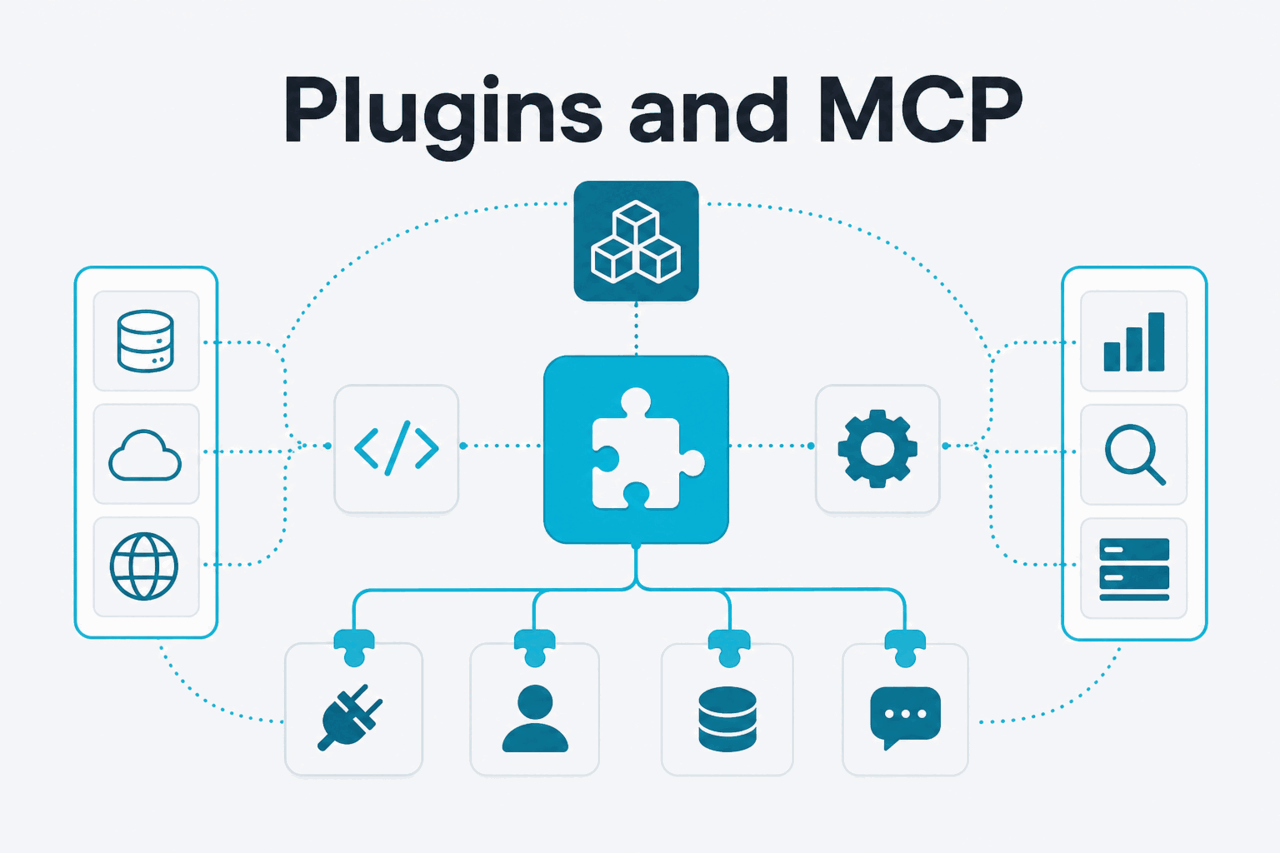
MCP stands for Model Context Protocol. In Claude workflows, an MCP server is a standard way to expose tools, resources, and prompts from an external system to a compatible AI client. The server might connect to a local file system, database, internal service, SaaS app, or developer tool. Claude does not gain safe access to everything behind that server. The server defines what is exposed, and user or workspace policy controls whether Claude may use it.

A plugin is a broader product label for a connector. A marketplace, when present, can help users discover and install approved connectors. It does not replace the permission model. Whether a connector is installed through a marketplace, configured as an MCP server, or built as a direct API tool, review the provider, authentication method, scopes, data flow, logging, and admin controls.

Connector type Best for Trade-off
MCP server Reusable access to tools, resources, prompts, local services, or internal systems through a common protocol. You must operate or trust the server, manage credentials, and review what it exposes.
Marketplace plugin Lower-friction discovery and installation for approved connectors. Availability and controls depend on the marketplace, workspace policy, and connector provider.
Direct API tool Application-specific agents that need tight control over one service or workflow. You write more custom code, schemas, retries, and monitoring.
Manual file upload Ad hoc analysis where the user can provide the data directly. It does not scale well and may lose repeatability across teams.

How MCP changes the integration conversation

Without a protocol layer, each AI integration can become a one-off. One team builds a database tool. Another builds a file search tool. A third builds a ticket tool. Each tool has its own schema, authentication, and result format. MCP gives teams a more consistent boundary: the server exposes capabilities, and Claude-compatible clients can discover and use them where supported.

That does not remove engineering work. A good connector returns focused results rather than dumping an entire database row into context. It handles errors clearly. It avoids broad write actions where a draft or approval flow would be safer. It logs which user, tool, input, and output were involved.

  • For local work: an MCP server can expose approved folders, developer tools, or local services to a Claude client that supports them.
  • For team systems: an MCP server can wrap internal APIs with narrow actions and scoped authentication.
  • For SaaS tools: a connector can provide search, retrieval, draft, or write actions when the user and admin have granted access.
  • For regulated data: connector design should include retention, logging, access review, and a clear human approval path.

Security questions to ask before enabling a connector

Tool access changes the risk profile. A prompt-only task can produce a bad answer. A tool-using task can also read sensitive data, write to a system, create records, or trigger downstream automation. Review a plugin or MCP server as if you were approving a new internal application.

  • Who operates the connector, and how is it updated?
  • Which users or workspaces can enable it?
  • Which data can Claude read through it?
  • Which actions can Claude take through it?
  • Are write actions drafted, queued, or executed immediately?
  • Where are logs stored, and who can review them?
  • How are credentials scoped, rotated, and revoked?
  • What happens when the connector or Claude service is unavailable?

For operational checks, use Anthropic’s Claude status page, trust center, and support resources. Those pages do not replace your own security review, but they help verify official service status, trust materials, and product guidance.

Use official account settings — connector access depends on Claude plan, workspace policy, and admin approvals.

Open Claude →

What you can build

The right starting point is usually a narrow workflow with a clear owner. If the method is the hard part, start with a Skill. If the sequence is the hard part, build an agent. If access to outside data is the hard part, design a connector first.

  • Investor update Skill: turn company metrics, wins, risks, and asks into a consistent founder update.
  • Research intake agent: collect a research question, search approved sources through a connector, group findings, and produce a cited brief for review.
  • Support escalation workflow: use a Skill for tone and policy, an agent for triage steps, and a connector for ticket history and account context.
  • Data warehouse MCP connector: expose approved read-only queries so Claude can help analysts inspect definitions, draft SQL, and explain results.
  • Code review assistant: combine team coding standards, repository context, and approved developer tools so Claude can flag issues and draft changes for review.

A practical build order

Teams often start too high in the stack. They ask for an agent before they have written the process down. They ask for a connector marketplace before they have decided what data should be exposed. A safer path is to document the capability, test it manually, add the smallest safe tool boundary, and then let an agent manage the sequence.

  1. Write the Skill first

    Capture the method, expected output, edge cases, and review checklist in plain language.

  2. Run it manually

    Ask real users to try the Skill with real examples and record where Claude misses context.

  3. Add one connector

    Expose the minimum data or action needed for the workflow, with read-only access unless a write action is clearly required.

  4. Wrap the workflow in an agent

    Automate the sequence only after the method, tool contract, approval path, and stop condition are clear.

  5. Measure quality and cost

    Track success rate, human edits, tool errors, retries, latency, and token usage before expanding the workflow.

This order keeps system behavior visible. The human process stays clear. The connector boundary stays narrow. The agent has a defined job. That makes the workflow easier to improve when a model, policy, or team process changes.

Honest take

Claude Skills are the easiest layer to adopt because they turn repeated expertise into reusable instructions. Agents can handle complex workflows, but they need engineering discipline. Plugins and MCP connectors make Claude more useful and also more sensitive from a security standpoint. The strongest projects use Skills to standardize judgment, agents to manage defined workflows, and connectors to expose only the tools and data the workflow needs.

FAQ

For broader account and usage questions, see our Claude FAQ.

Are Claude Skills the same as Projects?

No. A Project keeps context, files, and instructions around a body of work. A Skill is a reusable capability for a task or method. They can complement each other, but they solve different problems.

Do I need API access to use Claude Skills?

Not always. Some users work with Claude through the official app experience, while developers may implement reusable behavior through API tooling. Check the official product and platform docs for the setup that matches your account and workspace.

Can a Claude agent run without human approval?

A developer can build tool-using runs with different approval rules. Sensitive actions should still require review. External messages, financial changes, security changes, account updates, and irreversible writes are poor candidates for unattended execution.

Is MCP the same thing as a plugin?

No. MCP is a protocol for exposing tools, resources, and prompts to compatible AI clients. A plugin is usually a product or marketplace label for a connector. A plugin may be backed by MCP, a direct API integration, or another connector design.

Which Claude model should I use for Skills and agents?

Use Sonnet 5 as the default starting point for many balanced workflows, Haiku 4.5 for faster lower-cost tasks, and Opus 4.8 for harder reasoning or large-context agent work. Validate with your own examples before using a model in production.

Which Claude plan do I need for Skills, agents, or plugins?

It depends on whether you are testing alone, managing a team workspace, or building with the API. Free is $0; Pro starts at $20/month; Max from $100/month; Team at $25/seat/month; Enterprise quotes a base seat fee plus API rates. See our Claude pricing guide or Anthropic’s pricing page for the current numbers and annual-billing discounts.

How do I keep agent costs under control?

Keep tools focused, avoid unnecessary context, cache repeated instructions when eligible, and batch asynchronous work when it fits the task. Prompt caching gives 90% off cached input tokens, and Batch API gives 50% off both input and output tokens for eligible batch workloads.

Are Claude plugins safe for company data?

They can be safe when they use narrow permissions, clear authentication, logging, admin controls, and human review for sensitive actions. They are not safe by default. Treat each connector as a new data access path and review it before enabling it for a team.

Sources

Primary sources used for this guide:

Independent guide. Not affiliated with Anthropic. Official Claude product: claude.ai.