A claude skill creator is a workflow for turning repeatable instructions, files, and optional scripts into a reusable Claude Skill package; for the broader product context, see our Claude features guide.
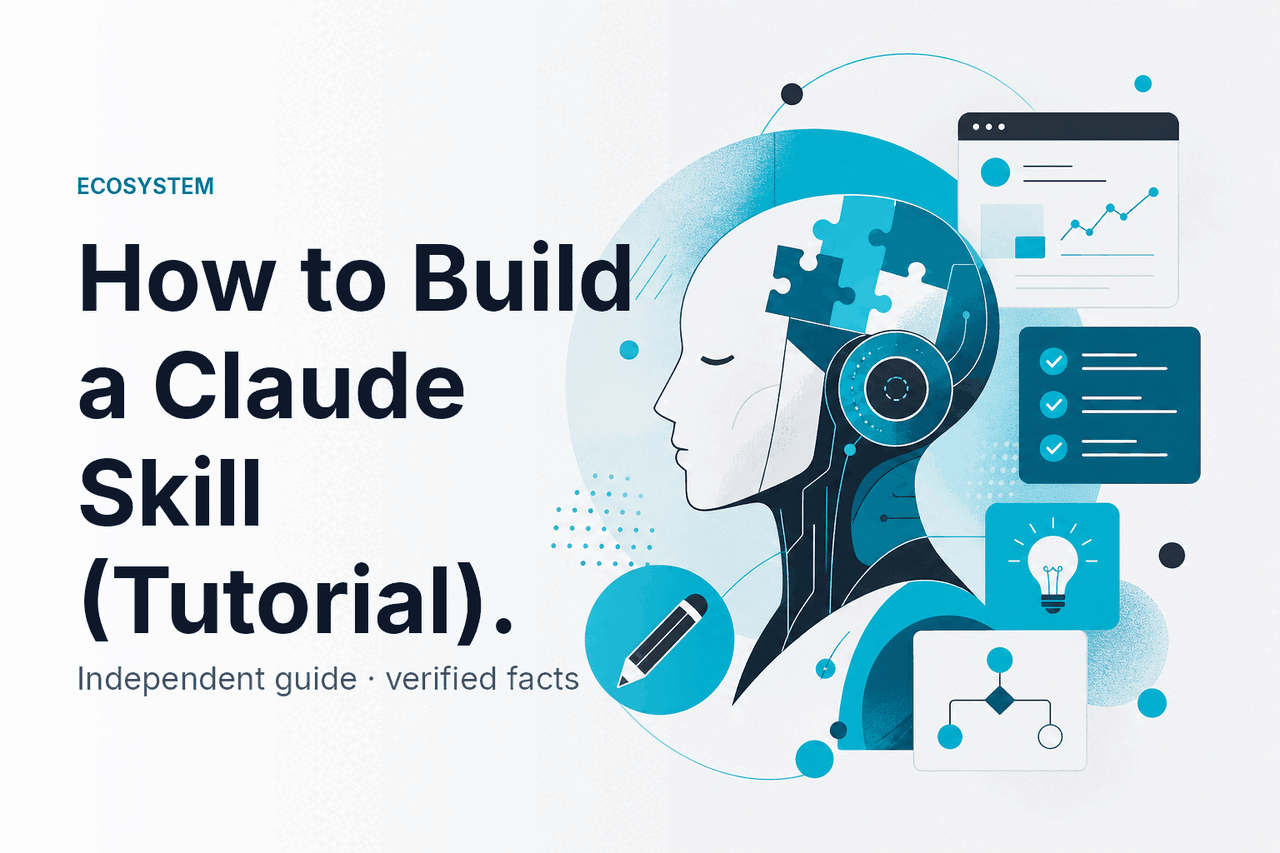
- Claude Skills package reusable instructions, resources, and optional executable code.
- SKILL.md is the core file Claude reads to understand when and how to use the skill.
- Independent guide: c-ai.chat is not Anthropic or claude.ai.
What this is
A Claude Skill is not the same thing as a general AI agent or a browser plugin. In Anthropic’s documentation, a skill is a packaged capability that Claude can load when a task matches its description. Think of it as a small operating manual plus supporting files.
A claude skill creator workflow helps you build that package. It usually drafts the folder structure, writes the SKILL.md file, adds templates or examples, and creates test prompts. Anthropic makes Claude and provides the official product at claude.ai. This page explains the concept independently.
| Concept | What it is | Use it when |
|---|---|---|
| Skill | A packaged set of instructions, files, and optional scripts that Claude can load for a specific capability. | You want Claude to follow a repeatable process, such as formatting reports, checking contracts, or generating a file type. |
| Agent | A workflow that may plan steps, use tools, and continue until a goal is met. | You need task execution, tool use, and iteration. |
| Plugin or integration | A connection to an external service, app, or data source. | You need Claude to interact with another system, such as a codebase, document store, or business tool. |
The practical difference matters. A skill is a good starting point when the knowledge is stable and reusable. An agent fits tasks with many decisions. An integration fits tasks where access to another system is the hard part. Many real workflows combine more than one.
How it works
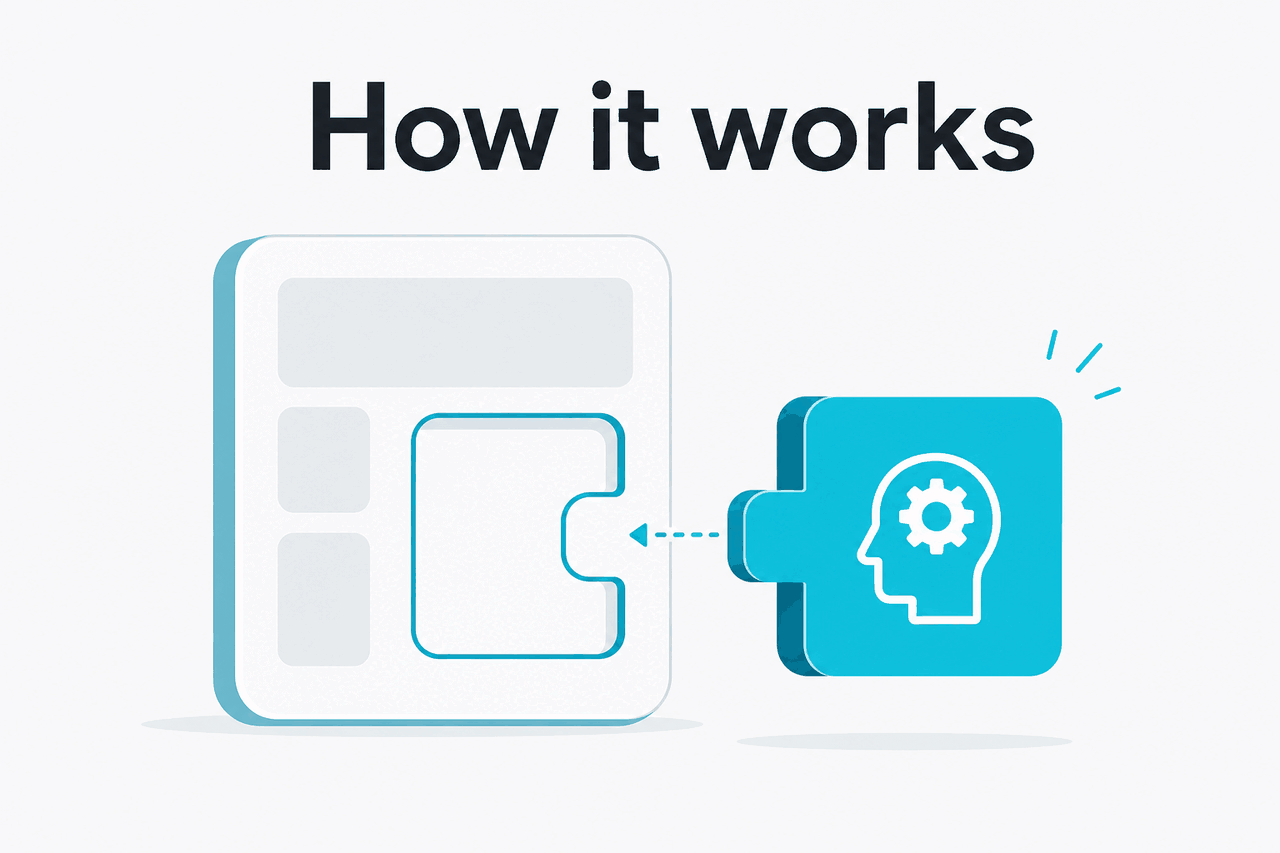
A Claude Skill usually starts as a folder. The required centrepiece is SKILL.md. That file gives the skill a name, a short description, and the operating instructions Claude should follow.
The description is important. Claude uses it to decide whether the skill is relevant to the user’s request. A specific description works better than a broad one. “Create board-ready SaaS KPI reports from CSV exports” is clearer than “Help with business documents.”
The package can also include templates, examples, schemas, reference notes, or scripts. Keep the main instructions short. Put longer material in separate files so Claude can open it only when needed. Anthropic’s developer material is available at the API documentation and platform.claude.com.
Define one job
Write one sentence that says what the skill does. Avoid broad goals such as
help with marketing. Use a narrow job such asturn a webinar transcript into a launch email sequence.Create the skill folder
Use a clear folder name. Add
SKILL.md. Add subfolders only when they help, such astemplates/,examples/,scripts/, orreference/.Write the trigger description
Describe when Claude should use the skill. This is routing information, not marketing copy.
Add operating instructions
Tell Claude the process to follow, the expected inputs, the output format, and any checks it must run before responding.
Test with real prompts
Ask for the same task in several ways. Check whether Claude loads the skill only when appropriate and whether the output matches your examples.
A minimal skill can be one file. That is enough for style rules, review checklists, naming conventions, or document formats. A more complex skill can include code. For example, a reporting skill might include a Python script that validates CSV columns before Claude writes the summary.
customer-churn-report/
  SKILL.md
  templates/
    executive-summary.md
  examples/
    sample-input.csv
    sample-output.md
  scripts/
    validate_columns.py
Keep the top-level instructions focused. If SKILL.md contains too much background, Claude may spend attention on details that do not matter for the request.
What you can build
The best skills are specific, testable, and tied to a repeatable output. They are not broad personas. “Be a senior product strategist” is weak. “Convert customer interview notes into a product opportunity brief with evidence tags” is stronger.
- Board report formatter: turns KPI notes into a consistent board update with sections for revenue, retention, risks, hiring, and asks.
- Contract issue spotter: reviews a draft agreement against a checklist and flags missing clauses, unusual terms, and questions for legal review. It should not replace a lawyer.
- Customer research synthesiser: converts interview transcripts into themes, quotes, pain points, and product opportunities.
- Developer workflow helper: stores repo-specific conventions, test commands, and review rules for Claude-assisted coding. See our Claude API docs guide if you are building this into a product workflow.
- Content operations skill: applies an editorial checklist, internal linking rules, and required output format to draft pages.
Worked example
A skill for creating weekly SaaS KPI updates
saas-kpi-update/SKILL.mdtemplates/update.md, scripts/check_metrics.pyThis skill works because the inputs, process, and final format are narrow enough to test.
---
name: saas-kpi-update
description: Use this skill when the user asks Claude to turn SaaS metrics, notes, or spreadsheet exports into a weekly executive KPI update.
---

You create concise weekly SaaS KPI updates for founders and operators.

Input may include:
- Raw notes
- Metric tables
- CSV exports pasted into the chat
- Commentary from sales, success, finance, or product

Process:
1. Identify the reporting period.
2. Extract key metrics: ARR, MRR, net revenue retention, gross revenue retention, churn, expansion, pipeline, burn, runway, and headcount when present.
3. Do not invent missing numbers. Mark missing values as "not provided".
4. Separate facts from interpretation.
5. Flag risks and open questions.
6. Produce the final update using the template in templates/update.md when available.

Output format:
- Executive summary
- Metrics table
- What changed
- Risks
- Decisions or asks
- Missing data
The metadata helps Claude decide when to use the skill. The instructions tell Claude how to behave once the skill is active. The output format makes review easier.
For code-heavy work, a skill can sit beside broader API or developer workflows. If you are building with the Claude API rather than the web product, compare model context, output limits, and pricing in our Claude models guide and Claude pricing guide.
Limits and watch-outs
Skills improve consistency, but they do not guarantee compliance or accuracy. Claude can still misunderstand an ambiguous request, miss a relevant file, or produce an output that needs review.
- A skill is not a permission system. Do not put secrets, private keys, credentials, or sensitive internal data into a skill package unless your organisation has approved that storage and access pattern.
- Descriptions control routing quality. If the description is vague, Claude may use the skill too often or fail to use it when it should.
- Long instructions can reduce reliability. Keep
SKILL.mdfocused. Move examples and reference material into separate files. - Executable scripts need review. If a skill includes code, inspect it like any other code dependency. Check file access, network calls, package imports, and destructive operations.
- Generated skills need human approval. If Claude drafts a skill for you, review every instruction and file before sharing it with a team.
- Skills do not guarantee factual accuracy. A skill can define a process, but Claude may still need source documents, citations, or validation steps.
- Governance matters for teams. Decide who can create, edit, approve, and retire shared skills. Otherwise teams accumulate overlapping and stale workflows.
- Product support can vary by surface. Availability may differ between claude.ai, API workflows, and managed plans. Check Anthropic’s support pages at support.claude.com.
Pick when
- You repeat the same prompt or checklist often.
- You need a consistent output format.
- The workflow can be tested with sample inputs.
- The supporting files are safe to share with Claude.
Skip when
- The task needs live access to a system you have not connected.
- The instructions contain secrets or regulated data you cannot expose.
- The process changes every time.
- You need guaranteed compliance without human review.
If you automate skill creation or testing through the API, budget for model use. Opus 4.8 costs $5 per million input tokens and $25 per million output tokens, with a 1M context window. Sonnet 5 costs an introductory $2 / $10 per million tokens (through 31 August 2026; $3 / $15 afterward), with a 1M context window and 128K maximum output. Haiku 4.5 costs $1 per million input tokens and $5 per million output tokens. Cached input receives a 90% discount. Batch API work receives a 50% discount in both directions.
Free
$0
Good for light testing in the official product, subject to product limits.
Pro
$20/month or $17/month annually
Useful for individual users who need more regular Claude access.
Max
From $100/month
For heavier individual usage.
Team Standard
$25/seat or $20/seat annually
For team access and shared work patterns.
Team Premium
$125/seat or $100/seat annually
For teams that need higher-tier managed access.
Enterprise
$20/seat base plus API rates
For managed deployments with enterprise controls and API usage.
Plan price alone does not tell you whether a specific skill workflow is supported on a given surface. Confirm availability in Anthropic’s product docs before you design a team process around it.
Security review is especially important if your skill includes scripts. A script can help with validation, parsing, or file conversion. It can also create risk if it deletes files, sends data to a network endpoint, or runs untrusted input. Keep scripts small. Prefer validation over automation when the workflow involves sensitive documents.
For organisations, create a lightweight approval process. Name an owner for each shared skill. Store the source files in version control if the skill matters to business operations. Keep a changelog. Test the skill against known examples before updating it for everyone.
FAQ
If the user brings the input and wants a consistent output, build a skill. If Claude must fetch data, call tools, and iterate, you are probably designing an agent or integration workflow.
The honest take
A Claude Skill is useful when you already have a repeatable process and want Claude to follow it more consistently. The best skills are small, specific, and easy to test. They contain clear routing metadata, short instructions, representative examples, and only the files Claude needs for the job.
Do not use a skill as a substitute for access control, legal review, security review, or source verification. Use it as a reusable task package. If your team has prompts scattered across documents and chat histories, turning the strongest ones into reviewed skills can make Claude more predictable.
Independent guide. Not affiliated with Anthropic. For the official Claude product, visit claude.ai.
Last updated: July 16, 2026