Claude agents are Claude-powered workflows that plan steps, call tools, use files or code, and return a result under defined limits; c-ai.chat is an independent Claude AI guide, not Anthropic, and this page explains what agents are, how they work, what you can build, and where the risks are.
Table of contents
- Claude agents are a design pattern, not one single Claude product.
- They usually combine Claude, instructions, tools, files or memory, and a control loop.
- Use the official Claude product at claude.ai or build with Anthropic’s API through platform.claude.com.
What this is
The phrase “Claude agents” usually means software that lets Claude work toward a goal through controlled tool use. It is often confused with skills, plugins, Claude Code, or prompt templates. Anthropic documents tool use, computer use, the Messages API, and related developer features on platform.claude.com, but there is no universal object called a “Claude Agent” that behaves the same in every product or app.
If you are building with Claude, start with the official API materials and our Claude API guide. If you are choosing a model, compare options in our Claude models guide.
| Term | What it usually means | How it relates to Claude agents |
|---|---|---|
| Skills | Reusable instructions, capabilities, or packaged workflows for a type of task. | A skill can be one part of an agent when a task repeats often. |
| Agents | Goal-directed workflows where Claude reasons, chooses actions, calls tools, checks results, and stops when the task is done or unsafe. | This is the main concept on this page. |
| Plugins | An industry term for add-ons that connect an AI assistant to external services. | Do not assume Claude has the same plugin model as another AI product. Claude integrations depend on the product surface, API tools, or a custom app. |
How it works
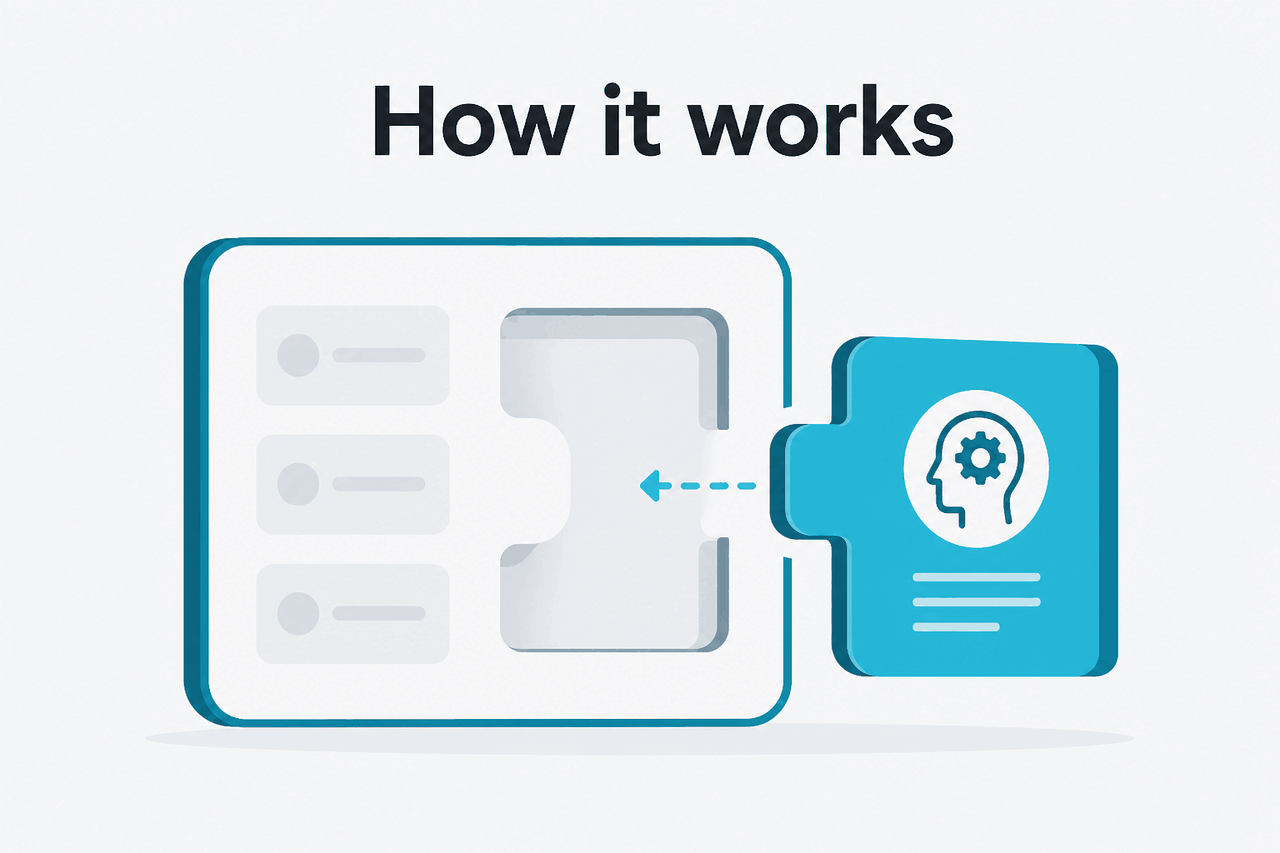
A Claude agent starts with a goal and boundaries. The developer or user supplies instructions, context, files, allowed tools, and stopping rules. Claude reads the context, decides whether it can answer directly, or requests a tool call. The surrounding application executes approved tool calls, returns results, and repeats the loop until Claude gives a final response or reaches a limit.
This distinction matters. Claude does not automatically control every system around it. The model proposes actions. Your application grants or denies them. Anthropic’s developer docs describe tool use through structured inputs and outputs, including schemas that define what each tool does and which arguments it accepts.
Define the job
Use one narrow objective, such as
triage this support ticketorsummarise this pull request. Avoid vague goals likehandle operations.Choose the tools
Expose only the actions the workflow needs. A support agent may need
search_docsanddraft_reply, but not billing access.Add guardrails
Tell Claude when to ask for confirmation, what data it must not expose, and what counts as a finished answer.
Run the loop
Your app sends the request to Claude, executes approved tool calls, returns results, and repeats until Claude responds or stops.
Log and review
Store tool calls, model outputs, approvals, failures, and user corrections. Review high-risk cases before expanding permissions.
Simple assistant
Claude answers from provided context. No external actions.
Tool-using workflow
Claude requests narrow tools, such as search, lookup, calculation, or draft generation.
Higher-risk agent
Claude can trigger write actions. Use approvals, logs, and strict permission limits.
For API builders, the practical pieces are model choice, message structure, tool definitions, permissions, cost controls, and evaluation. Start small. A narrow workflow with strong logs is easier to trust than a broad agent with weak controls.
What you can build
Claude agents work best when a task needs more than one response. Strong use cases have a clear goal, reliable source data, and tools with limited permissions.
- Customer support triage. Claude reads a ticket, searches approved help documents, classifies the issue, drafts a reply, and flags sensitive cases for a human.
- Repository assistant. Claude reviews code, explains a failing test, proposes a patch, and asks before file changes.
- Research workspace assistant. Claude gathers notes from uploaded documents, identifies conflicting claims, and produces a structured brief with citations to the provided material.
- Sales operations helper. Claude drafts follow-up emails, checks CRM fields through a restricted tool, and prepares a summary for an account owner.
- Internal policy assistant. Claude answers employee questions from an approved handbook and routes unresolved questions to HR instead of guessing.
Worked example
Support triage agent with restricted tools
search_help_docs(query), get_order_status(order_id), draft_response(text)This is safer because Claude can retrieve facts and draft text, but cannot perform irreversible account actions.
A simple tool definition may describe the tool name, purpose, input shape, and expected result. Anthropic’s API documentation covers the supported format and request flow, so treat this as a simplified sketch, not a production file.
{
  "tool": "search_help_docs",
  "description": "Search approved customer support articles.",
  "input_schema": {
    "type": "object",
    "properties": {
      "query": {
        "type": "string",
        "description": "The support question or policy topic to search for."
      }
    },
    "required": ["query"]
  }
}
Agents also connect to broader Claude features. A document-heavy workflow may use file context. A developer workflow may use the API. A general user may prefer built-in Claude features rather than custom orchestration.
| Model | Good fit for agents that need | API price per million tokens | Context and output notes |
|---|---|---|---|
| Opus 4.8 | Complex planning, coding, analysis, and high-ambiguity tasks. | $5 input / $25 output | 1M context. |
| Sonnet 5 | Balanced performance and cost for most production workflows. | $2 input / $10 output (introductory; $3 from 1 Sep 2026) | 1M context and 128K max output. |
| Haiku 4.5 | Fast routing, classification, extraction, and lower-cost steps. | $1 input / $5 output | Use when evaluations show it is accurate enough. |
For repeated prompts or shared context, prompt caching can reduce cached input cost by 90%. Batch API processing can reduce both input and output cost by 50%. Check current rates on Anthropic’s official pricing page and compare them with our Claude pricing guide.
Limits and watch-outs
Claude agents can be useful, but they are not independent employees. They are probabilistic systems connected to tools. The risk comes from the combination: a fluent model, incomplete context, and real permissions.
Use agents when
- The workflow has clear inputs and outputs.
- Tools are narrow and auditable.
- A human can review high-risk steps.
- The task benefits from iteration, retrieval, or code execution.
Avoid agents when
- The task requires guaranteed accuracy without review.
- The agent would control money, identity, deletion, or legal commitments.
- You cannot log tool calls or inspect failures.
- The source data is stale, untrusted, or mixed with hostile user input.
- No universal Claude agent product. The word “agent” can mean a custom API app, coding workflow, research workflow, or product feature. Check the exact Claude surface you use.
- Tool use depends on your implementation. Claude can request a tool call when you expose tools through the API. Your application decides whether and how to execute it.
- Autonomy should be limited. Start with read-only tools. Add write actions only after testing, logging, and human approval paths.
- Prompt injection is a real concern. If Claude reads web pages, emails, tickets, or documents from users, those inputs may contain instructions that conflict with your system rules. Treat retrieved text as data, not authority.
- Permissions matter more than prompts. A prompt that says “do not delete records” is weaker than an application that never exposes a delete tool.
- Long tasks need stopping rules. Agents can loop, over-search, or produce low-value intermediate steps. Set maximum tool calls, time limits, and escalation conditions.
- Evaluation is required. Test normal cases, edge cases, malicious inputs, and missing data before giving the workflow broader access.
- Compliance remains your responsibility. Enterprise controls, audit logs, regional settings, and data handling depend on the plan, contract, and implementation. Check Anthropic’s official trust materials at trust.anthropic.com.
For production systems, add monitoring. Track tool calls, failed tasks, escalations, user corrections, and cost. If the workflow depends on Claude availability, check status.claude.com during incidents and design fallbacks.
FAQ
If your main question is product capability rather than architecture, start with our Claude features guide. If you want a neutral overview of learning resources, see Claude resources.
The honest take
Claude agents are most useful as controlled workflows, not open-ended autonomous systems. The best versions have a narrow goal, a small tool set, clear approval rules, and strong logs. They help when a task needs reading, reasoning, tool selection, and iteration. They are risky when teams grant broad permissions before testing failure modes.
If you are new to agents, do not start with a general assistant that can act across your business. Start with one workflow your team already performs. Give Claude read-only context, let it draft or recommend the next step, and add automation only after you can measure quality.
Practical decision: Build an agent only when the task needs language reasoning plus tool use. If a fixed rule or script solves the problem, use the simpler system.
Independent guide. Not affiliated with Anthropic. For the official Claude product, visit claude.ai.
Last updated: July 16, 2026