A Claude outage is best checked at status.claude.com; c-ai.chat is an independent guide, not Anthropic, and this page shows how to verify live issues, rule out local problems, and choose a fallback while you wait. For broader Claude guidance, see our Claude resources.
- Is Claude down right now?
- Common failure modes
- Incident history
- What to do during an outage
- FAQ
- The honest take
- Sources
- Official status: status.claude.com
- Official product: claude.ai
- API checks: confirm the official status page before changing code or switching providers.
Is Claude down right now?
Check status.claude.com first. Anthropic publishes service health there for Claude, the API, the console, and related systems. If the page shows an active incident, pause non-urgent work, reduce traffic, or switch workflows until service stabilizes.
If the official status page is clear, do not assume Claude is down. Many apparent outages come from browser sessions, network filters, model availability, usage caps, or rate limits. Compare the web app at claude.ai, the API through platform.claude.com, and your own account or device.
| Signal | Likely meaning | Best next step |
|---|---|---|
| Status page shows an active incident | Anthropic is reporting a service problem | Monitor the incident page and pause non-urgent work |
| Claude web fails, but the API works | The issue may be limited to the web app, login, or browser path | Use the API or test a clean browser session |
| API returns rate-limit errors | Your usage is being throttled | Back off, reduce parallel requests, and retry later |
| Only your device fails | Local browser, network, DNS, VPN, or extension issue | Test another browser, device, network, or private window |
Check the official status page
Look for active incidents, degraded performance, or maintenance notices on status.claude.com.
Test the official web app
Open claude.ai in a private window. This rules out some cookie and extension problems.
Separate web from API
If you are a developer, check whether API calls fail in the same way. Our Claude API guide explains the developer path.
Confirm your own limits
If you see quota, usage, or rate-limit messages, treat that as an account or traffic issue before calling it a full outage.
Common failure modes
Several user-side issues can look like a Claude outage. Check these before waiting on a fix from Anthropic.
- Rate limits: If the API returns rate-limit or overload-style errors, slow your request rate, add exponential backoff, reduce concurrency, and retry later. Use Anthropic’s developer documentation for current error-handling guidance.
- Usage cap reached: If the web app says you have reached a limit, Claude may still be working for other users. Wait for your allowance to reset, reduce the task size, or choose a plan that fits your usage. See our Claude FAQ for common account questions.
- Region or network issue: Corporate firewalls, VPNs, school networks, DNS filters, and regional connectivity problems can block Claude while other sites still load. Try a different network or ask your IT team whether Anthropic domains are allowed.
- Browser issue: Extensions, old cookies, cached app state, and strict privacy settings can break the Claude interface. Try a private window, disable extensions, clear site data for Claude, or test another browser.
- Expired session: If Claude loops at login or returns you to sign-in, sign out fully, clear Claude site cookies, then sign in again through claude.ai. If that fails, contact Anthropic Support.
- Model-specific pressure: One model or capability can be slower while the rest of Claude still works. Try another available model, shorten the prompt, remove large attachments, or move non-urgent work to a queue. For model context, see our Claude models guide.
- Large file or long-context request: Very large prompts, many attachments, or long conversations can time out even when Claude is operational. Start a fresh chat, reduce the file set, split the task, or ask for a narrower answer.
Treat it as an outage when
- The official status page reports an active incident.
- Multiple networks and devices fail in the same way.
- Both web and API access are degraded.
- Colleagues in different locations see the same failure.
Troubleshoot locally when
- Only one browser or device fails.
- The error mentions your usage limit or rate limit.
- A VPN, firewall, or managed network is involved.
- Claude works in a private window or on mobile data.
Developers should use precise language. A failed API request can come from prompt size, timeout settings, retry strategy, authentication, billing state, or rate tier. Before changing vendors or rolling back a release, check the response code, request volume, and whether a minimal test prompt succeeds.
Incident history
Claude has had periods of degraded performance, elevated errors, login problems, and API disruption. The canonical record is Anthropic’s incident log at status.claude.com. Use that page for incident scope, resolution notes, and affected components.
For teams that depend on Claude in customer-facing systems, incident patterns matter more than a single status snapshot. Track which component failed, how long degraded service lasted, whether the API and web app were affected together, and whether your retry logic reduced the impact.
If you use Claude through the API, pair Anthropic’s status page with internal metrics such as error rate, latency, token volume, queue depth, and failed job counts. This helps you separate provider incidents from application bugs.
Anthropic also publishes company and trust information through anthropic.com and trust.anthropic.com. Those pages are useful for security, compliance, and company context. They do not replace the live status page during an active outage.
What to do during an outage
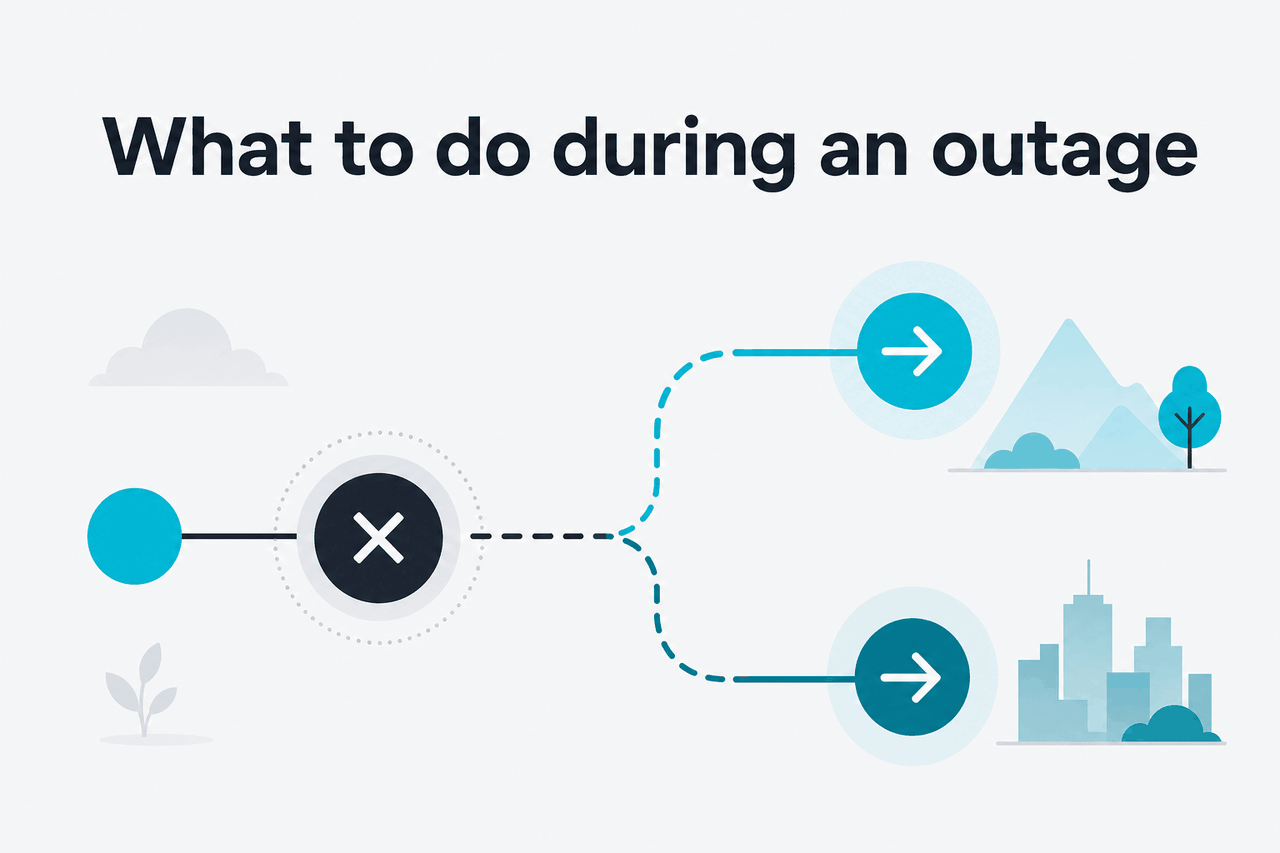
During a real outage, keep work moving without making the incident worse. Aggressive retries can increase failures, especially for API workloads.
- Try the API instead of the web app: If claude.ai is degraded but the API is healthy, move urgent text generation, summarization, or coding tasks into your own API workflow. See our Claude API documentation guide for implementation context.
- Try the web app instead of the API: If your app fails because of local code, authentication, rate limits, or deployment changes, the official web app may still work for manual tasks.
- Use another Claude model: If one model path is slow, switch to another available Claude model for tasks that do not require the most capable option. For capability context, see our Claude features guide.
- Split large jobs: Break long prompts, large documents, and multi-file tasks into smaller requests. This reduces timeout risk and makes retries cheaper.
- Batch later: Queue non-urgent summarization, extraction, enrichment, and classification jobs. Run them after service stabilizes instead of forcing repeated live retries.
- Use another assistant temporarily: For urgent, non-sensitive work, use another approved tool if your organization allows it. Do not paste sensitive data into an unapproved fallback.
- Tell users what is happening: If your product depends on Claude, show a plain message such as “AI responses are delayed” instead of a vague error. Include retry guidance and avoid promising a fixed repair time unless Anthropic has published one.
- Protect queued work: Store user requests safely before calling the model. That lets you replay jobs later without asking users to resubmit.
Worked example
A developer sees elevated Claude API errors
The right response is controlled degradation, not unlimited retries.
If Claude is part of a business process, create a small outage playbook before you need it. Include the official status link, the owner who decides whether to switch providers, the retry policy, the customer message, and the tasks that can safely wait.
For API systems, log enough detail to separate Anthropic-side problems from your own application errors. Store model name, endpoint, response code, latency, retry count, and prompt size. Avoid logging private user content unless your security policy allows it.
FAQ
The honest take
If you suspect a Claude outage, check Anthropic’s status page first. Then test whether the issue affects the web app, the API, your account, or only your device. If Anthropic confirms an incident, save your work, use an approved fallback if needed, and return when service stabilizes.
For teams, the useful question is whether your workflow can tolerate temporary degradation. Any online service can have incidents. Build retries, queues, smaller-task fallbacks, and clear user messages before the next one.
Independent guide. Not affiliated with Anthropic. For the official Claude product, visit claude.ai.
Last updated: July 16, 2026