Claude AI for students works best as a study partner for summarising readings, turning notes into quizzes, explaining hard concepts, and drafting study plans — but you should use it to support your thinking, not replace it. This guide from c-ai.chat, an independent reference site, shows a practical student workflow from note intake to revision, plus the mistakes that get people low-value answers.

If you are new to Claude, it helps to know the basics first: Claude is made by Anthropic, while claude.ai is the official product. For a broader overview before you build a study routine, see our guides to Claude features, Claude tutorials, and Claude Code if your coursework includes programming.
- What you’ll learn
- Step by step
- Common mistakes to avoid
- Where to go next
- Other questions readers ask
- The honest take
- Free tier · no card
- API priced per million tokens
What you’ll learn
By the end, you should be able to set up a repeatable Claude study workflow that saves time without weakening your understanding.
- Turn lecture notes, reading extracts, and assignment briefs into clean study material.
- Write prompts that produce summaries, flashcards, quizzes, and revision plans that are actually useful.
- Check Claude’s output for missing context, weak reasoning, and academic integrity risks.
- Choose when the Free plan is enough and when Pro makes sense for heavier workloads.
- Adapt the same workflow for essays, exam prep, STEM explanations, and coding classes.
Free
$0/month
For light study use
- Web, iOS, Android, and desktop access
- Daily usage limits
Pro
$20/month
For regular students and heavy coursework
- Claude Code and Claude Cowork
- Unlimited Projects and Research access
- Additional models and Office integrations
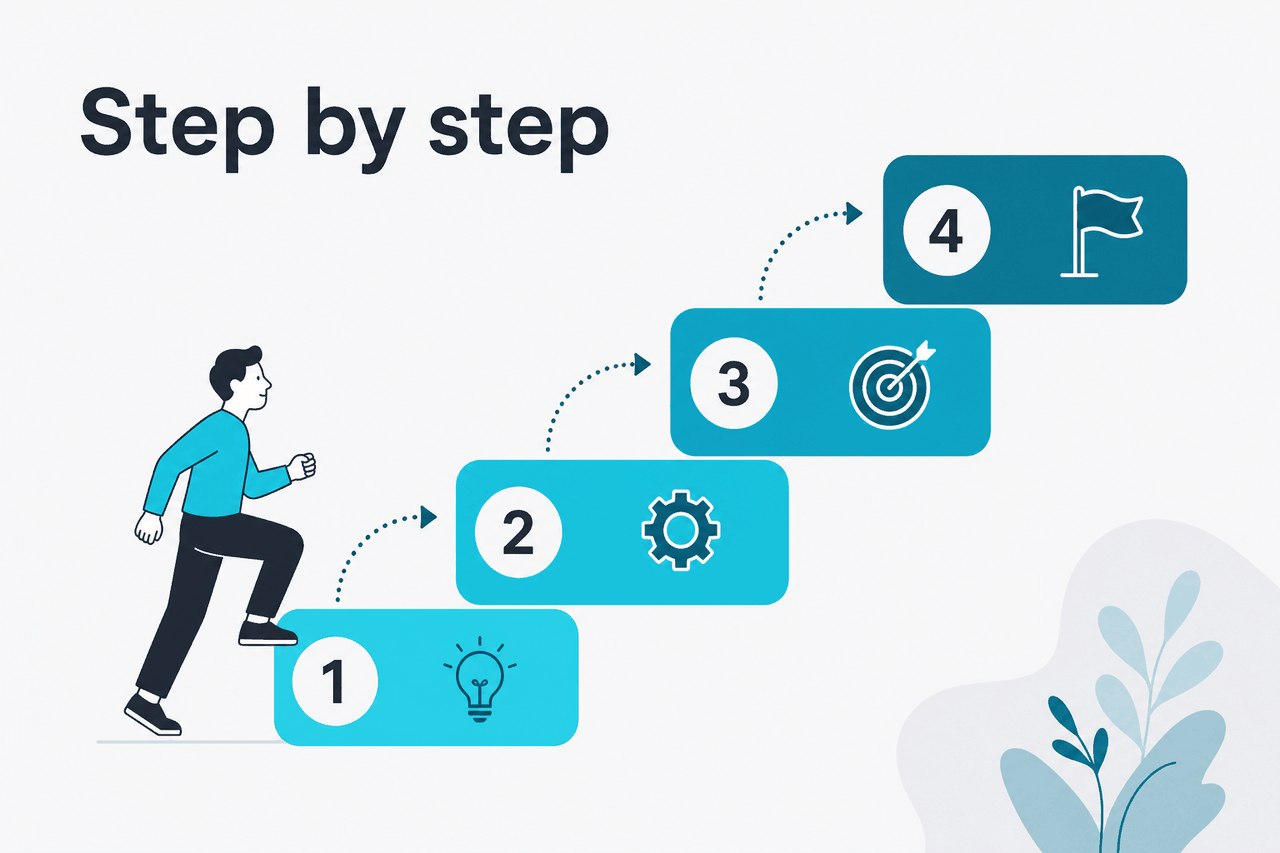
Step by step
Here is a hands-on workflow you can reuse for almost any subject, from humanities to business to computer science.
-
Start with the course goal, not a vague request
Tell Claude what class you are taking, what the current topic is, what kind of output you need, and what level you are at. Students often open with “explain this,” then get generic output. A better prompt gives constraints: course name, exam type, reading level, deadline, and format.
-
Paste or upload your source material in small, labeled chunks
Use lecture notes, reading passages, assignment rubrics, problem sets, or your own draft outline. Label each item clearly, such as
Lecture notes,Chapter summary, orEssay rubric. This reduces confusion and makes it easier for Claude to separate facts, instructions, and your own questions. -
Ask for a structured summary before asking for help
Before you request flashcards or essay ideas, have Claude build a reliable base: key concepts, definitions, debates, formulas, or timelines. Ask it to flag anything uncertain or missing from your notes. This step catches weak source material early.
-
Convert the summary into active study tools
Once you have a structured summary, ask Claude to create short-answer questions, multiple-choice checks, flashcards, or a practice test. Active recall is usually more useful than rereading. Keep the tool matched to the class: concept checks for theory-heavy subjects, worked problems for quantitative courses, and case comparisons for business or law.
-
Make Claude explain, then make you answer
Use Claude for tutoring, not just output generation. Ask for a plain explanation first, then have it quiz you without showing answers. After you respond, ask it to mark your answer against the source notes rather than against its own assumptions.
-
Build a revision plan tied to your deadline
Give Claude the exam date, the topics you still find hard, and the time you have available. Ask for a realistic plan in sessions, not vague advice. Good plans include what to review, what to test, and what to stop doing.
-
Use Projects for ongoing classes
If you study one subject over several weeks, keep notes, reading summaries, and prompts together in a dedicated Project in Claude. This is especially useful on Pro, which includes unlimited Projects. The result is less repeated setup and more consistent outputs across a semester.
-
For coding classes, separate explanation from execution
Claude can help explain code, debug logic, and propose examples, but you still need to run and test code yourself. For practical programming workflows, pair your study setup with our Claude Code guide. If you are building something custom for a class, our Claude API overview explains where app use ends and developer use begins.
-
Check every answer against your course materials
Claude is strong at synthesis, but it can still overgeneralise, compress nuance, or present uncertain points too confidently. For graded work, compare its output to the rubric, lecture slides, textbook language, and any citation rules from your instructor.
Worked example
Prompt for turning lecture notes into a revision pack
Use a prompt like: “You are helping me study for an undergraduate psychology exam. I will paste lecture notes and a chapter extract. First, create a structured summary with key terms, main theories, and likely exam themes. Second, create 12 flashcards. Third, write 8 short-answer questions. Fourth, list 3 areas where my notes seem incomplete or ambiguous. Base everything only on the material provided unless you label outside context clearly.”
Worked example
Prompt for essay planning without ghostwriting
Prompt: “I have a 1,500-word history essay on the causes of the 1848 revolutions. Do not write the essay. Help me build an outline with a thesis, 3 body sections, likely evidence types, one counterargument, and a short checklist I can use while drafting. Keep the outline neutral and note where I still need source support.”
Worked example
Prompt for self-testing in a STEM class
Prompt: “Use these notes on hypothesis testing to quiz me one question at a time. Do not give the answer immediately. Wait for my response, then explain whether my reasoning is correct, what I missed, and which formula or concept from the notes applies.”
If you are studying heavily and want Claude to remember context across a larger set of materials, the official pricing page at claude.com/pricing explains the app plans, while the official model overview at platform.claude.com shows the current model lineup. For app-based studying, most students do not need to think in tokens. For API projects, token pricing matters a lot more.
| Student use case | Best Claude approach | Why it works |
|---|---|---|
| Weekly reading review | Upload reading + ask for structured summary and quiz | Fast way to move from passive reading to active recall |
| Essay prep | Ask for outline, thesis options, evidence gaps | Helps planning without asking Claude to write the paper for you |
| Exam revision | Build flashcards, short-answer prompts, and a study timetable | Keeps revision specific and time-bound |
| Math or stats support | Request step-by-step concept explanation, then practice questions | Useful for understanding process before independent solving |
| Coding coursework | Explain code, review logic, suggest tests | Supports learning, but you still need to run and verify code yourself |
Pick when
- You want cleaner notes and faster revision material
- You need explanations in plain language
- You benefit from quizzes, flashcards, and study plans
- You can verify outputs against class materials
Skip when
- You want it to do graded work for you
- You will submit unverified answers
- Your instructor bans AI assistance entirely
- You need guaranteed factual accuracy without checking sources
Common mistakes to avoid
Most bad results come from vague prompts, weak source material, or using Claude as a shortcut instead of a study method.
- Asking for “notes on this” without context. Fix: name the class, level, topic, and target output format.
- Pasting messy material with no labels. Fix: separate lecture notes, assignment instructions, and your own questions so Claude can treat them differently.
- Using summaries as a substitute for reading. Fix: use summaries to orient yourself, then return to the original material for detail and evidence.
- Letting Claude write graded work end to end. Fix: ask for outlines, checks, explanations, and feedback rather than full submissions.
- Trusting every answer because it sounds polished. Fix: compare claims to your textbook, slides, rubric, and official course guidance.
- Ignoring academic integrity rules. Fix: check your school policy before using AI for assignments, especially for essays, take-home exams, and lab reports.
Where to go next
Once you have the basic study workflow down, these follow-on guides make it easier to get consistent results.
- Claude tutorials — practical prompt patterns, setup ideas, and repeatable usage habits.
- Claude features — what Projects, Research, integrations, and model choices actually change in day-to-day use.
- Claude Code — the next stop if you are studying programming, data work, or software engineering.

Other questions readers ask
These are closely related questions people usually ask when searching for Claude AI for students.
The honest take
Claude AI for students is useful when you treat it like a study assistant, not an answer machine. It is strong at turning messy course material into cleaner summaries, quiz questions, revision plans, and plain-language explanations. It is much less useful if you expect perfect facts without checking, or if you use it to avoid the actual learning process.
For most students, the right approach is simple: start on Free, use Claude to organise and test your understanding, and move to Pro only if you study with it often enough to hit usage limits or need more persistent workflows. If you want the official product, go straight to Claude. If you want a broader understanding of how it works and what to use next, keep exploring our independent guides.
Independent guide. Not affiliated with Anthropic. For the official Claude product, visit claude.ai.
Last updated: 2026-05-12