Claude prompts are clear instructions that tell Claude what to do, what context to use, and how to format the answer; this independent c-ai.chat library gives you copyable patterns for writing, coding, analysis, research, and workflow tasks. For broader product context, start with our Claude AI guide, then use this page as a practical prompt-building reference.
- Best prompt shape: task, context, constraints, output format.
- Useful for: writing, coding, analysis, planning, extraction, and review.
- Works in: claude.ai, Claude Code, and the Claude API.
- Limit: prompts improve results, but they do not guarantee truth.
What you’ll learn
You will get a reusable Claude prompt framework and a small library of examples you can adapt for real work.
- Write Claude prompts that state the task, audience, context, constraints, and output format.
- Use prompt patterns for writing, coding, analysis, data extraction, research, and editing.
- Turn weak prompts into stronger prompts with examples, rubrics, and iteration.
- Choose when to use claude.ai, Claude Code, or the Claude API for prompt-driven work.
- Avoid vague instructions, hidden assumptions, and requests that ask Claude to guess facts.
| Prompt pattern | Use it when | Basic structure |
|---|---|---|
| Task prompt | You need one clear output | “Do X for audience Y. Follow constraints Z.” |
| Context prompt | Claude needs source material | Put facts in labelled sections, then ask Claude to use only that material. |
| Role prompt | You want a specific review lens | “Review this as a senior editor checking clarity and risk.” |
| Rubric prompt | You want consistent evaluation | Define scoring criteria before asking for judgment. |
| Workflow prompt | You want a multi-step process | Ask Claude to plan, ask questions, then execute after approval. |
Step by step
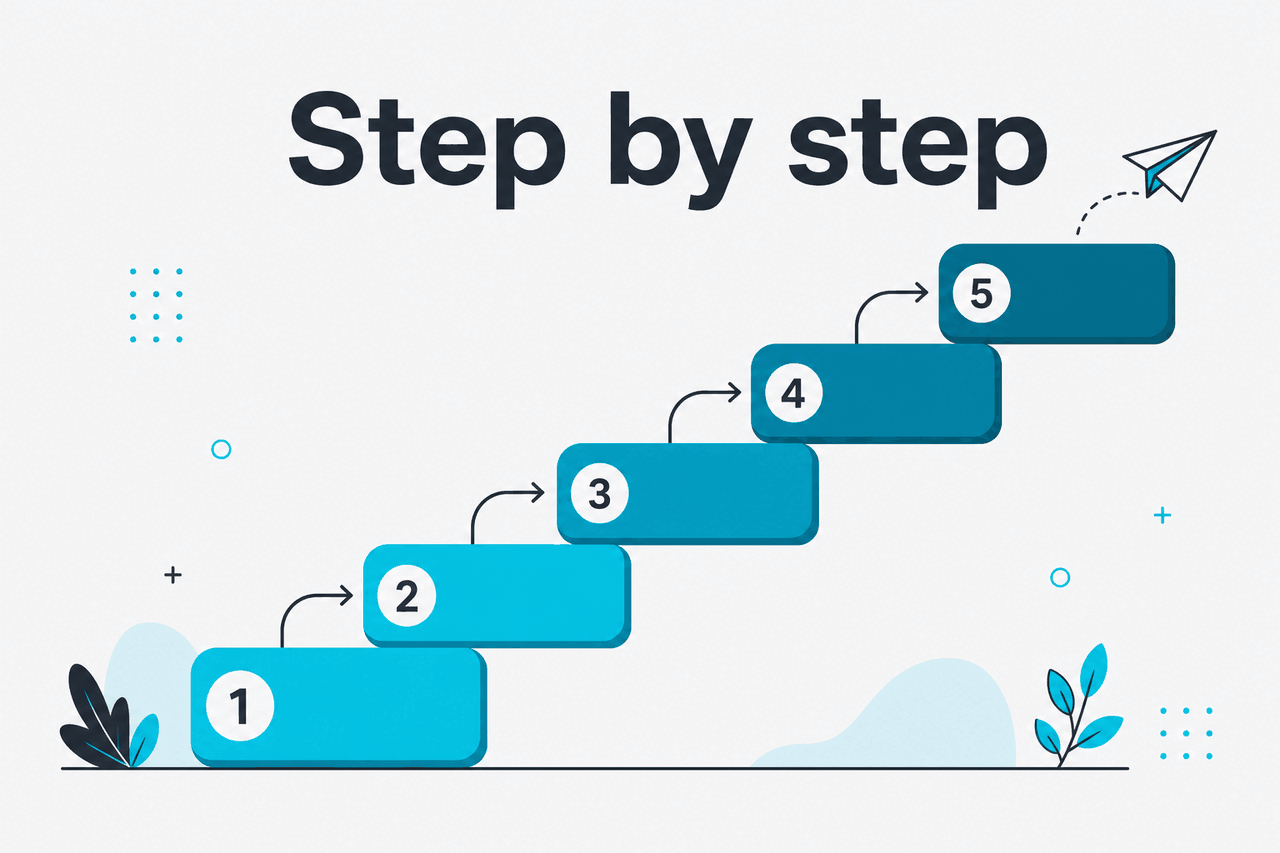
Claude responds best when your prompt removes ambiguity. Anthropic’s prompt engineering guidance recommends being specific, providing context, and testing prompts against real examples. The steps below turn that advice into a repeatable prompt library.
-
Start with the job, not the tool
Write one sentence that describes the outcome. Do not start with “write something” or “help me with this.” Say what the finished output should do. A strong task statement includes the deliverable, audience, and success condition.
Weak: “Write a LinkedIn post about security.”
Better: “Write a LinkedIn post for non-technical founders explaining why password managers reduce company risk. Keep it under 180 words and end with one practical action.”
-
Add the context Claude should use
Claude cannot infer your private facts unless you provide them. Paste the relevant notes, policy, transcript, brief, data, or code. Put source material inside clear labels such as
<background>,<draft>, or<requirements>.If accuracy matters, tell Claude which material is authoritative. This reduces guessing and makes review easier.
-
Set constraints before asking for output
Constraints tell Claude what not to do. Good constraints cover length, tone, audience level, format, citation rules, reading level, prohibited claims, and decision criteria.
Useful constraints include: “Do not invent statistics,” “Use British English,” “Return a table,” “Flag missing information,” and “Ask up to three questions before drafting if required details are missing.”
-
Specify the output format
Claude can write prose, lists, tables, JSON, CSV-style rows, checklists, rubrics, emails, briefs, test cases, and code. Tell it the exact format you want. If another system will process the output, be stricter. For API workflows, use a schema-like instruction and test edge cases.
For business writing, format requests often matter more than role labels. “Return five bullets with one sentence each” is clearer than “act like a consultant.”
-
Give examples when consistency matters
Examples help Claude match style and structure. Provide one good example and, when useful, one bad example. Label them clearly. Do not mix examples with source facts unless you want Claude to treat them as content.
Use examples for customer support replies, sales email style, taxonomy classification, data extraction, code comments, and brand voice rewrites.
-
Ask Claude to check task boundaries
For complex work, ask Claude to identify missing information, risks, and assumptions before producing the final answer. You want visible checkpoints: clarifying questions, assumptions, and a short plan.
A useful instruction is: “Before drafting, list any missing details that could change the answer. If the task can proceed, state your assumptions and continue.”
-
Iterate with targeted feedback
Do not restart from scratch after a weak answer. Tell Claude exactly what to change. Good follow-up prompts name the defect: too generic, too long, wrong audience, weak structure, missing caveats, unsupported claim, or incorrect format.
Example follow-up: “Keep the structure, but make the examples specific to a B2B SaaS finance team. Remove the motivational language. Add one risk caveat per section.”
-
Save reusable prompt templates
Once a prompt works, turn it into a template with placeholders. Keep the core instruction stable and change only the variables. This helps in Projects, team workflows, Claude Code tasks, and API applications.
Use placeholders such as
{audience},{source_text},{tone},{output_format}, and{acceptance_criteria}. Add a short note explaining when the prompt should be used.
Use the examples below as starting points. Replace the bracketed fields with your actual context. A prompt library works best when each prompt has one job.
Prompt example
General-purpose Claude prompt template
Task: [Describe the exact output you want.]

Audience: [Who will read or use it.]

Context:
<background>
[Paste the relevant facts, notes, transcript, brief, data, or draft.]
</background>

Constraints:
- Use only the information provided unless I ask for outside context.
- If a fact is missing, say so.
- Do not invent statistics, quotes, or named sources.
- Keep the tone [tone].
- Write in [language or regional style].

Output format:
[Bullets, table, JSON, email, plan, checklist, code, or another format.]

Before answering:
List up to three assumptions that affect the output. Then produce the final answer.
This template works for writing, planning, analysis, and review because it separates instructions from source material.
Prompt example
Editing a draft without changing the meaning
You are editing the draft below for clarity.

Goal: Make the draft easier for busy executives to read without changing the meaning.

Rules:
- Keep all factual claims intact.
- Do not add new claims.
- Shorten long sentences.
- Remove repetition.
- Preserve the author’s direct tone.
- Return two sections: “Edited draft” and “Changes made”.

<draft>
[Paste draft here.]
</draft>
This is safer than asking Claude to “improve this” because it defines what improvement means.
Prompt example
Research-style prompt with uncertainty control
I need a briefing on [topic] for [audience].

Use the source material below as the primary evidence. If you mention anything not contained in the source material, label it as “outside context” and keep it separate.

<sources>
[Paste notes, excerpts, links, or documents available in your Claude workspace.]
</sources>

Return:
1. Five key points.
2. Evidence from the provided material for each point.
3. Open questions or missing facts.
4. Claims that should be checked before publication.

Do not invent citations. If the source material does not support a claim, say that it is unsupported.
Use this when you want Claude to organise information without presenting unsupported claims as verified facts.
Prompt example
Coding prompt for Claude Code or a code review
Review the code below for correctness, security, and maintainability.

Context:
- Language/framework: [stack]
- Intended behaviour: [describe expected behaviour]
- Constraints: [performance, compatibility, deployment rules]

Tasks:
1. Identify bugs or edge cases.
2. Flag security risks.
3. Suggest minimal changes first.
4. Provide a patch only after explaining the issue.
5. Add tests for the changed behaviour.

<code>
[Paste code or describe the repository context.]
</code>
For repository-level work, Claude Code can be a better fit than pasting large files into a chat window because it is designed for software workflows.
Prompt example
Data extraction prompt
Extract structured information from the text.

Rules:
- Return only a table.
- Use these columns: Company, Person, Role, Email, Deadline, Requested action, Confidence.
- If a field is missing, write “Not stated”.
- Confidence must be High, Medium, or Low.
- Do not infer email addresses.

<text>
[Paste email thread, meeting notes, or transcript.]
</text>
This pattern is useful for operations work because it tells Claude how to handle missing fields.
If you use the Claude API, the same principles apply, but you also need to manage messages, system instructions, model selection, and tool use. Anthropic’s model overview and API pricing documentation are the official references for implementation details. Our Claude models guide explains how model choice affects prompt design.
Common mistakes to avoid
- Writing vague prompts. “Make this better” gives Claude too much room. Define the audience, purpose, and what “better” means.
- Mixing instructions with source material. If your prompt contains notes, examples, and rules in one block, Claude may blur them. Use labels such as
<draft>,<requirements>, and<example>. - Asking Claude to verify facts it cannot access. A prompt alone does not make Claude browse the web or check private systems. Provide sources, use available Claude features, or ask Claude to flag claims for human review.
- Overusing role prompts. “Act as an expert” is weaker than a precise task with evidence and constraints. Describe the review criteria, output format, and decision standard.
- Requesting too much in one prompt. A single prompt that asks for research, strategy, copy, code, and QA will produce uneven output. Split the workflow into stages.
- Not testing prompts on bad inputs. A prompt that works on one clean example may fail on incomplete data. Test missing fields, contradictory instructions, long source text, and edge cases.
Use Claude prompts when
- You can provide clear context and source material.
- You need drafts, reviews, transformations, or structured outputs.
- You are willing to check important claims before publishing or acting.
Do not rely on prompts alone when
- You need guaranteed factual verification without providing sources.
- The task requires private data Claude cannot access.
- You cannot define what a good answer looks like.
Where to go next

Use these related guides when you want to move from prompt writing to product setup, model choice, or API implementation.
Claude features
See which product features can support your prompts, including Projects, file use, and workspace tools.
Claude API guide
Turn reusable prompts into application logic with messages, models, tools, and structured outputs.
Claude pricing
Compare plan and API costs before building prompt-heavy workflows.
Claude resources
Find templates, references, and practical learning materials for Claude users.
If your main use case is software development, adapt your prompts for repository work. Prompting a coding agent is different from prompting a chat model because the agent may inspect files, propose edits, run commands, and work across a repository when configured correctly.
FAQ
The honest take
Claude prompts work best when you treat them like work instructions, not search queries. Give Claude the job, the source material, the rules, and the format. Ask it to flag missing facts instead of filling gaps. That will not make every answer perfect, but it will make the output easier to review and reuse.
A prompt library is useful if you repeat the same tasks: editing, summarising, code review, data extraction, research briefs, support replies, and planning. Keep each prompt narrow. Test it with real inputs. Update it when Claude misunderstands the task or your workflow changes.
Independent guide. Not affiliated with Anthropic. For the official Claude product, visit claude.ai.
Last updated: 2026-05-12
This article is part of the Claude tutorials hub on c-ai.chat.