Claude can help you write a better resume faster, but the best results come when you give it your background, target role, and job posting, then edit the draft yourself. This guide from c-ai.chat is an independent walkthrough of how to use Claude for resume writing, with prompts, examples, common mistakes, and what to do next.
- What you’ll learn
- Step by step
- Common mistakes to avoid
- Where to go next
- Other questions readers ask
- The honest take
- Free tier · no card
- Claude works well for resume tailoring, bullets, summaries, and cover-letter prep
If you are new to Claude, our Claude features guide explains what the web app can do, and the main tutorials hub covers more hands-on workflows. If you want Claude to help with coding-heavy job applications, see Claude Code. For programmatic resume pipelines, there is also the Claude API.
What you’ll learn
By the end, you should be able to use claude resume prompts to produce a clean first draft, tailor it to a job description, and improve weak sections without letting the model invent facts.
- Turn rough career notes into a structured resume draft.
- Rewrite experience bullets so they are clearer, tighter, and more measurable.
- Tailor a resume for one specific role using the language of the job posting.
- Ask Claude to spot gaps, weak phrasing, and likely recruiter objections.
- Keep control of accuracy, tone, and formatting so the final resume still sounds like you.
Step by step
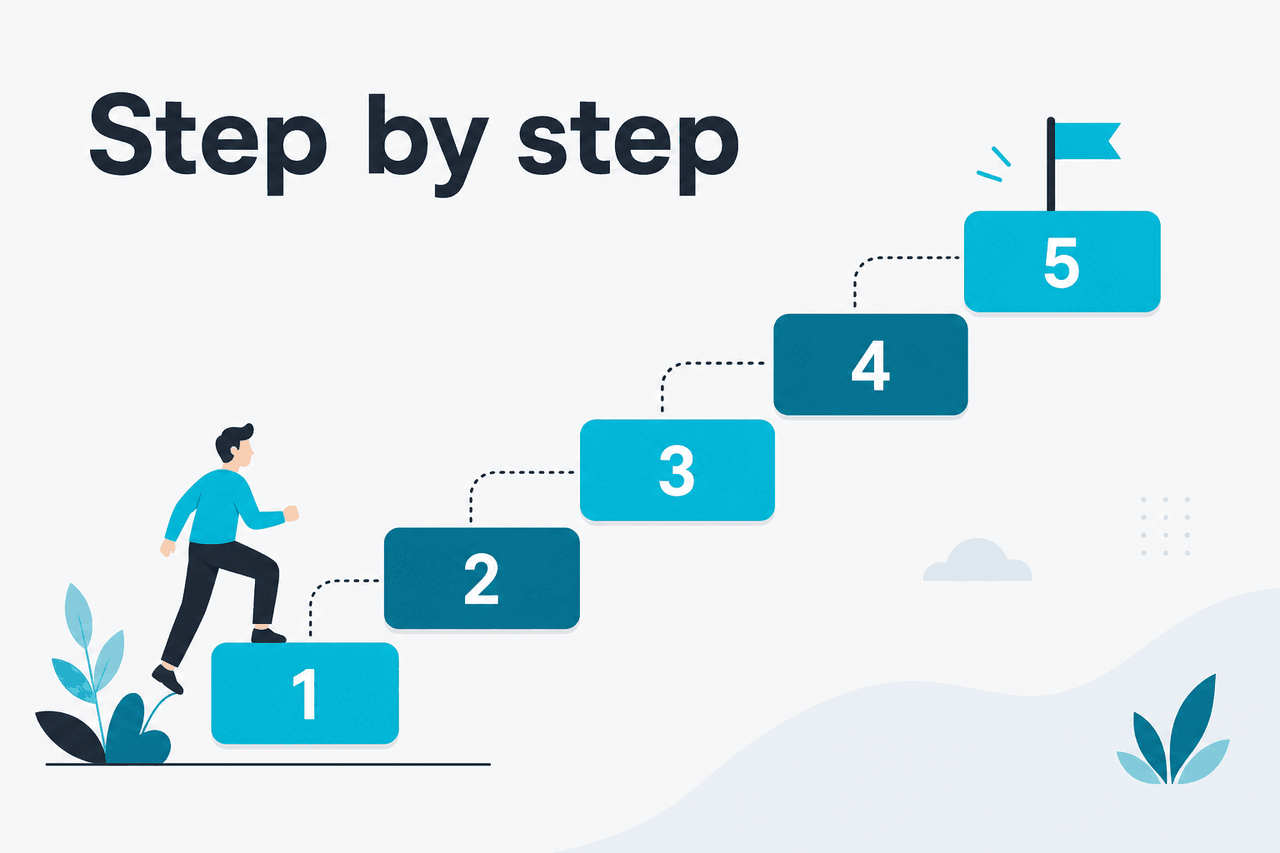
Here is a practical workflow for using Claude to write or improve a resume from scratch. You can do this in the official Claude app at claude.ai. The same process also works well if you later build a repeatable workflow with the API.
-
Collect your raw material before you prompt
Start with facts, not style. Paste your current resume if you have one. Add your target job title, the job description, a short list of achievements, and any constraints such as one page, UK spelling, or a formal tone. Claude performs much better when it has concrete input instead of vague instructions like “make my resume better.”
-
Tell Claude exactly what role the resume is for
Ask for a draft aimed at one role, not “any marketing job” or “something in tech.” Include the company type, seniority, and the top 5 requirements from the posting. This helps Claude prioritise relevant experience instead of giving equal weight to everything you have ever done.
-
Generate a structured first draft
Ask Claude to produce sections in a standard order: summary, experience, skills, education, and optional projects or certifications. Tell it to use concise bullet points, plain formatting, and no tables unless you plan to export manually. Recruiter systems often parse simple layouts more reliably than decorative ones.
-
Rewrite weak bullets into action-plus-impact bullets
Take each vague line and ask Claude to rewrite it using action, scope, and result. If you do not have exact metrics, ask it to keep the wording honest and avoid invented percentages. Good prompts here are narrow and example-driven.
-
Tailor the wording to the job description
Paste the job posting and ask Claude to map your existing experience to the employer’s language without copying the ad word-for-word. The aim is alignment, not keyword stuffing. Ask for missing themes, likely ATS keywords, and places where your experience needs stronger framing.
-
Ask for a recruiter review and a hiring-manager review
Claude is useful when you give it a review lens. First ask it to critique the draft as a recruiter scanning for fit in 30 seconds. Then ask it to critique the same draft as a hiring manager looking for evidence of results. These two passes often surface different issues.
-
Trim, simplify, and remove generic claims
Most AI-written resumes are too wordy on the first pass. Ask Claude to cut filler, remove repeated verbs, tighten summaries, and flag generic phrases like “results-driven professional” unless backed by evidence. A shorter, more specific resume usually reads as more credible.
-
Do a final fact check line by line
Before you send anything, compare every line with your real history. Verify dates, employers, technologies, team sizes, metrics, and certifications. If Claude suggested stronger wording, keep only the parts that are true. This final review is the step that protects you from accidental fabrication.
Below are prompts you can adapt. They are written to keep the model grounded in your actual background while still improving clarity.
Worked example
Prompt to create a first resume draft
Use this when you need a solid starting point instead of polishing line by line.
I am applying for a Product Marketing Manager role at a B2B SaaS company.

Use only the information I provide. Do not invent dates, metrics, tools, or responsibilities. If something is unclear, mark it with [confirm].

Create a one-page resume with these sections:
- Professional Summary
- Experience
- Skills
- Education

Requirements:
- Clear, modern, professional tone
- Bullet points should start with strong action verbs
- Prioritise achievements relevant to product marketing, go-to-market work, messaging, launches, sales enablement, and cross-functional collaboration
- Keep formatting simple for ATS parsing
- Remove filler and clichés

Here is my current resume:
[PASTE]

Here is the target job description:
[PASTE]

Here are extra achievements to incorporate if relevant:
[PASTE]
Worked example
Prompt to improve bullet points without making things up
This is the safest way to get stronger bullets when your source material is thin.
Rewrite these resume bullets to be sharper and more credible.

Rules:
- Keep each bullet under 24 words
- Use action + scope + result where possible
- If there is no metric in my source text, do not invent one
- Give me 3 versions for each bullet: conservative, stronger, and most concise

Source bullets:
1. Responsible for email campaigns and product launches
2. Worked with sales team on messaging
3. Helped improve website copy
A good pattern is to ask Claude for options at different strength levels. The “conservative” version usually stays closest to your source text. The “stronger” version is useful if your original wording was vague. The “most concise” version helps when the resume is running long.
Worked example
Prompt to tailor a resume to one job description
Use this after you already have a clean base resume.
Compare my resume against this job description.

Tasks:
1. Identify the top 10 themes or keywords in the job posting
2. Show which themes are already reflected in my resume
3. Flag the missing or weak areas
4. Rewrite my summary and the 5 most relevant bullets to better match the role
5. Avoid copying phrases verbatim from the posting unless they are standard terms like product marketing or stakeholder management

My resume:
[PASTE]

Job description:
[PASTE]If you want a second layer of polish, ask Claude to produce three versions of your professional summary: one straightforward, one more executive, and one more technical. Then choose the one that matches the role. This is often faster than trying to perfect the summary in a single prompt.
Pick when
- You have a rough resume but need clearer bullets
- You are applying to several similar roles and need quick tailoring
- You want help spotting jargon, filler, or missing emphasis
- You can review the output carefully before applying
Skip when
- You want it to guess your missing career details
- You plan to submit the first draft without editing
- You need guaranteed ATS formatting in a complex visual layout
- You are uncomfortable sharing sensitive information in a chatbot
For ongoing career documents, consider keeping a “master career file” in Claude with your achievements, projects, and quantified wins. Then each time you apply for a role, you only need to paste the posting and ask Claude to select the most relevant material. That workflow is similar to how many people use Claude for longer writing and project organisation, covered in our feature overview.
Common mistakes to avoid
These are the traps that make an AI-assisted resume look generic, inaccurate, or over-polished.
- Asking for a “perfect resume” with no source material. Fix: give Claude your current resume, target role, job posting, and a list of concrete achievements.
- Letting Claude invent metrics. Fix: tell it explicitly not to create numbers, dates, certifications, or tools not present in your notes.
- Using generic summaries full of clichés. Fix: ask for a summary grounded in your domain, seniority, and actual strengths, then cut any empty claims.
- Copying the job description too closely. Fix: align with the employer’s language, but keep your own wording and evidence.
- Keeping every suggestion. Fix: treat Claude as an editor. Accept what improves clarity, reject what distorts your experience.
- Focusing only on ATS keywords. Fix: balance keyword alignment with readability for a human reviewer scanning quickly.
A final check that works well is to ask Claude: “Which lines in this resume are least supported by evidence?” That prompt often reveals where the draft became too polished. You can also ask it to highlight repeated verbs, overused soft skills, and bullets that state duties rather than outcomes.
Where to go next
Once your resume is in good shape, these related guides will help you get more value from Claude.
- Claude tutorials — broader hands-on guides for everyday writing, research, and productivity workflows.
- Claude features — what Claude can actually do across the web app and related tools.
- Claude API — useful if you want to automate resume tailoring, screening prep, or document generation at scale.
If your applications include technical assessments or code samples, the separate Claude Code guide is the better next stop. That is less about resumes and more about coding workflows, debugging, and engineering tasks.

Other questions readers ask
These are closely related questions people usually have when searching for claude resume help.
If you are comparing resume workflows across models and tools, Anthropic’s official product pages are the place to check current plan details, model availability, and limits: Anthropic, Claude, and status.
The honest take
Claude is a strong resume assistant if you use it like an editor, not like a mind reader. It is good at turning messy experience into clearer bullets, tailoring language to a role, and spotting weak or generic phrasing. It is not good at knowing what you achieved unless you tell it, and it should never be trusted to fill factual gaps on its own.
For most people, the best workflow is simple: gather your facts, paste the job description, generate a draft, tighten the bullets, then fact-check every line. If you do that, Claude can save real time and improve clarity. If you skip the review step, the risk of bland wording or accidental inaccuracies goes up fast.
Independent guide. Not affiliated with Anthropic. For the official Claude product, visit claude.ai.
Last updated: 2026-05-12