For most terminal-first developers, the practical answer to claude code vs aider is this: Claude Code is the tighter choice if you want Anthropic’s official Claude coding workflow, while Aider is the more flexible choice if you want a model-agnostic open-source tool you can wire into your own setup. This independent guide from c-ai.chat explains the trade-offs, workflow, examples, and nearby questions so you can pick the one that fits how you actually code.
- The short answer
- How it works
- What you’d actually do with it
- Vs. the alternatives
- Other questions readers ask
- The honest take
The short answer
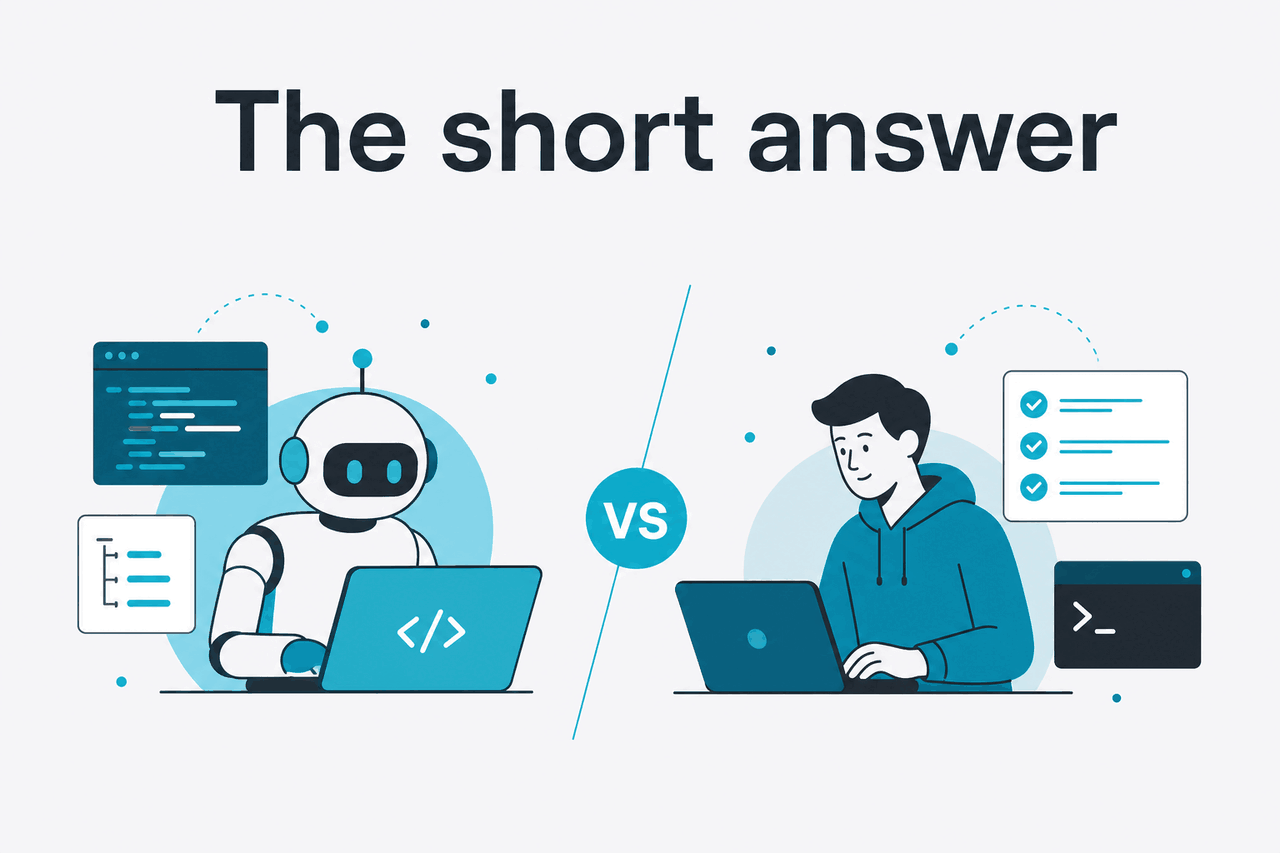
Claude Code and Aider both let you use Claude from the command line to edit code, explain changes, and work across a repository, but they come from different philosophies. Claude Code is Anthropic’s own coding product inside the Claude ecosystem. Aider is an independent open-source CLI that can use different models, including Claude through the API. If you already live in Claude and want the official path, Claude Code is usually simpler. If you want more control over tooling and model choice, Aider is often the better fit.
- What it does: both are terminal coding assistants for editing, refactoring, and repo-aware help
- Where it runs: local terminal workflows; Claude Code ties into Claude plans, Aider plugs into API-based setups
- What it costs: Claude plans start at $0/month; Claude API starts at $1/M input for Haiku 4.5, $3/M for Sonnet 4.6, $5/M for Opus 4.7
- Who it’s for: Claude Code for users who want the official Claude experience; Aider for developers who want a model-agnostic CLI
The biggest difference is not raw capability. It is workflow ownership. Claude Code is built around Anthropic’s product and subscription experience, which makes it easier to adopt if you also use Claude’s broader feature set. Aider is closer to a power tool: flexible, scriptable, and friendly to developers who already manage API keys, model routing, and editor preferences.
If pricing is your main filter, separate subscription pricing from API pricing. Claude’s consumer and team plans are listed on Claude pricing, while API usage follows token-based rates on the Claude API side. That matters because Aider usually makes the most sense for people comfortable paying API costs directly, whereas Claude Code is often evaluated as part of a Claude plan.
How it works

At a workflow level, Claude Code and Aider solve a similar problem: give an LLM controlled access to your local project so it can inspect files, suggest changes, and help you execute coding tasks from the terminal. You describe a task in plain language, the tool gathers relevant context from the repository, and the model returns edits, explanations, or next actions.
Claude Code is the official Anthropic route. That usually means less friction if your goal is “use Claude for coding” rather than “build a custom CLI stack.” It fits neatly with Claude accounts and the wider Claude product experience on claude.ai. For developers who value a supported, first-party workflow, that matters more than feature checklists.
Aider works more like an orchestration layer around code editing and model calls. You point it at a repo, add the files that matter, and use chat-like instructions to update code. Because it is model-agnostic, its appeal is flexibility: you can standardise on Claude, swap to another model later, or mix tools around it. The trade-off is that setup, billing, and behavior tuning are more your responsibility.
-
Pick your operating model
Choose Claude Code if you want the official Claude coding path. Choose Aider if you want an independent CLI that can call Claude via API.
-
Connect the tool to your project
Open your repository in a local terminal, then let the tool inspect the relevant files or add them explicitly to the working set.
-
Give a concrete task
Use instructions like
refactor the auth middleware to support refresh tokensoradd tests for edge cases in payments.py. -
Review edits before you keep them
Both approaches work best when you check diffs, run tests, and treat the model as a fast collaborator rather than an infallible agent.
90% off
cached input tokens with prompt caching
For engineers, the practical decision often comes down to whether you want product polish or toolchain control. Claude Code is easier to recommend to people who want the official experience and do not want to think much about provider plumbing. Aider is easier to recommend to developers who already think in terms of API costs, repo context management, and composable local tooling.
What you’d actually do with it
The difference becomes clearer when you map both tools to real development tasks. Most people are not choosing between abstractions. They are choosing how they want to fix bugs, refactor code, write tests, and understand unfamiliar repositories.
1. Refactor a messy module.
You might ask either tool: Refactor billing_service.py into smaller classes, keep public interfaces stable, and add docstrings where logic is non-obvious. Claude Code is attractive here if you want the straight official Claude experience. Aider is attractive if you want to control exactly which files are in context and how the model is invoked.
2. Add tests around a risky change.
Example prompt: Add pytest coverage for failed login, expired token, and malformed session cookie cases. Do not touch production code unless tests reveal a bug. This is the kind of work both tools handle well because the task is bounded and easy to verify with a test run.
3. Understand an unfamiliar codebase.
Example prompt: Explain how request authentication flows from the API gateway to user session creation. List the files involved and flag anything security-sensitive. For onboarding and repo comprehension, both tools can save time. The limiting factor is usually context selection and how well the tool surfaces the important files.
4. Ship a small feature across several files.
Example prompt: Add a CSV export button to the admin orders page, create the backend endpoint, enforce the existing admin permission check, and add one integration test. This is where workflow style matters. If you want a smoother default product path, Claude Code is appealing. If you prefer a more explicit, developer-operated loop, Aider tends to feel more natural.
Worked example
Using Claude via API in an Aider-style workflow for a medium refactor
This shows why many developers like API-based CLI tools: moderate coding tasks can be inexpensive if you keep context tight and review changes carefully.
5. Generate a migration plan, not code.
Example prompt: Review the monolith’s notification module and propose a step-by-step migration to a queue-based service. Include risks, rollback points, and files likely to change first. This is a strong use case for either tool because the output is mostly analysis. You still need engineering judgment, but the model can do the first draft quickly.
# Example task prompts you could use in either workflow

Refactor src/auth/session.ts to reduce duplication.
Keep current behavior unchanged.
Then add tests for invalid refresh token handling.

Explain the data flow for invoice generation.
List the main entry points, side effects, and external dependencies.

Add rate limiting to the password reset endpoint.
Reuse existing middleware where possible and update tests.
Pick when
- You work mostly in the terminal
- You want repo-aware editing and explanation
- You are comfortable reviewing diffs and running tests
- You prefer natural-language instructions over manual boilerplate edits
Skip when
- You want one-click IDE automation without terminal workflows
- You expect perfect code generation without review
- You cannot share local code context with an external model
- You need a fully offline coding assistant
Vs. the alternatives
Claude Code vs Aider is only part of the decision. Many readers are really comparing terminal-first AI coding tools against editor-native assistants and broader coding platforms. The trade-off is usually control versus convenience, not one tool being clearly “better” for every developer.
| Tool | Best for | Strength | Trade-off |
|---|---|---|---|
| Claude Code | Developers who want Anthropic’s official Claude coding workflow | Tighter fit with the Claude ecosystem and simpler first-party path | Less appealing if you want a provider-agnostic CLI |
| Aider | Terminal users who want flexibility and model choice | Open, scriptable, and easy to fit into custom workflows | More setup responsibility and API-oriented thinking |
| Cursor | People who want AI built directly into an editor | Strong IDE-style experience and inline assistance | Less terminal-centric than Claude Code or Aider |
| GitHub Copilot | Developers who want broad editor support and autocomplete | Widely integrated and easy to adopt inside existing editors | Can feel less explicit for repo-level terminal workflows |
| Cody | Teams focused on code search and assistance inside supported environments | Good for codebase navigation and developer productivity flows | Fit depends heavily on your stack and team tooling |
If your work starts in the shell, Claude Code and Aider make more sense than editor-first products. If your work happens almost entirely in an IDE, tools like Cursor or Copilot may feel more natural. That is why the right question is often not “which AI coder is strongest?” but “where do I want the assistant to live?”
Within the Claude ecosystem specifically, Claude Code is the cleaner answer if you want to stay close to the official Anthropic product path. You can compare that broader ecosystem across Claude Code, the main Claude features, and the separate API usage model. Aider fits best when Claude is one component in a more custom developer setup rather than the center of it.
Other questions readers ask
The honest take
If you want the shortest useful answer to claude code vs aider, it is this: pick Claude Code when you want Anthropic’s official Claude coding experience and less toolchain overhead; pick Aider when you want a more flexible, model-agnostic terminal assistant that you can shape around your own workflow. Neither choice is universally better. The right one depends on whether you value first-party simplicity or independent control.
For many developers, Sonnet 4.6 will be the practical default model either way because the pricing-to-performance balance is solid. If you are still deciding how Claude fits into your setup, compare the official product and pricing details on our pricing guide and the wider Claude feature overview before you commit to one workflow.
Independent guide. Not affiliated with Anthropic. For the official Claude product, visit claude.ai.
Last updated: 2026-05-12