To use Claude Artifacts, ask Claude to create something you can see and work with as a separate output panel—such as a document, checklist, table, mini app, or interactive prototype—then refine it with follow-up prompts until it is ready to copy, share, or keep editing. This guide is from c-ai.chat, an independent reference site, not Anthropic, and it walks through what Artifacts do well, where they fall short, and how to get better results.
- What it does at a glance
- How it works
- When this feature actually helps
- What it can’t do
- Other questions readers ask
- The honest take
What it does at a glance
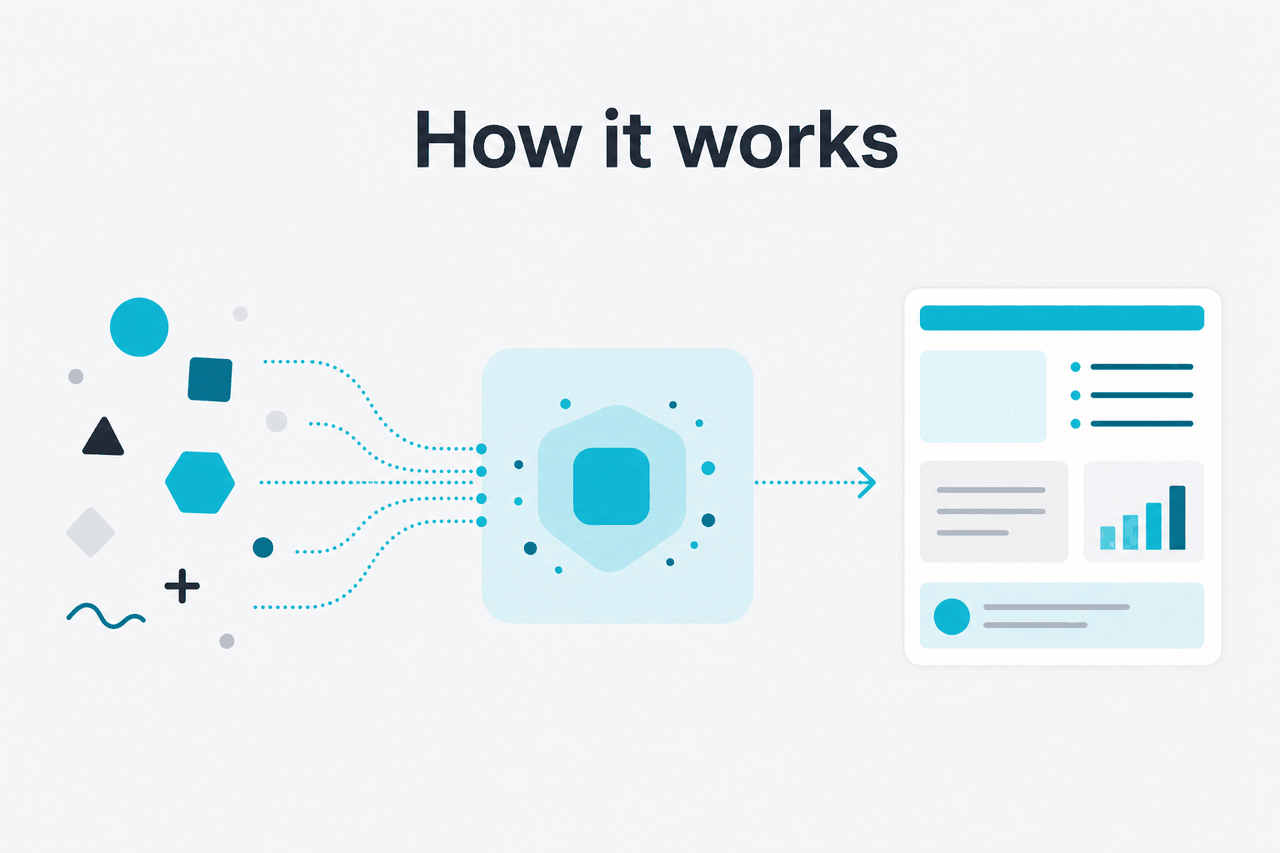
Use Claude Artifacts when you want Claude to produce a structured output you can inspect separately from the chat itself. Instead of leaving everything as plain conversation text, Artifacts turn the result into a working asset: a formatted draft, a reusable template, a checklist, a study guide, a landing page mockup, a calculator, or a simple interactive tool that you can keep improving with natural-language instructions.
- Separate output panel for documents, code, and interactive results
- Iterative editing through follow-up prompts in the same chat
- Useful for non-coders as well as developers building quick prototypes
- Best for drafts and tools, not polished production systems on their own
If you are still deciding which Claude features matter most, see our overview of Claude features. If you are comparing behaviour across model tiers, our Claude models guide explains where faster or stronger models can change the quality of what an Artifact becomes.
In practical terms, Artifacts help when the answer should be an object, not just a response. If you ask for “a one-page marketing brief,” “a flashcard set,” “a weekly meal planner,” or “a simple HTML calculator,” Claude can place that work into an Artifact so you can review and revise it more cleanly than in a long scrolling thread.
How it works
Artifacts work by separating the chat from the generated deliverable. The conversation remains the place where you give instructions, corrections, and constraints. The Artifact becomes the current version of the thing Claude is making. When you ask for changes—shorter headings, a different layout, stronger examples, new fields in a template, or a cleaner interface—Claude updates that output rather than forcing you to piece changes together from scattered chat messages.
Under the hood, this is still model-generated output, not a magic design tool or a full software IDE. Claude predicts the next best version of the asset from your prompt, prior messages, and the current Artifact state. That means quality depends heavily on your instructions. Specific prompts produce better Artifacts than vague ones. “Build a study planner with daily topics, a checkbox column, and a 20-minute review slot” works better than “make me something for studying.” For coding workflows, you may also want to compare this with Claude Code and the developer-facing Claude API guide, because Artifacts are more about visible outputs and quick iteration than full engineering workflow control.
Worked example
Turn a rough idea into a usable Artifact
The value comes from fast revision of one visible asset, not from the first draft being perfect.
Here are 15 realistic ways people use Claude Artifacts well:
Meeting summary template
Ask for decisions, action items, blockers, and owners in a reusable format.
Marketing brief
Generate a one-page campaign outline with audience, offer, channels, and metrics.
Landing page wireframe
Create headline sections, CTA copy, FAQ blocks, and social proof placeholders.
Study guide
Turn notes into lessons, quizzes, and spaced-review prompts.
Flashcard set
Have Claude structure concepts into prompt-and-answer pairs.
Project checklist
Build a multi-stage checklist with dependencies and completion criteria.
Policy draft
Generate a first-pass internal policy with sections you can review line by line.
Sales discovery script
Produce a call script with branching follow-up questions.
FAQ page
Turn product notes into structured customer-facing answers.
Job description
Create a draft with responsibilities, must-haves, and screening questions.
Personal planner
Make a weekly schedule with habits, tasks, and review blocks.
HTML calculator
Ask for a simple interactive tool that runs in the Artifact panel.
Internal knowledge base page
Convert rough procedures into a cleaner, browsable reference.
Onboarding pack
Build a role-specific starter document with milestones and links to gather later.
Event runbook
Draft a timeline, owner list, risk notes, and backup actions in one place.
When this feature actually helps
Artifacts help most when the output needs shape, not just words. They are especially useful for repeatable documents, structured planning tools, and lightweight interactive prototypes. If your work usually ends with “now put that into a proper format,” Artifacts save time because Claude can generate that format from the start and keep updating it as you refine the brief.
- Turning rough notes into usable documents: You paste raw bullet points, and Claude turns them into a memo, SOP, outline, or training sheet.
- Building templates you will reuse: Good examples include outreach sequences, client questionnaires, content briefs, and sprint retrospectives.
- Creating small interactive tools: For example, a study quiz, pricing calculator, or checklist app that demonstrates logic without a full app build.
- Improving collaboration: A visible Artifact is easier to review than a long, mixed chat where the latest version is hard to find.
- Teaching or explaining: Instructors, students, and team leads can turn concepts into worksheets, guides, and examples quickly.
Pick when
- You need a draft in a clear structure
- You want to revise one visible output over several turns
- You are making a template, checklist, guide, or simple prototype
- You want a faster path from idea to shareable asset
Skip when
- You only need a quick factual answer in chat
- You need guaranteed correctness without manual review
- You are building a production-grade app with full engineering controls
- Your task depends on live external systems Claude cannot directly operate
A good rule is simple: use Artifacts when the output itself matters as much as the explanation. If you are only brainstorming, plain chat is often enough. If you need a deliverable, Artifacts are usually the better fit.
What it can’t do
Claude Artifacts are useful, but they are not self-verifying, production-safe by default, or a substitute for human review. Claude can generate convincing structure and clean formatting while still making factual mistakes, weak assumptions, or poor design choices. For code-based Artifacts, the output may look plausible and still need debugging, security checks, and real-world testing before anyone should rely on it.
- It can be confidently wrong: Nice formatting does not guarantee accurate content.
- It does not replace expert review: Legal, medical, finance, compliance, and policy materials still need a qualified human.
- Interactive Artifacts are limited: They can show logic and interface ideas, but they are not full deployed applications.
- Complex state can get messy: Long revision chains sometimes introduce contradictions or regressions.
- Output quality depends on prompt quality: Ambiguous requests often produce generic Artifacts.
- External actions are restricted: An Artifact can represent a workflow, but it does not mean Claude can independently execute every step in outside tools.
- Version control is lightweight: For serious software work, you may still need a proper development workflow outside the chat product.
Other questions readers ask
These are the related questions that usually sit next to “use Claude Artifacts” in search results and support queries.
The honest take
Claude Artifacts are one of the most practical ways to use Claude because they turn chat into output you can actually work with. If your normal workflow involves asking for a draft and then spending time reorganising it into a usable format, Artifacts remove that extra step. They are especially good for templates, planning documents, teaching materials, simple calculators, and first-pass prototypes.
The limit is straightforward: an Artifact can look finished before it is truly ready. You still need to check facts, test logic, and make judgement calls. If you treat Artifacts as a fast drafting surface rather than an unquestionable final product, they are genuinely useful. If you expect them to replace expert review or a full app stack, they will disappoint.
Independent guide. Not affiliated with Anthropic. For the official Claude product, visit claude.ai.
Last updated: 2026-05-12