Claude for writing works best as a structured writing partner: use it to plan, draft, revise, shorten, reformat, and critique copy while you keep control of facts, voice, and final approval. c-ai.chat is an independent Claude AI guide, not Anthropic or claude.ai. For broader product context, see our Claude features guide.

- What you’ll learn
- Step by step
- Common mistakes to avoid
- Where to go next
- Other questions readers ask
- The honest take
- Sources
What you’ll learn
You will learn how to use Claude as a repeatable writing assistant instead of asking for vague drafts and hoping the result works.
- Turn a rough idea into a clear writing brief.
- Generate outlines and first drafts without losing the audience or purpose.
- Improve structure, tone, clarity, and length in separate revision passes.
- Build reusable prompts for emails, articles, reports, social posts, and documents.
- Know when to fact-check, rewrite manually, or avoid using Claude for the task.
Step by step
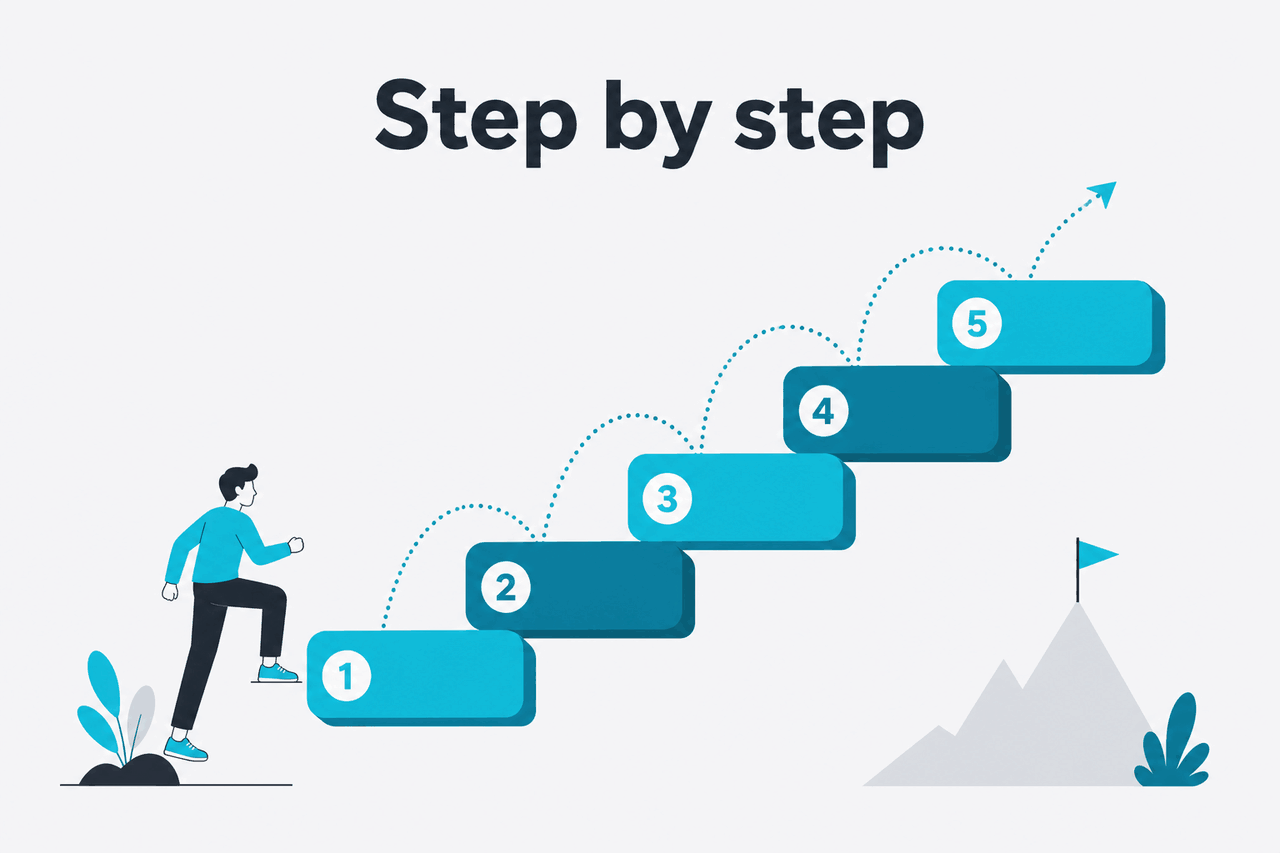
This workflow works for blog posts, newsletters, reports, proposals, landing pages, internal memos, speeches, scripts, and long documents. Give Claude the job, context, constraints, source material, and review criteria before asking for prose.
Brief
Define the audience, goal, format, constraints, and success criteria.
Outline
Approve the structure before Claude writes a full draft.
Draft
Generate sections in order, using your notes and approved frame.
Revise
Run focused passes for clarity, tone, length, and factual risk.
-
Define the writing job before you prompt
Do not start with “write me an article” or “make this better.” First define the format, audience, goal, length, point of view, and success criteria. Claude works better when the assignment looks like a brief.
Task: Draft a 900-word client advisory. Audience: CFOs at mid-sized SaaS companies. Goal: explain why annual billing improves cash planning. Tone: direct, credible, not salesy. Include: risks, caveats, and three practical next steps. -
Give Claude your source material
Claude can write from instructions alone. Stronger work comes from source text: notes, call transcripts, research excerpts, product pages, outlines, or previous examples. When accuracy matters, ask Claude to use only the material you provide.
Use only the notes below. If a claim is not supported by the notes, mark it as [needs source] instead of inventing it. -
Ask for an outline before a draft
An outline is easier to review than a full draft. Ask Claude for the structure first, then adjust the angle, missing sections, and order. This prevents polished writing built on the wrong frame.
Create a detailed outline with H2 and H3 headings. For each section, add the reader question it answers and the evidence needed. -
Lock the voice with examples
If you need a specific style, provide one or two short samples. Ask Claude to extract style rules before drafting. This works better than broad labels such as “professional,” “friendly,” or “premium.”
Analyze the sample below. List five style rules covering sentence length, tone, vocabulary, structure, and level of detail. Then apply those rules to the draft. -
Draft in sections
For long work, generate one section at a time. Keep the outline visible and ask Claude to maintain continuity. This reduces repetition and makes review easier.
Draft only section 2. Use the approved outline. Do not repeat the introduction. End with a transition into section 3. -
Use revision passes with one goal each
Do not ask Claude to “improve this” and expect a precise edit. Run separate passes for clarity, structure, tone, length, and factual risk. One instruction per pass produces cleaner edits.
Revise for clarity only. Keep the meaning. Shorten long sentences. Replace vague phrases with concrete language. Do not add new claims. -
Ask Claude to critique before rewriting
Claude is useful as an editor because it can identify gaps, weak transitions, unsupported claims, and confusing structure. Ask for a critique first, then decide which changes to accept.
Act as a strict editor. Identify the five biggest issues in this draft. For each issue, explain why it matters and suggest a specific fix. Do not rewrite yet. -
Control length with targets and priorities
Claude may shorten by removing useful detail unless you tell it what to preserve. Give a word target and a priority order: keep examples, keep caveats, remove repetition, or simplify explanations.
Cut this from 1,200 words to about 750 words. Preserve the examples and warnings. Remove repetition, throat-clearing, and secondary points first. -
Run a final human review
Check names, statistics, citations, product claims, pricing, legal wording, and anything that could damage trust if wrong. Claude can help create a checklist, but you should verify the final copy before publishing or sending.
Create a final review checklist for this document. Include factual accuracy, tone, structure, compliance risk, missing evidence, and reader objections.
Prompt template
Writing brief for a first draft
This prompt reduces invented details and makes Claude show where your brief is incomplete.
Use different prompt patterns for different writing jobs.
| Writing task | What to give Claude | Best prompt pattern | Human review needed |
|---|---|---|---|
| Blog article | Audience, search intent, outline, source notes | Outline first, then draft section by section | Facts, originality, examples, internal links |
| Recipient, context, ask, relationship, tone | Generate three versions with different directness levels | Accuracy, diplomacy, missing context | |
| Report | Findings, data notes, required sections | Turn notes into structured analysis with caveats | Numbers, interpretation, evidence |
| Marketing copy | Product facts, audience pain points, approved claims | Draft options, then critique for specificity | Claims, compliance, brand voice |
| Academic writing | Your thesis, notes, citation requirements | Improve structure and clarity without adding sources | Citations, originality, policy compliance |
Worked example
Turn messy notes into a clear memo
This is one of the safer writing uses because Claude is reorganising supplied material rather than inventing from scratch.
If you use Claude often, save your best prompts as reusable templates. You can also build a broader workflow from our Claude resources and compare model options in our Claude models guide.
Pick Claude for writing when
- You have notes but need structure.
- You need several versions of the same message.
- You want a strict critique before publishing.
- You need to shorten dense writing without losing the main point.
Skip or limit it when
- The piece depends on facts you cannot verify.
- The voice must sound highly personal or sensitive.
- The task requires original reporting or confidential judgment.
- Your organisation forbids entering the material into external tools.
For privacy, usage, and account controls, check Anthropic’s official support and product pages rather than relying on third-party summaries. The official product is claude.ai, and Anthropic publishes product and safety information on anthropic.com.
Common mistakes to avoid
Most weak Claude writing comes from weak instructions, missing source material, or accepting fluent text without checking it.
- Mistake: asking for a complete draft too early. Fix it by asking for an outline, angle options, or section plan first.
- Mistake: using vague tone labels. Fix it by providing a sample and asking Claude to extract style rules before writing.
- Mistake: letting Claude invent facts. Fix it by supplying source material and telling it to mark unsupported claims as [needs source].
- Mistake: editing for everything at once. Fix it by running separate passes for clarity, tone, structure, length, and factual risk.
- Mistake: publishing without human review. Fix it by checking names, numbers, claims, links, citations, and context manually.
- Mistake: ignoring the reader’s job. Fix it by telling Claude what the reader already knows, what they need to decide, and what would make the piece useful.
Where to go next

Once you can use Claude for writing, build repeatable workflows around research, tools, and automation.
- Explore Claude features to understand Projects, file handling, model choices, and other capabilities that affect writing workflows.
- Learn the Claude API if you want to generate, review, classify, or transform writing inside your own product or internal tool.
- Check Claude pricing before building high-volume writing workflows with the API.
- Review common Claude questions if you need quick answers about accounts, usage, limits, and official resources.
Other questions readers ask
These quick answers cover common questions close to “Claude for writing.”
The honest take
Claude is a strong writing assistant when you treat it as a collaborator with clear instructions. It can turn rough material into structure, generate useful first drafts, give direct editorial feedback, and produce alternatives quickly. It is less reliable when you ask it to invent facts, match a subtle voice from memory, or make judgment calls without context.
The best rule is simple: supply the substance, let Claude help with structure and language, then review the final output yourself. If the work matters, ask Claude to show gaps and risks before you ask it to polish the prose.
Independent guide. Not affiliated with Anthropic. For the official Claude product, visit claude.ai.
Last updated: 2026-05-12
This article is part of the Claude tutorials hub on c-ai.chat.