An anthropic playground is the browser-based workspace in Anthropic’s developer platform where you can test Claude prompts, compare model behavior, tune parameters, and inspect API-ready requests before you ship; this guide is independent, and if you want the wider product overview first, start with our Claude AI guide.
If you are deciding whether to use the playground, the main questions are simple: what it does, how close it is to real API calls, what it costs, and what limits tend to trip developers up. This page answers those directly and links to the official platform docs where needed.
- The short answer
- How it works
- What it costs
- Limits and gotchas
- Other questions readers ask
- The honest take
- Browser-based Claude API testing
- Pricing follows normal API token rates
The short answer
The Anthropic playground is not a separate consumer app. It is part of Anthropic’s developer platform, built for testing prompts and request settings against Claude models before you integrate them into your own app. Think of it as a visual front end for the API rather than a replacement for claude.ai.
For most developers, the value is speed: you can try a prompt, change the model, adjust output behavior, and then carry the same structure into code. If you are comparing product access versus developer access, our Claude API guide and Claude pricing breakdown cover that bigger picture.
Worked example
Minimal request you can prototype in the playground, then move to code
You validate behavior in the UI first, then copy the pattern into your application.
curl https://api.anthropic.com/v1/messages
  --header "x-api-key: $ANTHROPIC_API_KEY"
  --header "anthropic-version: 2023-06-01"
  --header "content-type: application/json"
  --data '{
    "model": "claude-sonnet-4-6",
    "max_tokens": 300,
    "messages": [
      {"role": "user", "content": "Write a three-bullet summary of prompt caching."}
    ]
  }'
If the playground output looks right and the API call above returns the same pattern, you have a workable starting point. From there, you can harden prompts, add tool use, or move into coding workflows such as Claude Code.
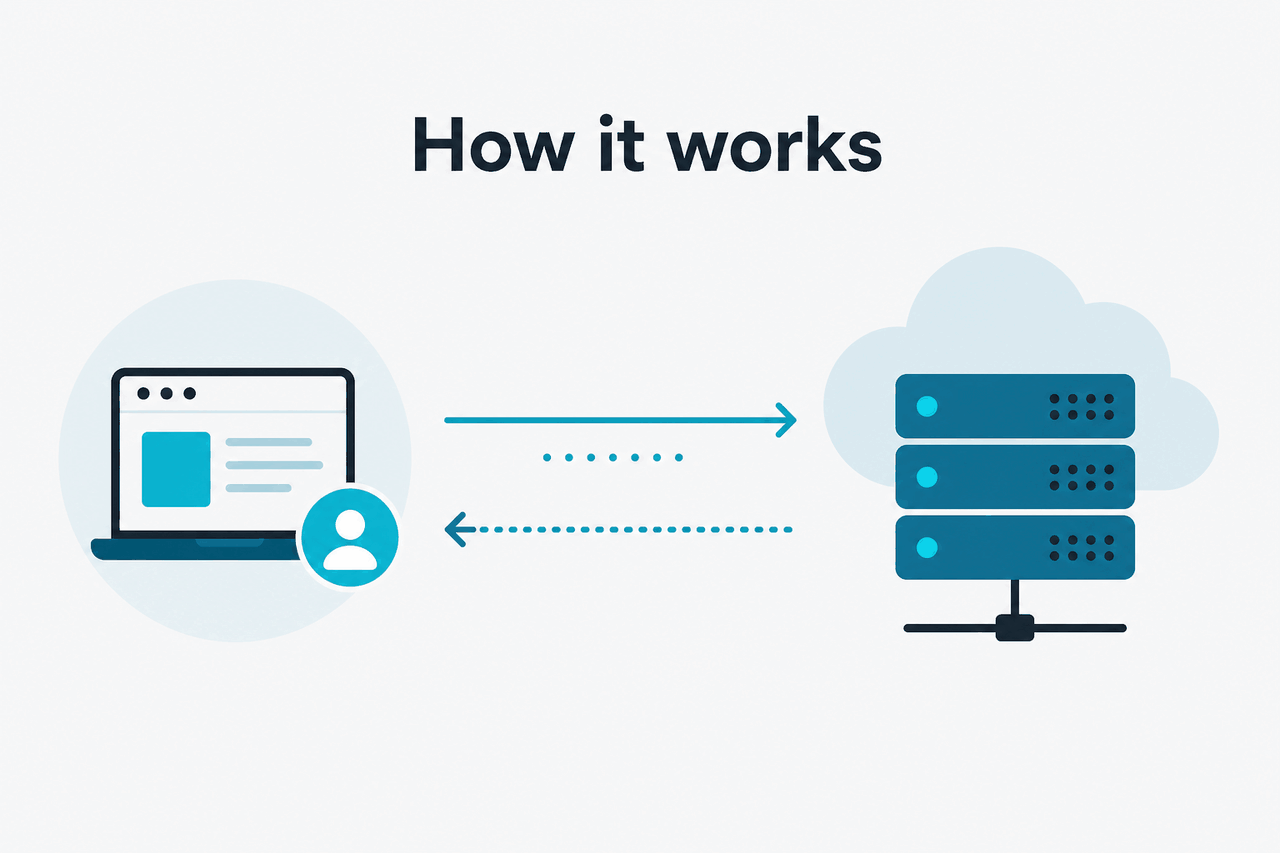
How it works
The playground sits on top of the same Claude API concepts documented at platform.claude.com: you pick a model, send messages, set a token cap, and inspect the response. Depending on the interface state and your account permissions, you may also be able to test system instructions, structured outputs, and other request settings without writing code first.
That makes it useful for prompt iteration, but it is still a developer tool. Real production behavior also depends on your application logic, retries, rate limits, tool definitions, and how you handle long conversations. Treat the playground as a fast validation layer, not a full simulation of your entire backend. Anthropic’s platform docs remain the source for request shape, model behavior, pricing, and feature support.
Open the developer platform
Go to
platform.claude.com, sign in, and create or select an API-enabled workspace.Choose a model
Select the model that matches your use case, such as
claude-sonnet-4-6for a balanced default orclaude-haiku-4-5for lower-cost fast tests.Enter your prompt and settings
Add user input, optional system instructions, and a sensible
max_tokensvalue. Keep prompts short while iterating so costs stay low.Inspect the response
Check output quality, latency, and formatting. If the result is unstable, refine the instructions before you touch your app code.
Export the pattern to code
Mirror the tested request in your SDK or HTTP call, then validate behavior again in your real environment.
If you are new to the ecosystem, it also helps to separate UI layers from models. The playground is just one interface to Claude. The underlying models and API pricing are the same ones discussed in our Claude features guide and pricing pages.
What it costs
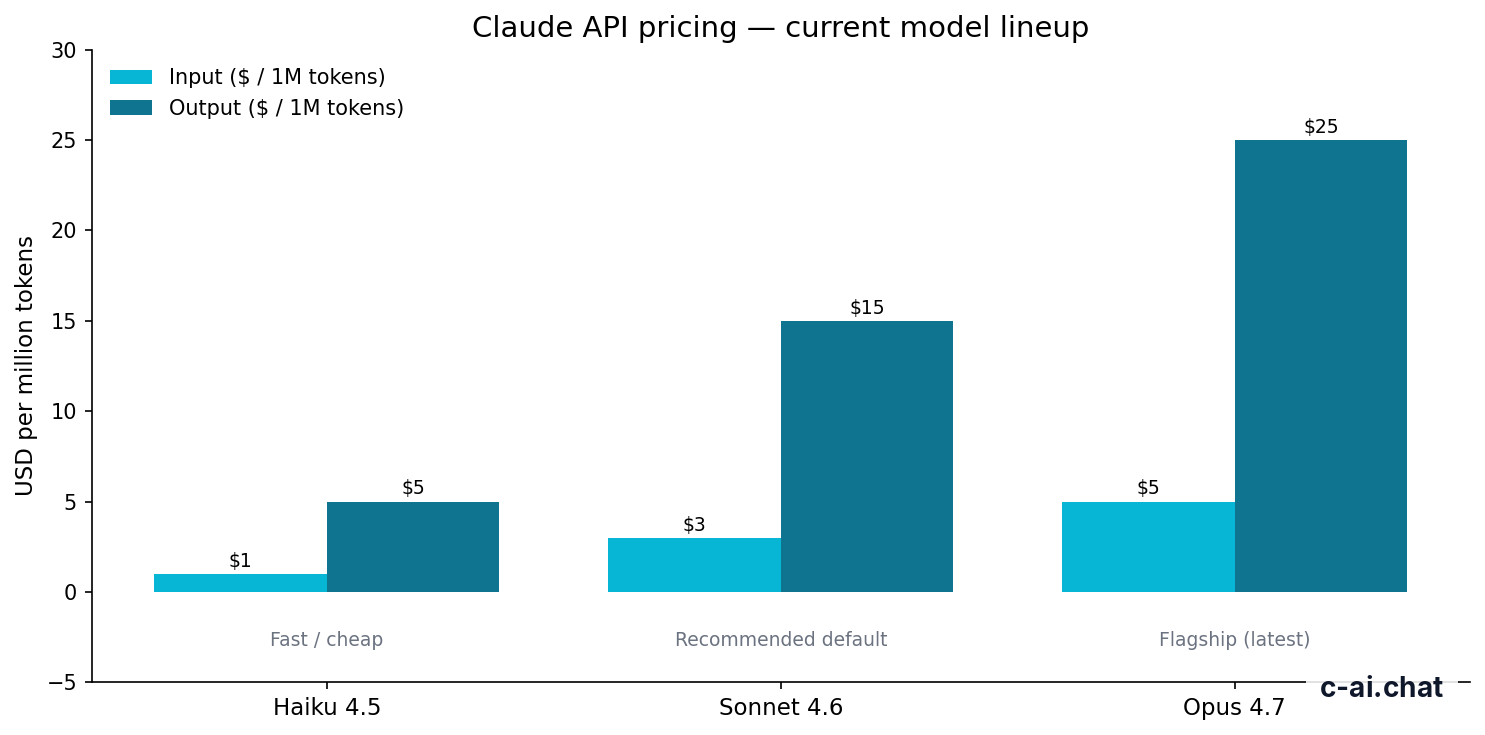
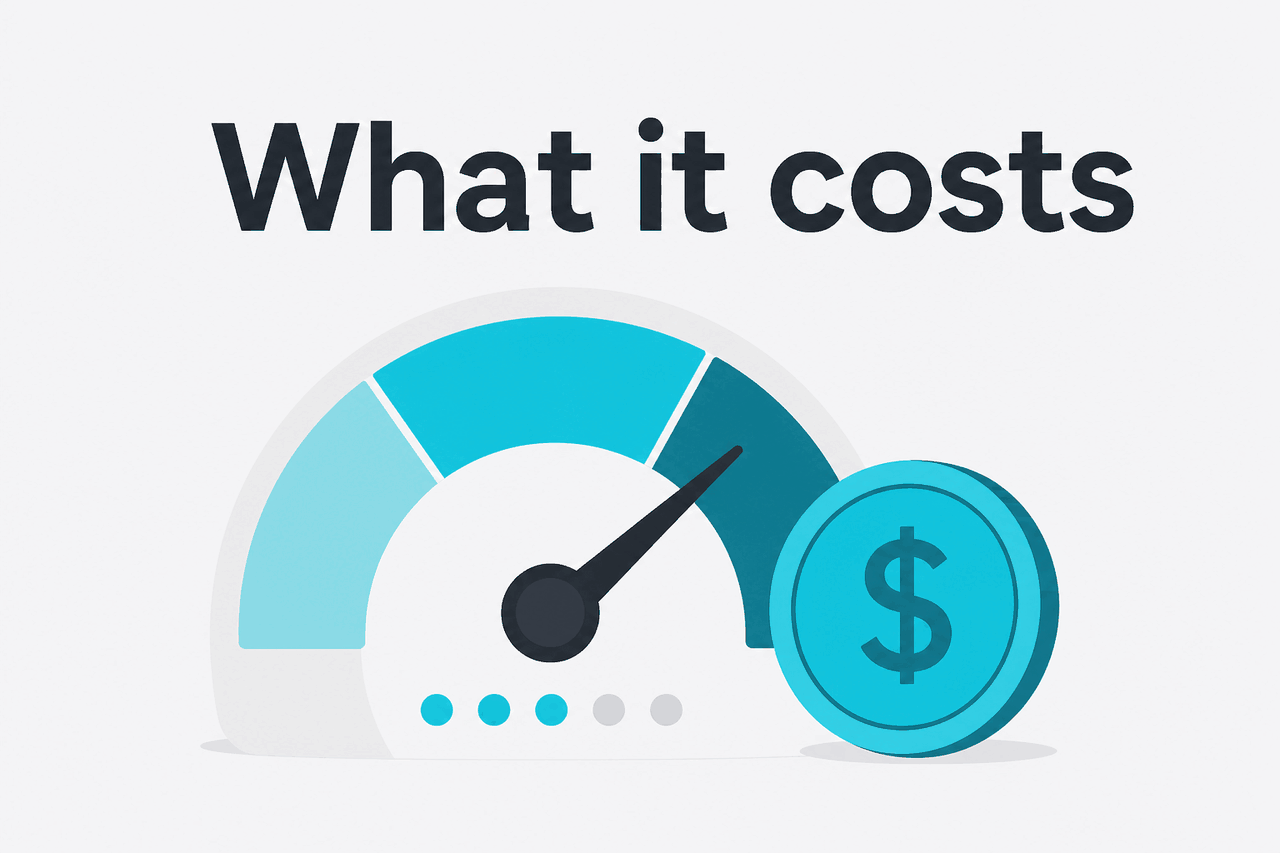
The Anthropic playground follows normal API pricing. You pay per million input and output tokens based on the model you use, not a special “playground fee.” For active models, Claude Opus 4.7 is priced at $5 per million input tokens and $25 per million output tokens, Claude Sonnet 4.6 is $3/$15, and Claude Haiku 4.5 is $1/$5.
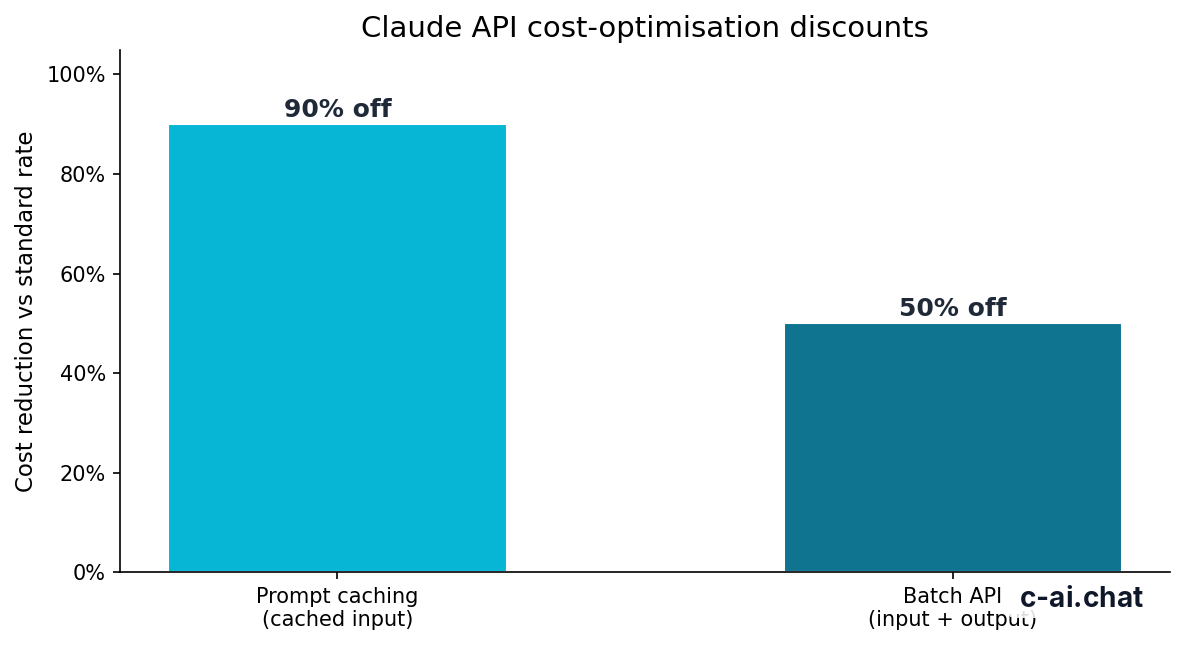
Cost optimization matters quickly when you test the same long prompts again and again. Anthropic offers prompt caching with 90% off cached input tokens, and the Batch API gives 50% off both input and output for asynchronous jobs. If your playground experiments involve repeated long instructions, those two levers can change the economics a lot once you move into production.
| Model | Best for | Input price | Output price |
|---|---|---|---|
| Claude Opus 4.7 | Highest-end reasoning and complex tasks | $5 per million tokens | $25 per million tokens |
| Claude Sonnet 4.6 | Balanced default for most apps | $3 per million tokens | $15 per million tokens |
| Claude Haiku 4.5 | Fast, lower-cost requests | $1 per million tokens | $5 per million tokens |
90% off
cached input tokens with prompt caching
Pick when
- You need a quick UI for testing API prompts
- You want to compare models before coding
- You are tuning instructions, output length, or formatting
Skip when
- You only need the consumer chat app at claude.ai
- You expect fixed monthly playground usage instead of token billing
- You need a perfect simulation of your production stack
The same distinction applies to subscriptions. Claude Free, Pro, Max, Team, and Enterprise plans at claude.com/pricing describe access to Claude products and organization features, while API usage is metered separately on the developer side. If you need both, budget for both.
Limits and gotchas
Most confusion around the Anthropic playground comes from assuming it behaves like a simple free sandbox. It does not. It is a live testing surface for a paid API environment, and the same operational constraints still matter.
- Rate limits still apply. If your account or workspace has request limits, the playground does not bypass them. Check the platform docs and account settings if you see throttling or temporary failures.
- Model availability can vary by account and feature rollout. You may not see every model or capability in every workspace at the same time.
- Region, compliance, and enterprise controls matter. Some teams need regional data handling, SSO, audit logs, or other controls that live in higher-tier organizational setups rather than a personal developer workspace.
- Long context is powerful but easy to misuse. Opus 4.7, Opus 4.6, and Sonnet 4.6 support up to 1,000,000 tokens of context at standard rates, but large prompts can become expensive and slower if you do not trim them carefully.
- Prompt quality in the playground may not match app quality by default. Your production system may add hidden instructions, tools, retrieval, validation, or retries that the playground test does not include.
- Output caps can distort your test. If
max_tokensis too low, the model may look worse than it really is because the answer gets cut off. - Common errors are usually basic. Invalid API key, missing headers, unsupported model names, token limit issues, or malformed request bodies are the usual suspects.
- Status issues do happen. If behavior suddenly changes or requests fail broadly, check status.claude.com before rewriting your prompts.
The playground is best for validating a request pattern. It is not proof that your production app is fully designed, secure, or cost-optimized.
One more practical gotcha: teams often test with a strong model in the playground, then deploy a cheaper model in code and wonder why results change. Keep your model choice consistent during evaluation. If you want a default starting point, Sonnet 4.6 is the safest middle ground for most API use cases.
Other questions readers ask
If your question is really about coding workflows rather than prompt testing, go to our Claude Code guide. If it is about pricing tradeoffs, the better next stop is Claude pricing. And if you need a broad feature overview first, use Claude features.
The honest take
The anthropic playground is useful, but only if you understand what it is: a fast testing interface for the Claude API, not a separate consumer product and not a guaranteed mirror of your finished application. For prompt iteration, model comparison, and early request design, it is genuinely practical. For production engineering, it is just the first step.
If you are building with Claude, use the playground to shorten your feedback loop, then validate everything again in code with real limits, real prompts, and real billing in mind. If you only want to chat with Claude, skip the developer layer and use the official product instead.
Independent guide. Not affiliated with Anthropic. For the official Claude product, visit claude.ai.
Last updated: 2026-05-10
This article is part of the Claude API for developers hub on c-ai.chat.