Free
$0
Good for first prompts and light testing.

To learn Claude well, use claude.ai for the official product, start with one real task, give Claude clean context and a specific output format, verify the result, and use this independent Claude AI guide as a third-party map of tutorials, prompt patterns, Claude Code workflows, and API techniques.

Table of contents
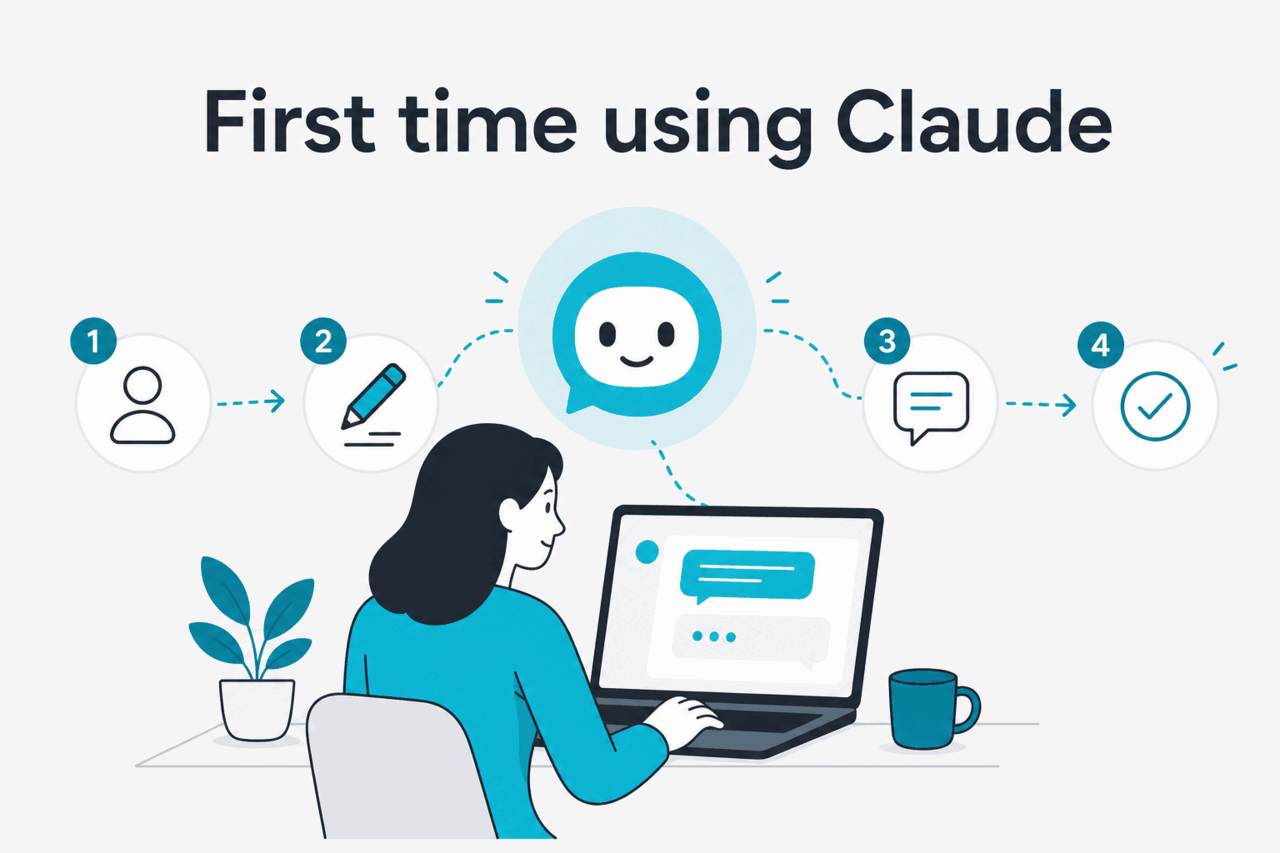
This hub collects practical Claude tutorials for chat, files, Projects, coding, and API workflows. Each lesson focuses on a repeatable task: write a prompt, prepare context, review an answer, edit a codebase, or build an API workflow. For product capability context, keep the Claude features guide open next to this page.
| Question you have | Start with | What the lesson should produce |
|---|---|---|
| I have never used Claude. | First account, first prompt, first revision. | A useful answer and a repeatable iteration habit. |
| Claude’s answer is vague. | Prompt fundamentals. | A prompt with task, context, constraints, and format. |
| I want Claude to edit a codebase. | Claude Code basics. | A scoped branch, a diff you can review, and a test plan. |
| I want an app to call Claude. | Advanced API workflow. | A system prompt, tool plan, and cost-control approach. |
| I need to use long context. | Document preparation and model choice. | Clean source material, clear retrieval rules, and verification steps. |
Do not start by testing every feature. Pick one low-risk job you already understand, such as rewriting an email, turning meeting notes into action items, explaining an error message, or outlining a short proposal. If a model picker is available and you are unsure what to select, start with the default option or use our Claude models guide. For first use, clear context matters more than model switching.
| Model | API price | Context and output note | Use it for |
|---|---|---|---|
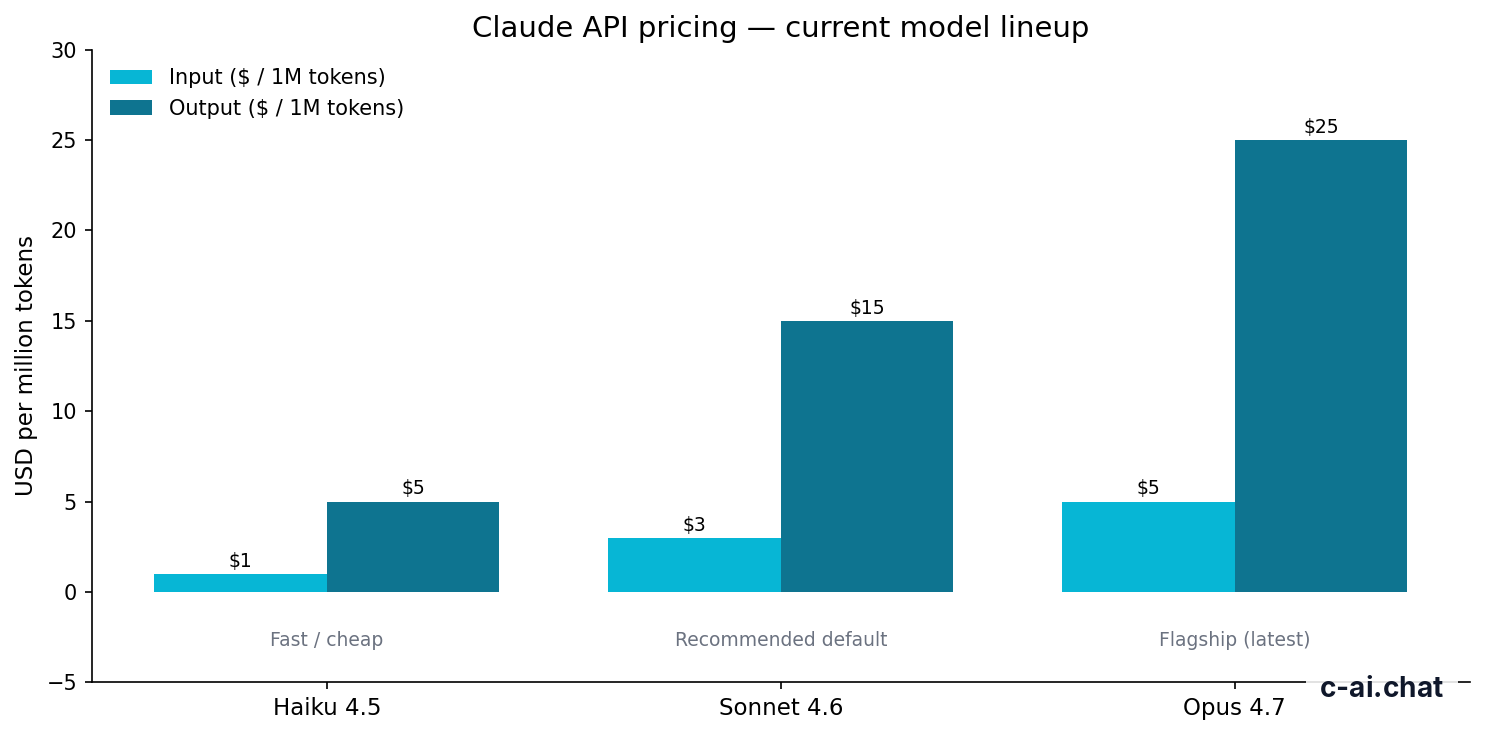
| Claude Sonnet 4.6 | $3 input / $15 output per million tokens | 1M-token context; up to 128K max output. | General writing, analysis, coding help, and business tasks. |
| Claude Opus 4.7 | $5 input / $25 output per million tokens | 1M-token context. | Harder reasoning, planning, review, and complex synthesis. |
| Claude Haiku 4.5 | $1 input / $5 output per million tokens | Fastest and lowest-cost model in this lineup. | Compact drafts, classification, extraction, and short automations. |
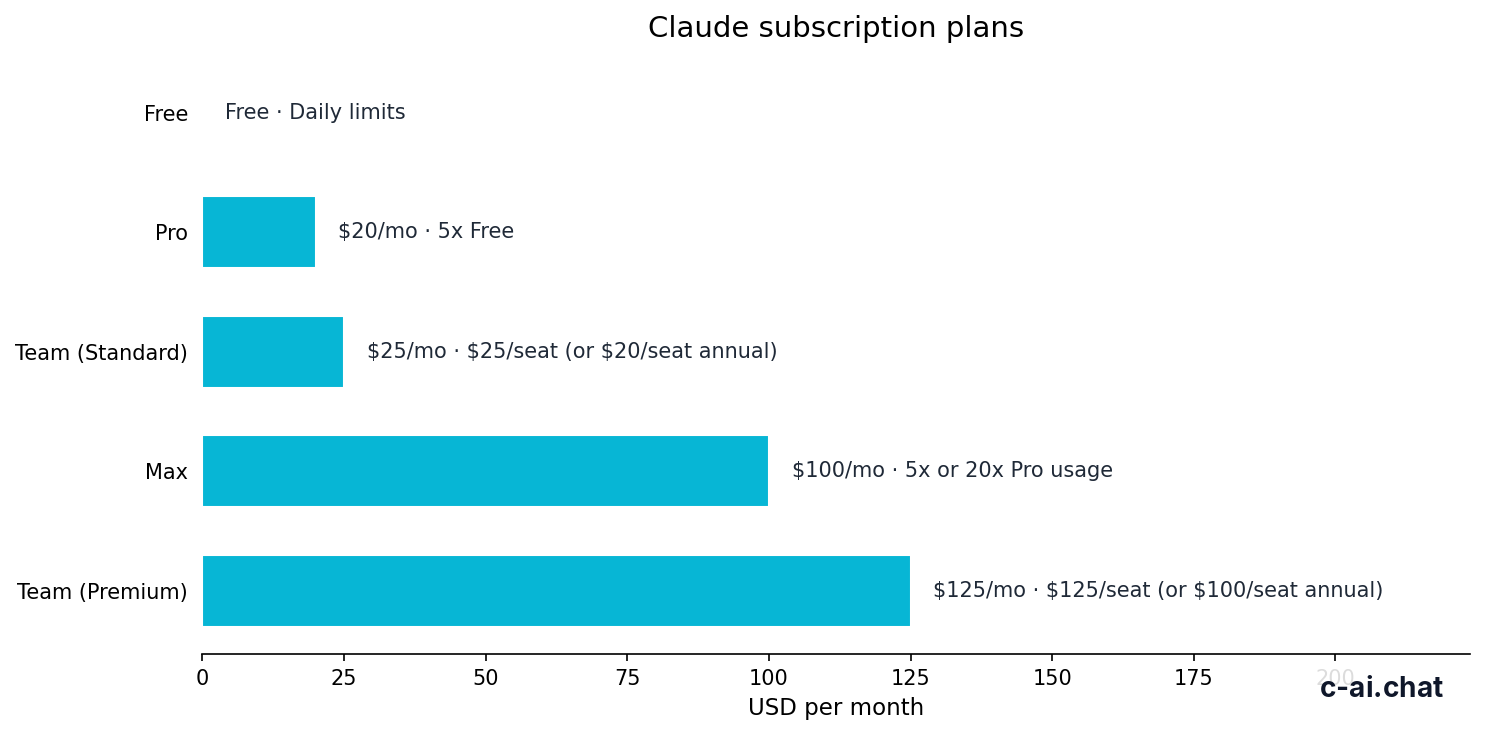
Your Claude plan controls usage limits, team features, and which options appear in the app. These are quick-reference plan prices, not a billing quote. Check the official Claude pricing page before buying or upgrading.
$0
Good for first prompts and light testing.
$20/mo or $17/mo annual
Useful for regular individual work.
From $100/mo
For heavier individual usage.
$25/seat or $20/seat annual
For shared team access.
$125/seat or $100/seat annual
For teams that need broader controls.
$20/seat base + API rates
For managed deployments and API-linked usage.
Use claude.ai or the official app. c-ai.chat cannot create accounts, reset passwords, view your conversations, or change your plan.
Start with a real artifact: an email, a paragraph, a bug report, call notes, or a small planning problem. Avoid broad prompts such as help my business until you can provide details.
Tell Claude the goal, audience, background, constraints, and source material. If file upload or project context is available, attach only the material needed for the task.
State the format you want: bullets, table, JSON, email draft, checklist, code diff, or step-by-step plan. A useful first prompt often ends with Ask me up to three questions if anything is missing.
Check names, numbers, sources, citations, code behavior, and assumptions. If Claude is unavailable, slow, or returning errors, check Anthropic’s status page before rewriting your prompt.
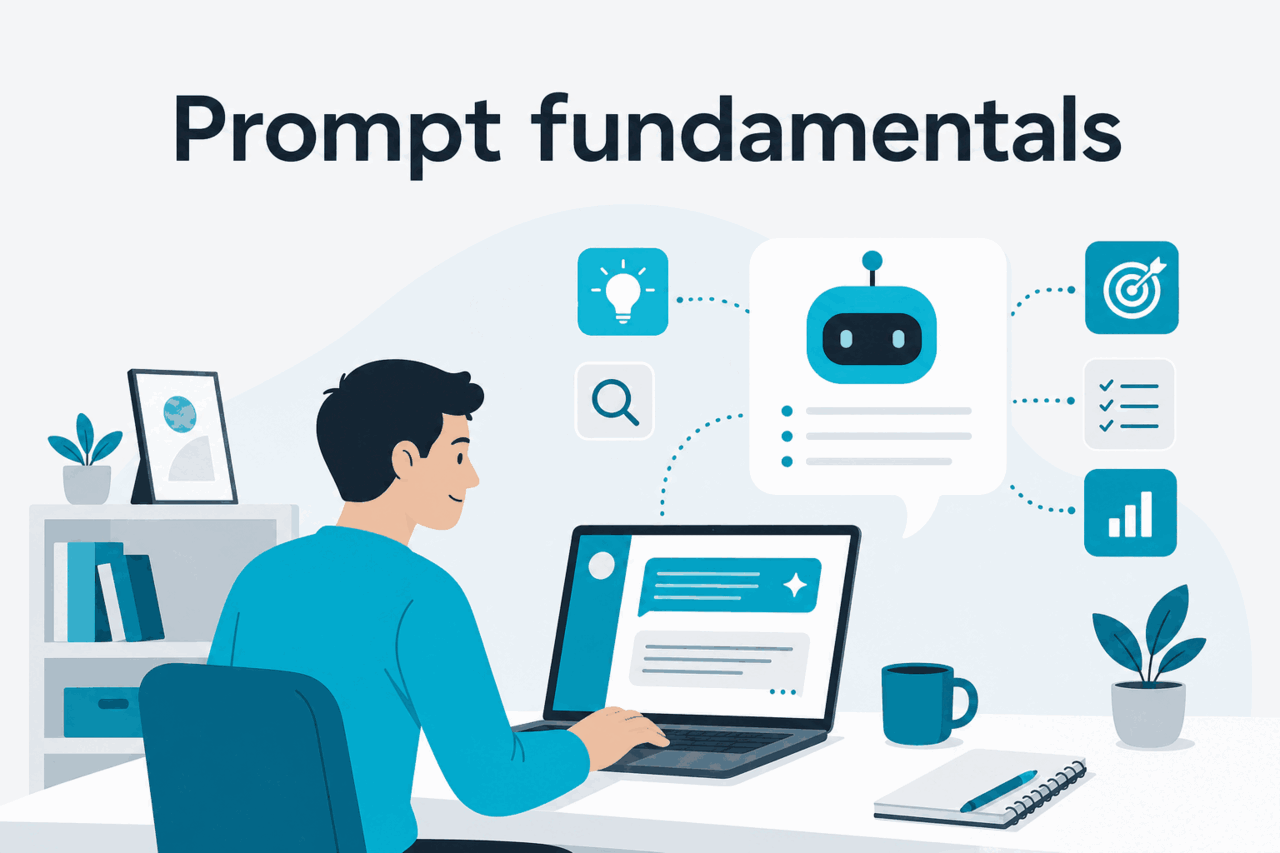
A prompt is a work order. Claude usually performs better when you state the task, provide the context, include the input, define constraints, and specify the output format. A role can help when it adds criteria, such as “review this like a security engineer,” but a role alone is not enough. Strong prompts remove guesswork.
Use an iteration loop. Ask for a first pass, inspect the weak spots, then revise the prompt or ask a follow-up. For higher-risk work, ask Claude to list assumptions, uncertainties, and checks rather than asking for hidden reasoning. You want an answer you can audit.
Worked example
Poor prompt vs good prompt
The good prompt leaves less for Claude to infer, so revisions are faster and easier to judge.
Task:
Context:
Audience:
Input or source material:
Constraints:
Output format:
Checks or questions before answering:| If Claude does this | Change the prompt like this |
|---|---|
| Gives a generic answer. | Add the audience, goal, source material, and a concrete example. |
| Writes too much. | Set a word limit, section count, or table format. |
| Misses important constraints. | Move constraints near the end and label them clearly. |
| Sounds too polished or sales-heavy. | Provide a short style sample and list phrases to avoid. |
| Invents facts. | Give source text, ask it to separate facts from assumptions, and verify externally. |
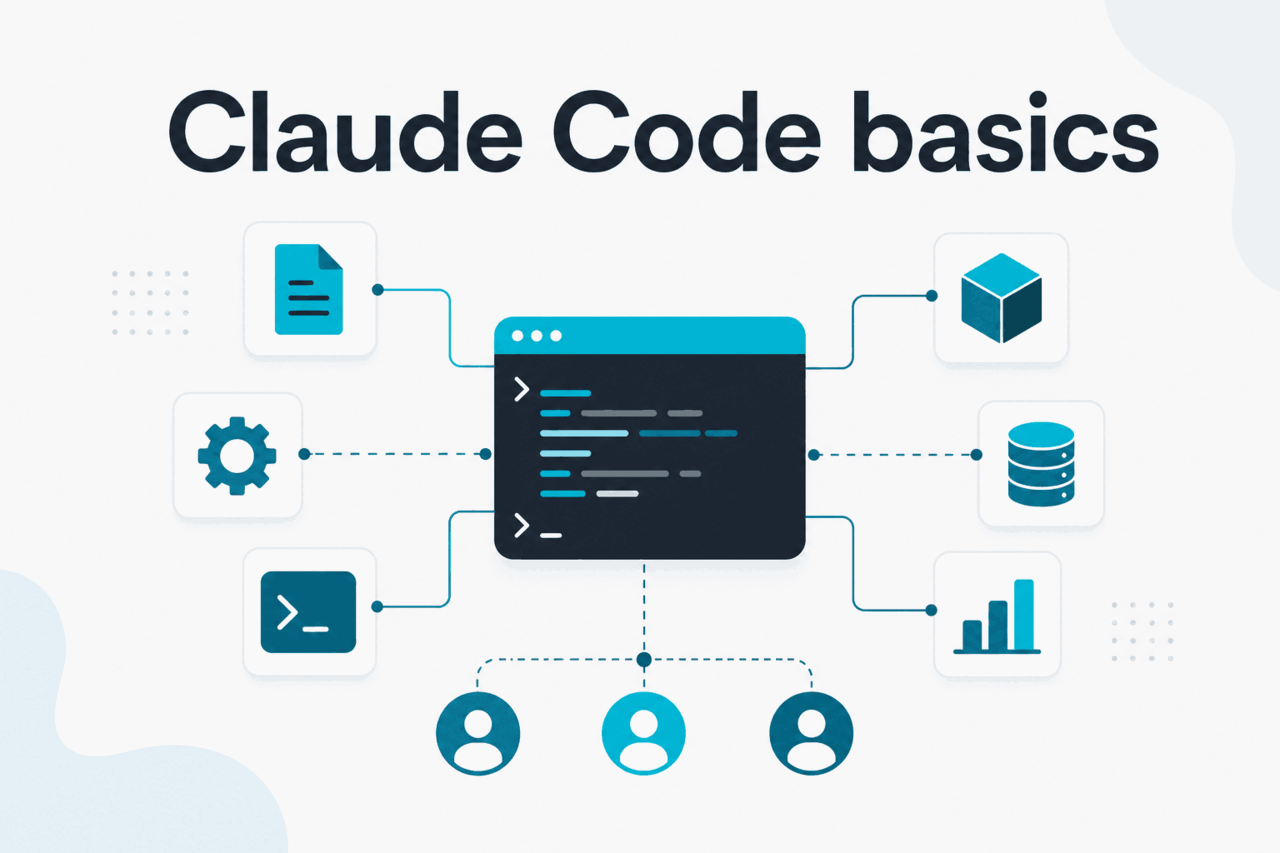
Claude Code is for working inside real codebases, not just asking for snippets in chat. Use it when the task needs file awareness, multi-file edits, refactoring, test runs, or repeated review. Our Claude workflow resources collect practical checklists, while Anthropic’s official Claude Code docs cover product-specific installation and commands.
Treat Claude Code like a coding assistant with access to your project, not an autopilot. Start from a clean branch, state the goal, ask it to inspect before editing, approve small changes, run tests, and review the diff. The safer pattern is plan, patch, test, review. Do not paste secrets, production credentials, private customer data, or anything your team policy forbids.
Use version control, open a branch, and confirm you can revert changes. If the repo has tests, run them once before asking Claude Code to edit anything.
Start with Inspect the code path for checkout validation and propose a plan before editing. This reduces random edits and gives you a checkpoint.
Give a specific target: one bug, one component, one endpoint, or one test failure. Narrow tasks are easier to review than broad rewrites.
Ask for the commands used, the files changed, and the reason for each change. You remain responsible for code quality, security, and deployment.
Better Claude results come from workflow design. Separate durable instructions from task input, connect tools only when the application can execute them safely, reuse stable context when the API supports caching, and split complex work into reviewable stages. Advanced technique should make outputs easier to inspect, not harder.
90% off
cached input tokens with prompt caching
Prompt caching works best when the beginning of the request stays the same across calls. Good candidates include long instructions, stable policy text, reference documents, and tool definitions. Poor candidates include short one-off chats or prompts where you rewrite the early context every time. If you process many non-urgent requests, Anthropic’s Batch API can reduce charges by 50% in both directions. Check the official Claude API pricing docs before designing around discounts.
Long context helps when Claude must inspect a large corpus in one call, but it does not remove the need for structure. Put the most important instructions near the top, label source sections, ask for citations to the provided material when appropriate, and request a compact final format. Opus 4.7 and Sonnet 4.6 support a 1M-token context. Sonnet 4.6 also supports up to 128K max output. Check Anthropic’s model documentation for current model IDs and limits.
| Technique | Good use | Common failure | Practical guardrail |
|---|---|---|---|
| System prompt | Stable rules for a product, assistant, or internal workflow. | Mixing permanent policy with changing user data. | Keep it short, durable, and versioned. |
| Tool use | Retrieval, calculations, database lookup, ticket creation, and actions. | Letting the model imply actions that your app never executed. | Log tool calls and return explicit results. |
| Prompt caching | Repeated calls with the same long prefix. | Changing early tokens and missing the cache benefit. | Put stable context first and variable input later. |
| Long context | Large contracts, codebases, policy manuals, or research packs. | Dumping material without labels or a clear question. | Chunk with headings and define what evidence counts. |
| Multi-agent | Planning, drafting, critique, and final review as separate steps. | More complexity without better verification. | Assign each step a clear role and output. |
System: You are a concise support-draft assistant. Use only the provided policy text. If the answer is not supported, say what is missing.

User: Draft a reply to this customer ticket.
Policy text: ...
Ticket: ...
Output: email draft, policy references, and uncertainty notes.Learning Claude is mostly learning how to define the job. It is not memorising prompt tricks. Users who improve fastest keep a prompt notebook, compare outputs across real tasks, move recurring instructions into system prompts or project guidance, and verify anything that affects money, law, health, security, or public claims. Claude can draft, analyse, code, translate, plan, and critique, but it still needs human judgment, clean source material, and clear constraints.
Open the official Claude app, sign in, choose one task, provide the source material, state the output format, ask for the answer, then review and refine it. A strong first task is small and checkable. If you have an account or billing problem, use Anthropic support, not c-ai.chat.
Ask Claude to improve something you already understand: rewrite an email, turn notes into tasks, explain a confusing paragraph, create a checklist, review a short code snippet, or compare two options. Avoid starting with a broad life, business, or strategy question unless you can provide background and decision criteria.
Use this order: task, context, input, constraints, output format, and checks. For example: “Rewrite this note for a finance director. Keep it under 150 words. Use a direct tone. Return subject line, email body, and three risks.” That prompt is easier to follow than “make this better.”
System prompts are higher-priority instructions used in API and some structured workflows to define durable behavior, style, boundaries, and output rules. A normal user prompt changes from task to task. Use system prompts for stable rules and user prompts for the specific request. Keep both clear and test them with real examples.
Some Claude products expose file uploads, long-context analysis, and web or research tools. Access depends on the product, plan, workspace, and region. In the API, you control what data is sent and how tools or retrieval work. Label documents clearly, ask Claude to cite the provided material, and verify important claims.
No. Chat is best for explanations, short snippets, planning, and review. Claude Code is designed for codebase work where the assistant can inspect files, propose edits, and support command-based workflows under your control. For serious changes, use version control, small branches, tests, and human review.
Create an account on the Anthropic API platform, generate an API key, choose a model ID, and send messages through the Messages API. Keep secrets out of client-side code, log requests responsibly, and separate system instructions from user input. Start with the official platform documentation for model behavior and limits.
Use the smallest workflow that solves the task, avoid sending unnecessary data, cache stable API prefixes when appropriate, use the Batch API for non-urgent bulk work, and review Anthropic’s Trust Center for security information. For plan differences and billing context, use our Claude pricing guide and the official pricing pages.
Independent guide. Not affiliated with Anthropic. Official product: claude.ai.
Hand-picked from the cluster — the pages we recommend first.