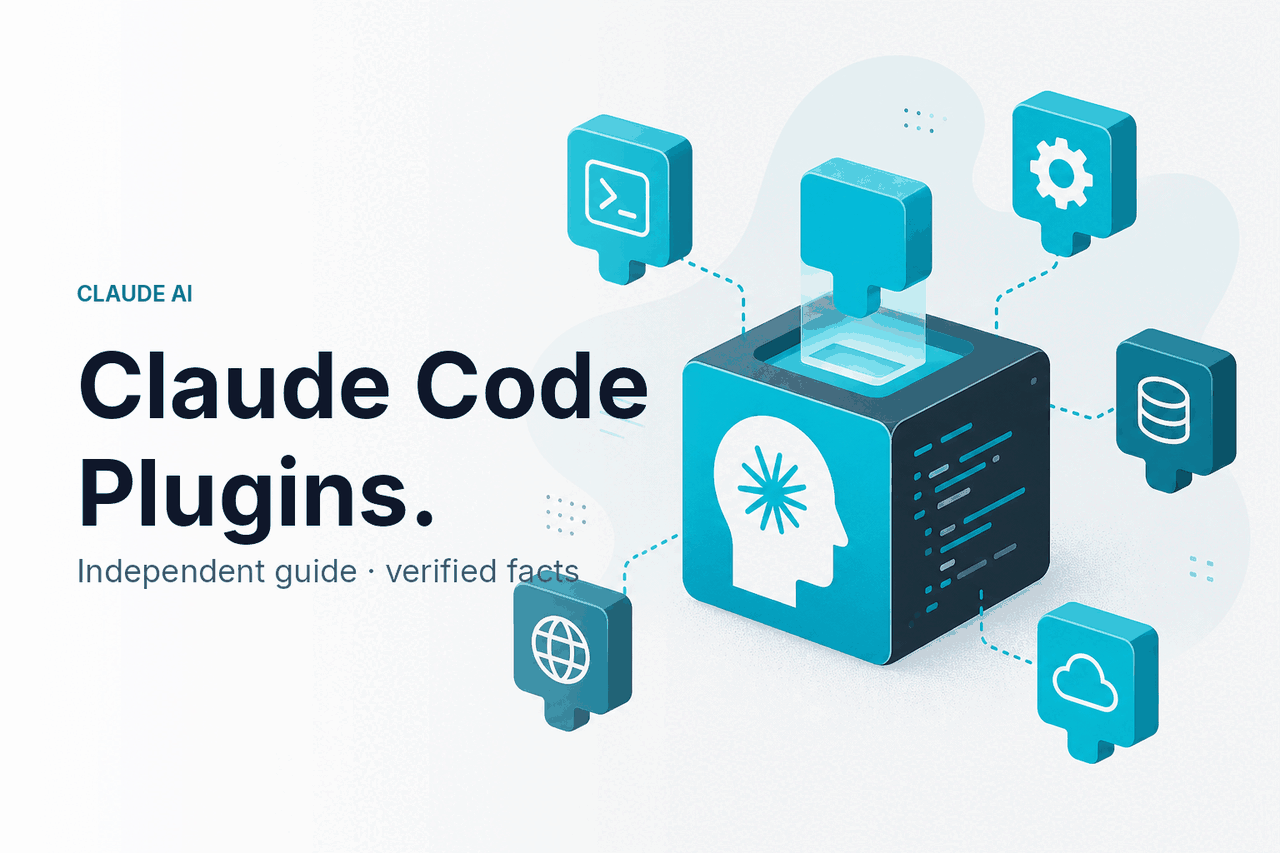
Claude Code plugins are best understood as extension-style building blocks for Claude Code: MCP servers, slash commands, hooks, subagents, and project settings that help Anthropic’s coding agent connect to tools, automate checks, and follow your team’s rules.
c-ai.chat is an independent guide to Claude AI. We are not Anthropic, and this page is not the official Claude product. For a broader view of Claude’s product capabilities, see our Claude features guide. For the official product, use claude.ai; for developer documentation, use Anthropic’s Claude docs.
- The short answer
- How Claude Code extensions work
- Useful Claude Code plugin patterns
- Claude Code extensions vs alternatives
- FAQ
- Verdict
- Sources
The short answer
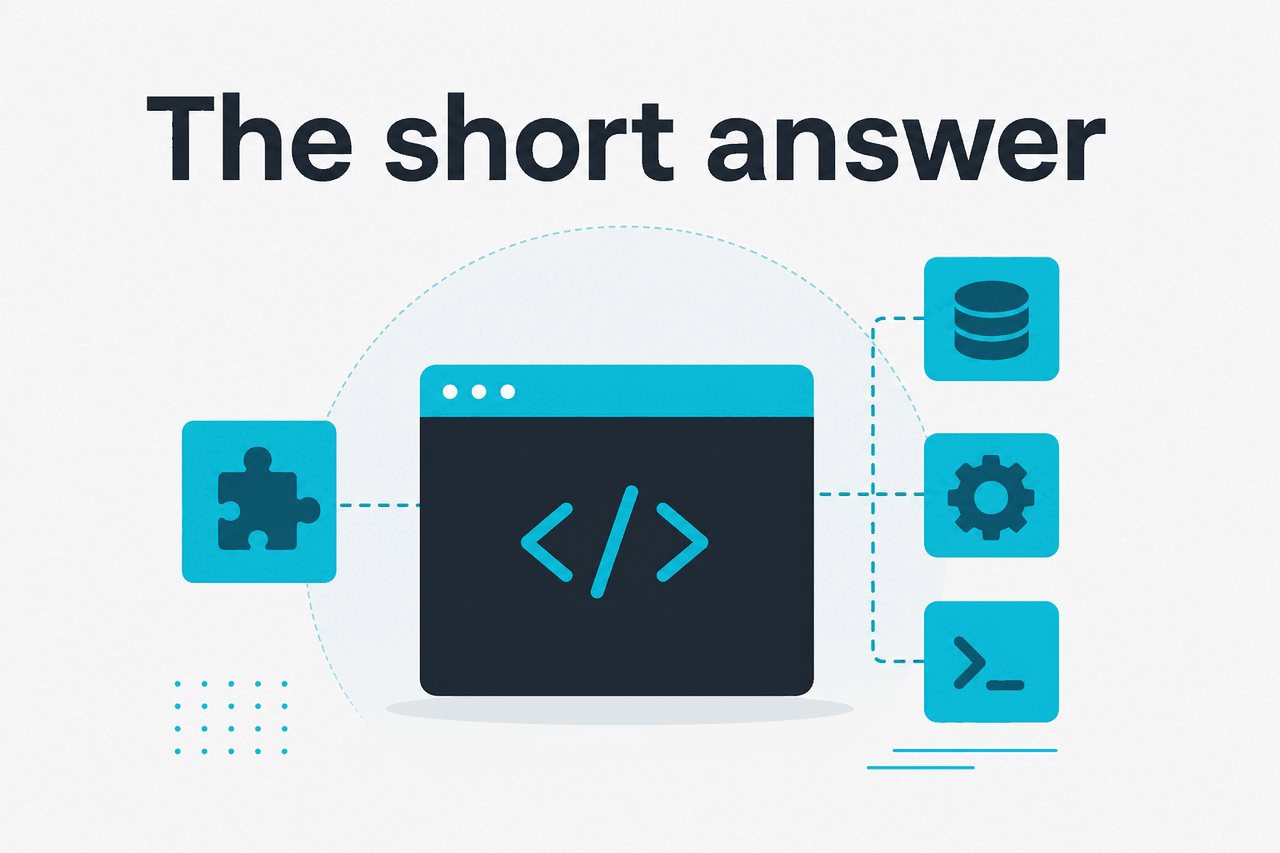
Claude Code does not work like a browser with a single plugin store. Its practical extension system is a set of developer tools. MCP servers connect external systems. Hooks run scripts at defined moments. Slash commands package repeatable prompts. Subagents handle specialist roles. Settings files enforce project behavior.
- What it does: Extends Claude Code with tools, commands, rules, and automations.
- Where it runs: In your terminal, usually inside a project repository.
- What it costs: No separate Anthropic plugin fee for the extension files; access depends on your Claude plan or API usage.
- Who it is for: Developers, staff engineers, platform teams, and technical founders.
The most useful “plugins” are usually not branded add-ons. They are practical patterns: repository-aware MCP connections, test-and-lint hooks, reusable review commands, migration subagents, and team policy files.
Treat third-party “Claude Code plugin” claims carefully. If a vendor cannot explain whether it uses MCP, hooks, commands, subagents, or settings, it may be a wrapper rather than a native Claude Code extension.
Best first choice: Start with a slash command or a read-only MCP server. Avoid write-capable tools until you have reviewed permissions, logging, and failure modes.
How Claude Code extensions work

Claude Code runs as a command-line coding agent. You start it inside a repository, describe the task, and let it inspect relevant files. When it needs to change code or run a command, it works through the permissions and settings available in your environment.
That power needs discipline. A poorly scoped hook or broad MCP server can expose more context than intended. Start narrow. Add access only when the workflow needs it.
MCP, short for Model Context Protocol, is the main way to connect Claude to external systems. An MCP server can expose tools or resources such as issue data, internal documentation, API metadata, database schemas, or repository context. Claude Code can then request that information during a coding session.
Hooks and slash commands solve different problems. Hooks automate local actions around Claude Code events, such as formatting changed files or running tests after edits. Slash commands turn a prompt into a reusable team command. Subagents define specialist assistants, such as a security reviewer, migration planner, or documentation editor.
Install and open Claude Code
Follow Anthropic’s official setup instructions, then open a terminal in your repository and start a session with
claude.Add one extension type at a time
Start with a low-risk option, such as a project slash command or a read-only MCP server.
Test on a disposable branch
Create a branch, ask Claude to make a small change, and review the diff before merging.
Move stable patterns into project files
When a workflow works, save it as a slash command, hook, subagent, or repository setting.
The key engineering decision is scope. A plugin-like extension should do one job well. Better examples are “let Claude read open issues,” “run the unit test command after edits,” or “use this review checklist before suggesting a pull request.”
If you plan to build against Claude programmatically rather than inside the terminal, start with our Claude API docs guide. Claude Code extensions help an agent work in a local development workflow. API integrations let your application call Claude models directly.
Useful Claude Code plugin patterns
The best Claude Code extensions reduce repeated work, enforce project habits, and give Claude the right context without turning every task into a custom prompt.
1. Add a reusable code review command
A slash command is useful when your team asks Claude to perform the same review repeatedly. For example, you might create a command that reviews staged changes against your engineering checklist.
/review-staged

Review the staged changes only.
Check for:
- incorrect assumptions
- missing tests
- unsafe error handling
- security-sensitive data exposure
- unnecessary complexity

Return:
1. high-risk issues
2. medium-risk issues
3. suggested tests
4. a short merge-readiness note
This is not a replacement for human review. It is a fast first pass. It works best when the command reflects your actual team standards.
2. Use a hook to run tests after edits
Hooks are useful when you want Claude Code to trigger a local command during a workflow. A common pattern is to run a formatter, type checker, or targeted test command after file edits. Keep the command predictable and scoped. A slow full-suite test hook can make the agent hard to use.
npm run lint
npm test -- --runInBand path/to/changed.test.ts
This works well when the test command is stable and deterministic. It works poorly when tests require secrets, long-lived services, or manual setup that Claude cannot inspect.
Worked example
A targeted bug-fix workflow
The value is not that Claude “knows” your test system. The value is that the extension makes the feedback loop shorter and repeatable.
3. Connect project context through an MCP server
MCP is the closest match to what many people mean by a Claude Code plugin. Instead of pasting issue descriptions, architecture notes, or service metadata into every prompt, an MCP server can expose that context as tools or resources. Claude can request the relevant data during the session.
A practical first MCP use case is read-only access to internal documentation. For example, you can let Claude query service ownership docs, API conventions, or migration notes while it edits code. That keeps the session grounded in your project’s rules.
Prompt:
Use the internal docs tool to check the logging standard.
Then update the payment webhook handler to match it.
Do not change unrelated handlers.
Start read-only. If you later add write tools, such as creating tickets or updating records, require explicit approval and logging.
4. Define a security review subagent
Subagents are useful when the same specialist perspective should apply across many tasks. A security review subagent can focus on secrets, authorization checks, input validation, logging, and dependency risk. Give it clear boundaries and an output format.
Ask the security-review subagent to inspect this diff.

Focus on:
- auth bypass risk
- unsafe deserialization
- secrets in logs
- missing rate limits
- user-controlled file paths

Return only findings that are tied to changed lines.
This pattern works because the specialist role is narrow. It also makes review output easier to compare across pull requests.
5. Create a migration helper for repetitive refactors
Claude Code is often useful for repetitive refactors that are easy to review but tedious to apply. A migration helper can package the rules for changing one API pattern to another. The command should ask Claude to process a small set of files first, then wait for review.
/migrate-fetch-client

Replace legacyFetch usage with httpClient.
Rules:
- preserve existing error handling
- do not change endpoint paths
- add tests only for changed behavior
- process no more than five files before asking for review
This is where Claude Code can save meaningful time. The task is structured, the output is inspectable, and the command prevents the agent from changing too much at once.
Claude Code extensions vs alternatives
Claude Code extensions compete less with traditional IDE plugins and more with developer-agent workflows. Cursor, GitHub Copilot, Sourcegraph Cody, and direct API integrations can all help with coding, but they fit different habits.
| Option | Where it works best | Extension model | Trade-off |
|---|---|---|---|
| Claude Code with extension-style tools | Terminal-based repository work, agentic edits, codebase tasks | MCP servers, hooks, slash commands, subagents, settings | Powerful for workflows, but requires careful permissions and review |
| Cursor | Editor-first coding with AI built into the IDE experience | Editor integrations and project context inside the app | Smoother for people who live in one editor; less terminal-native |
| GitHub Copilot | Autocomplete, inline suggestions, chat inside common IDEs | IDE extensions and platform integrations | Strong daily assistant, but less focused on terminal agent workflows |
| Sourcegraph Cody | Code search, repository understanding, larger codebase navigation | Editor and code intelligence integrations | Fit depends on your Sourcegraph setup |
| Direct Claude API | Custom products, internal tools, automation pipelines | Your application calls Claude models directly | Maximum control, but you build the interface, permissions, and workflow |
Claude Code is strongest when the terminal is already part of your engineering flow. It can inspect files, propose diffs, run commands, and use extension points that match repository work. If your team expects all assistance to happen inside an IDE, an editor-native tool may feel more natural.
Cost depends on whether you use Claude through a subscription plan or the API. For individuals, Free is $0, Pro is $20/month or $17/month annual, and Max starts from $100/month. Team Standard is $25/seat or $20/seat annual. Team Premium is $125/seat or $100/seat annual. Enterprise is a $20/seat base plus API rates.
Opus 4.7
Flagship model.
$5 input / $25 output per million tokens.
1M context.
Sonnet 4.6
Best balance for many coding workflows.
$3 input / $15 output per million tokens.
1M context and 128K max output.
Haiku 4.5
Fastest and cheapest current option.
$1 input / $5 output per million tokens.
For API workloads, prompt caching gives 90% off cached input. The Batch API gives 50% off both input and output. See our Claude pricing guide and Claude models guide before estimating production cost.
Use Claude Code extensions when
- Your team is comfortable reviewing diffs from an agent.
- You want terminal workflows, not only editor autocomplete.
- You can define narrow tools, hooks, and commands.
- You need repeatable project-specific behavior.
Skip them when
- You cannot audit what an extension can access.
- Your tests are too slow or fragile for agent loops.
- You need a managed marketplace with one-click installs.
- Your team will not review generated code carefully.
The comparison is simple. Claude Code extensions are flexible and technical. That is their advantage and their risk. They reward teams that write clear commands, maintain good tests, and set permissions deliberately.
FAQ
Are Claude Code plugins official?
Not as a single consumer-style plugin store. The official extension surfaces to look for are documented Claude Code features such as MCP integration, slash commands, hooks, subagents, and settings. If a vendor calls something a Claude Code plugin, check which mechanism it uses.
Is MCP the same as a plugin?
No. MCP is a protocol for exposing tools and context to AI applications. In Claude Code, an MCP server can function like a plugin because it gives Claude access to an external system or data source.
Do Claude Code extensions work in claude.ai?
Do not assume that a Claude Code extension works in the web app. Claude Code is a terminal product, while claude.ai is the official web product. Features and integration surfaces can differ.
Do extensions cost extra?
The extension files themselves usually do not add a separate Anthropic fee. Your access depends on your Claude plan or API usage. If an extension calls external services, those services may have their own costs.
Can Claude Code extensions expose private code?
Yes, if you configure them carelessly. Any tool that reads files, calls internal systems, or sends data outside your environment deserves a security review. For enterprise controls and compliance posture, check Anthropic’s Trust Center and your own security requirements.
What should I install first?
Start with one low-risk workflow. A reusable review slash command or read-only documentation MCP server is usually safer than a write-capable integration. Version the configuration and review it like code.
Can non-developers use Claude Code plugins?
Usually no. Claude Code is designed for terminal-based development work. Non-developers are usually better served by the Claude web app, project knowledge, or team workflows. See our Claude FAQ for broader product questions.
A good rule: if an extension can read sensitive context, treat it like developer infrastructure. Version it, review it, restrict it, and remove it when it is no longer needed.
Verdict
The best Claude Code extensions are small, auditable, and tied to real engineering workflows. Start with slash commands for repeatable prompts, hooks for local checks, and read-only MCP context. Add subagents when you have a clear specialist role. Delay write-capable tools until your team understands the risk.
Use Claude Code extensions to reduce repetitive work, not to remove engineering judgment. They are strongest when your repository has tests, conventions, and maintainers who review changes. They are weakest when a team expects the agent to infer rules that were never written down.
Independent guide. Not affiliated with Anthropic. For the official Claude product, visit claude.ai.
Last updated: 2026-05-12
This article is part of the Claude Code hub on c-ai.chat.