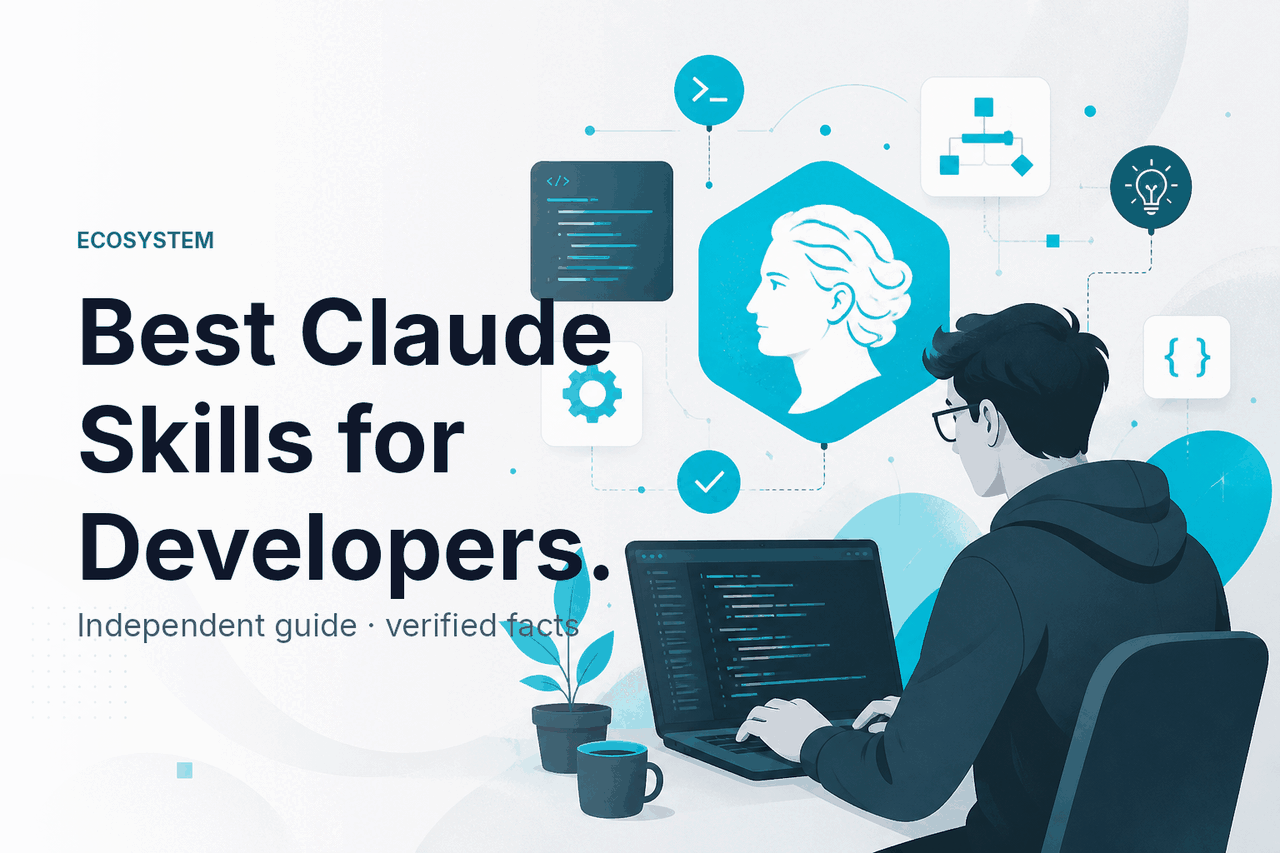
The best Claude skills for developers are the ones that save repeated setup time: code review, repo-aware debugging, test generation, API documentation, and structured refactoring workflows; on c-ai.chat, we treat “skills” as reusable task patterns around Claude, not an official Anthropic product term, and this guide explains how they differ from agents and plugins, how they work, where they help, and where they fall short.
If you want the broader product context first, start with our independent Claude guide, then compare adjacent concepts like skills, agents, and plugins, developer usage in the Claude API overview, and coding workflows in Claude Code.
- What this is
- How it works
- What you can build
- Limits and watch-outs
- Other questions readers ask
- The honest take
- Independent guide · not Anthropic
- Best results come from repeatable developer workflows
What this is
For developers, “Claude skills” usually means reusable instructions, context bundles, and tool patterns that make Claude consistently good at a narrow engineering task; unlike agents or plugins, a skill is mostly a repeatable way of working with Claude rather than a separate official product surface.
| Concept | What it means in practice | Best use case |
|---|---|---|
| Skills | Reusable prompts, context, examples, and guardrails for one developer task | Code review, test writing, debugging, refactoring, docs generation |
| Agents | Longer-running systems that can reason across steps, use tools, and manage multi-stage work | Automated issue triage, release workflows, research-heavy engineering tasks |
| Plugins | External integrations or connectors that let a model reach another system or service | Fetching repo data, CI results, tickets, or internal knowledge |
The distinction matters because searchers often ask for the “best Claude skills devs” when they really want one of three things: a strong coding workflow in Claude itself, a tool-using setup in Claude Code, or an API-driven system built through the Anthropic platform. If you want the terminology map, our page on skills vs agents vs plugins covers that directly.
How it works
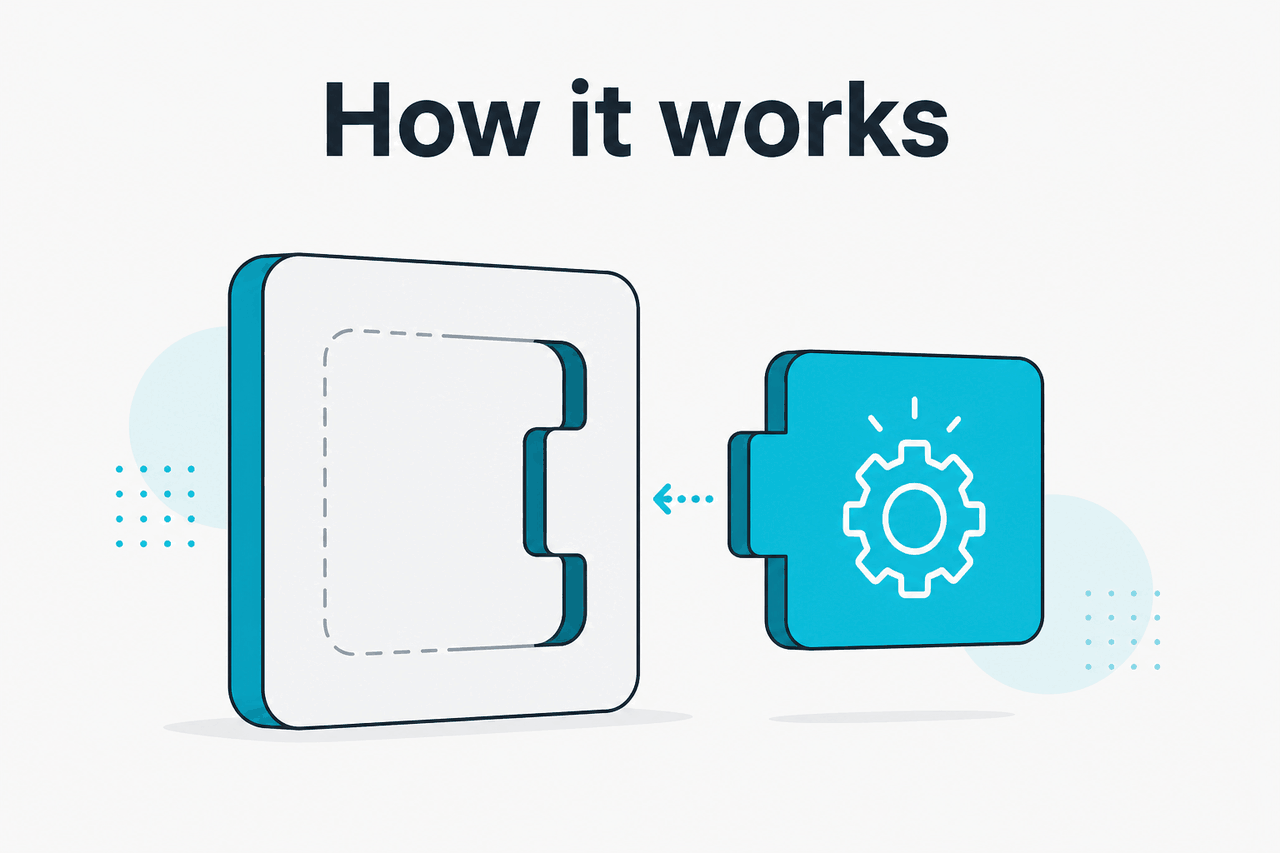
A good Claude developer skill has four parts: a clear goal, the right context, explicit output requirements, and limits. For example, a pull-request review skill might tell Claude to inspect changed files only, classify issues by severity, cite exact file paths and line numbers, and avoid speculative style comments unless they affect correctness or maintainability. That is much more reliable than asking “review this code” from scratch every time.
Technically, the flow is simple. You provide Claude with code, docs, or repository context, then attach a stable instruction pattern that defines how it should reason and respond. In the Claude app, this often lives as a saved project workflow; in Claude Code, it can be part of your coding loop; in the API, it becomes a structured prompt plus tool configuration, model choice, and sometimes long-context retrieval. Anthropic’s official docs at platform.claude.com and the developer documentation explain the model and tooling surfaces, but the “skill” itself is your reusable method.
Pick one narrow engineering job
Start with a repeated task such as
review pull requests for security and correctnessorgenerate table-driven tests for Go handlers.Define the input and output shape
Tell Claude what it will receive and what it must return. Example: changed files, error logs, and a required response format with severity labels, file paths, and patch suggestions.
Add constraints and examples
State what Claude should not do. Example: no guesses about hidden code, no package renames without justification, no dependency upgrades unless asked.
Test on real work, then tighten
Run the skill on three to five actual tasks. Keep the parts that improve consistency. Remove broad instructions that create noisy output.
What you can build
The most useful Claude skills for developers are practical and narrow. They remove repeated mental overhead, produce predictable output, and fit into work you already do in Git, CI, tickets, and docs. Here are the strongest starting points.
1. Pull request reviewer. This is often the first skill teams build because the value is immediate. Claude can check changed files for correctness risks, edge cases, weak validation, poor error handling, and missing tests. The trick is to restrict the scope to the diff and require evidence-based comments. Otherwise, you get too much generic feedback.
2. Test generator for existing code. Claude is good at producing first-pass unit tests, integration test outlines, fixtures, and edge-case lists when you give it the function contract and enough surrounding code. This works especially well for TypeScript, Python, Go, and common web backends. It saves time, but a developer still needs to check assumptions and remove brittle assertions.
3. Refactor assistant with guardrails. A strong refactoring skill asks Claude to preserve public interfaces, list behavior changes, and generate migration notes when needed. This is useful for untangling long functions, improving naming, extracting helpers, or converting repeated patterns into utilities. It works better when you define what must stay stable.
4. API and internal documentation writer. Claude can turn code, route definitions, example payloads, and comments into clean docs for other developers. This is a common use case for teams that ship quickly but let docs lag behind. Pair it with a required template so the output stays uniform across services.
5. Incident and error-log explainer. For debugging, Claude can classify stack traces, trace likely failure paths, suggest instrumented logging, and propose minimal fixes. This is especially useful when an engineer is dropped into an unfamiliar service and needs a fast map of the failure domain.
Worked example
PR review skill for a Python API service
This kind of setup reduces noisy commentary and gives developers feedback they can act on quickly.
You are reviewing a pull request for a production Python API.

Scope:
- Only review changed files and the attached failing test output.
- Do not comment on style unless it affects correctness or maintainability.
- Do not assume code exists outside the provided context.

Focus areas:
1. Input validation
2. Authentication and authorization
3. Error handling
4. Data consistency
5. Missing tests for changed behavior

Return format for each finding:
- Severity: high | medium | low
- File:
- Problem:
- Evidence:
- Suggested fix:

If there are no material issues, say:
"No material correctness or security issues found in provided changes."
That example is simple, but it captures the main pattern. The best Claude skills are not broad personalities like “senior engineer mode.” They are operating instructions for one repeated task. Developers get better results from narrow scopes, explicit evidence rules, and output formats that fit their workflow.
Pick when
- You repeat the same engineering task weekly
- You can define a good output format
- You want faster first-pass analysis or drafting
- You already review the final result yourself
Skip when
- The task is too vague to specify
- Required context lives in systems Claude cannot access
- You need deterministic execution, not probabilistic reasoning
- Your team has not set data handling rules yet
Model choice affects cost and speed if you build these workflows through the API. According to Anthropic’s pricing pages, Claude Opus 4.8 is the flagship model for complex, long-horizon coding and enterprise workflows at $5/M input tokens and $25/M output tokens, Claude Sonnet 5 is the recommended default at $2/M input and $10/M output (introductory through 31 August 2026; standard $3/$15 from 1 September 2026), and Claude Haiku 4.5 is the faster lower-cost option at $1/M input and $5/M output. For many developer skills, Sonnet is the default balance, while Opus is worth using for harder reasoning or large-context review. Anthropic also documents prompt caching at 90% off cached input and Batch API at 50% off both directions on its official pricing pages.
90% off
cached input tokens with prompt caching
If you are comparing app plans rather than API usage, the official Claude pricing page lists Free at $0/month, Pro at $20/month or $17/month annual, Max from $100/month, Team and Enterprise plans add shared-workspace features and admin controls for organizations (see our pricing guide). Those plan details matter if your “developer skill” lives in shared team workspaces, admin-controlled environments, or Claude’s app features rather than your own code.
Limits and watch-outs
Claude is useful for developer workflows, but there are real constraints. A skill is not magic. It can improve consistency, but it does not remove review, security, or governance work.
- Not an official product category. “Skills” is often community shorthand, not a formal Anthropic feature name. Teams should document what they mean internally.
- Output still needs human review. Claude can miss hidden dependencies, misunderstand runtime behavior, or suggest changes that look plausible but break assumptions.
- Repository access may be partial. If Claude only sees snippets, diffs, or selected files, it cannot reliably infer the rest of the system.
- Security and privacy rules matter. Developers should not paste secrets, production credentials, customer data, or regulated content into prompts unless their organization has approved that workflow.
- Tool access changes the risk profile. A model that can read files, call APIs, or modify code needs tighter permissions and audit controls than a chat-only setup.
- Prompt drift is real. Skills often start clean and become bloated as teams add exceptions. That usually makes output worse, not better.
- Governance is often missing. Teams may create unofficial review or coding workflows without naming owners, approval rules, or retention expectations.
- Determinism is limited. Claude can be consistent, but not perfectly repeatable across all tasks. For policy enforcement or strict code transforms, static tools still matter.
- Long context helps but does not guarantee accuracy. Anthropic documents large context windows on some models, including 1,000,000 tokens for Claude Opus 4.8, but more context can still mean more noise if the prompt is weak.
- Status and availability matter in production. If your workflow depends on Claude API or app availability, check status.claude.com and design fallbacks.
For teams, the operational question is usually not “Can Claude do this?” but “Can we standardize this safely?” That means deciding which tasks are allowed, what data can be shared, which model to use, where prompts live, who can edit them, and how results are reviewed. Claude’s trust and administrative materials on trust.anthropic.com and its official support and docs pages are the right places to confirm current controls.
Other questions readers ask
Related searches also overlap with broader feature questions, so if you are evaluating Claude more generally, see our guide to Claude features. If your main goal is coding directly in the product, Claude Code is the closer match than generic “skills” language.
The honest take
The best Claude skills for developers are not fancy personas or vague prompt libraries. They are tightly scoped, repeatable workflows for jobs engineers already do: reviewing diffs, generating tests, explaining failures, refactoring code safely, and writing internal docs. If you can define the task, the context, and the output format, Claude can save real time.
The limit is also clear. Claude does not replace engineering judgment, secure tooling, or process controls. Treat skills as productivity systems, not autonomous truth machines. For most teams, the right first step is one narrow workflow with human review, then expand only after you see consistent value.
Independent guide. Not affiliated with Anthropic. For the official Claude product, visit claude.ai.
Last updated: July 16, 2026