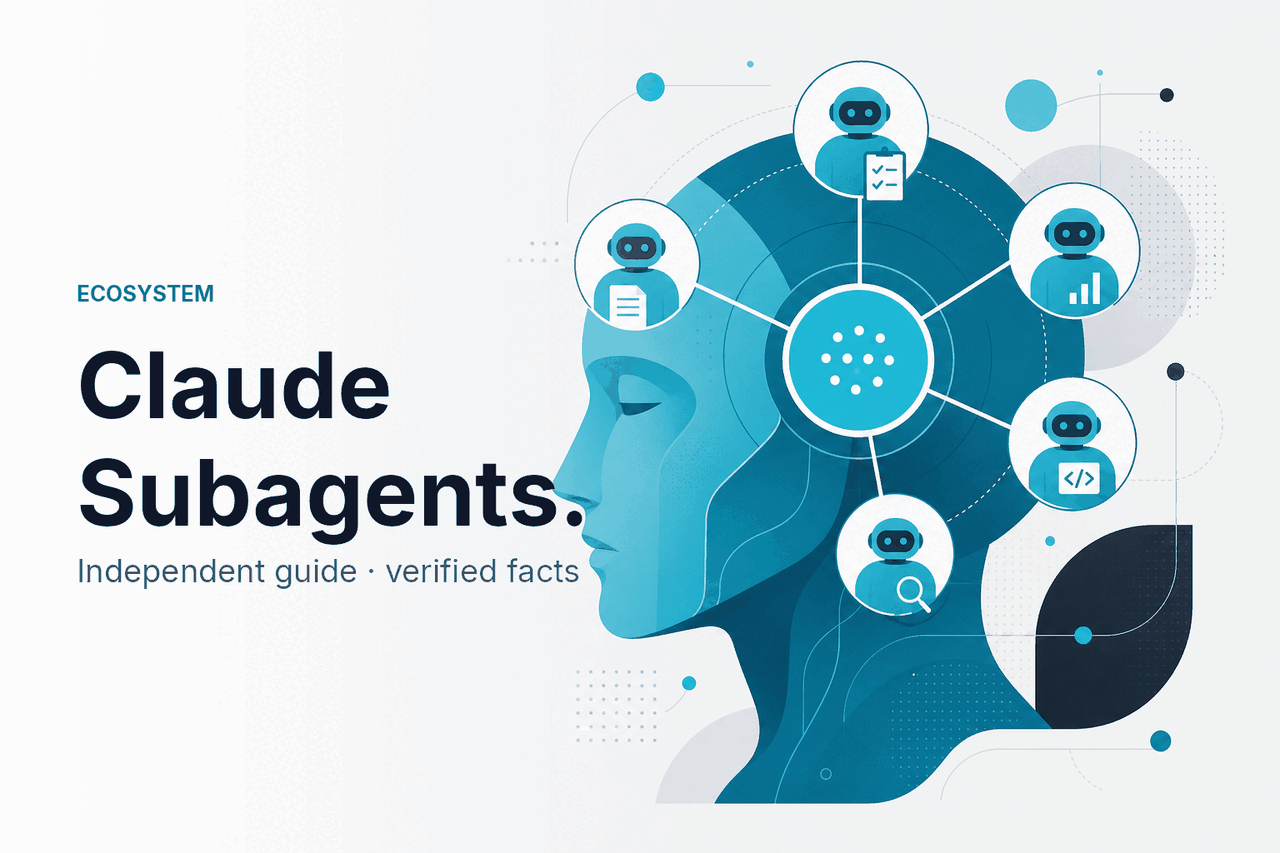
Claude subagents are specialised helper agents inside Claude workflows, most often discussed in the context of Claude Code and agentic task delegation; they are not the same thing as Skills or legacy-style plugins. This guide is independent of Anthropic, links up to our Claude guide homepage, and breaks the topic into what subagents are, how they work, what you can build, where they fall short, and which related features people often confuse with them.
- What this is
- How it works
- What you can build
- Limits and watch-outs
- Other questions readers ask
- The honest take
What this is
When people search for claude subagents, they usually mean specialised helper agents that handle a narrow job inside a larger Claude-driven workflow, such as code review, research gathering, file transformation, or test generation; that is different from a reusable Skill, agent, or plugin-style integration, which may package instructions, tools, or external connections in a different way.
| Concept | What it means in practice | How to think about it |
|---|---|---|
| Subagents | Specialised helpers delegated a narrow task inside a larger Claude workflow, often orchestrated by a parent agent or coding workflow. | Internal task division: one agent breaks work into smaller expert roles. |
| Skills | Reusable capability bundles, instructions, or scoped behaviours that guide Claude toward consistent outputs for recurring tasks. | A repeatable method or playbook Claude can apply. |
| Agents | A broader term for autonomous or semi-autonomous Claude-driven systems that can reason, use tools, and complete multi-step work. | The overall worker or workflow controller. |
| Plugins | An older, broader web AI term for external integrations that let a model call outside services or data sources. | External connections, not a precise Claude-native label. |
How it works
At a high level, subagents work by splitting a larger objective into smaller, bounded tasks. A parent workflow gives each helper a role, a scope, instructions, and sometimes access to specific files, tools, or context. One subagent might inspect a codebase, another might write tests, and another might summarise findings for the user. This is the same general pattern you see across modern agent systems: orchestration first, specialist execution second.
In Claude’s ecosystem, this usually matters most for developer workflows, especially around Claude Code and API-driven task runners. The model does not magically become many separate humans. It is still a Claude model, such as Sonnet 5 or Opus 4.8, being prompted or programmatically structured into specialist roles. If you build this yourself through the Claude API, you define the delegation logic, tool permissions, memory boundaries, and validation steps. If you use product features that expose agent-like behaviour, Anthropic handles more of that orchestration for you.
-
Define the parent task
Start with one outcome, such as “review this repository and propose a safe refactor plan.” Keep the top-level goal concrete.
-
Split work into specialist roles
Create narrow helpers like
repo-auditor,test-writer, anddoc-summariser. Each role should own one kind of reasoning. -
Limit context and permissions
Give each helper only the files, tools, and instructions it needs. Smaller scope usually improves reliability and reduces accidental leakage.
-
Merge outputs through a controller
Have the parent agent compare results, resolve conflicts, and produce the final answer. This is where you add checks before anything is executed.
-
Test on low-risk tasks first
Run the setup on drafts, toy repos, or non-production data before letting it touch live systems or sensitive documents.
Pick when
- Your workflow has clear sub-tasks
- You want separate roles with separate instructions
- You need better auditability than one giant prompt
Skip when
- The task is simple enough for one prompt
- You cannot validate tool use or outputs
- Latency and token cost matter more than workflow structure
What you can build
Subagents are useful when one prompt is too messy, but a full software orchestration stack would be overkill. The best examples have clear handoffs, clear success criteria, and a human who can still approve the final result.
- Code review pipeline: one helper scans architecture, one checks tests, one looks for security issues, and one writes a developer-friendly summary.
- Research assistant workflow: one helper gathers source excerpts, another compares claims, and another drafts a brief with citations for manual review.
- Content operations: one helper extracts product facts, another creates a structured outline, and another rewrites text for a house style.
- Support triage: one helper classifies the issue, another finds the likely resolution path, and another drafts a reply for an agent to approve.
- Data cleanup: one helper validates columns, another normalises formats, and another flags rows that should never be auto-corrected.
A practical developer example is a repository assistant built around Claude Code. Instead of asking Claude to “fix everything,” you assign explicit jobs: inspect dependencies, generate tests, suggest patches, then produce a final checklist. That structure often gives more predictable results than one long, mixed prompt. If you are mapping the broader feature set, our Claude features overview helps place subagent-style workflows in context.
Worked example
Three-subagent code maintenance workflow
dependency-checkertest-generatorchange-summariserThe controller prompts each helper separately, then merges only validated outputs into the final recommendation.
{
  "task": "Review repo and prepare safe improvements",
  "model": "claude-sonnet-5",
  "subagents": [
    {
      "name": "dependency-checker",
      "scope": ["pyproject.toml", "requirements.txt"],
      "goal": "Find outdated or risky packages and explain impact"
    },
    {
      "name": "test-generator",
      "scope": ["tests/", "src/"],
      "goal": "Draft missing unit tests for changed modules"
    },
    {
      "name": "change-summariser",
      "scope": ["all-approved-results"],
      "goal": "Produce developer-facing summary and review checklist"
    }
  ],
  "controller_rule": "No code changes are applied without final human approval"
}
You can apply the same pattern outside software. For example, a market research workflow can use one subagent to extract product claims from source pages, one to compare them against internal notes, and one to produce a concise brief. The key is not “more agents.” The key is cleaner separation of roles so failures are easier to spot.
Limits and watch-outs
Subagents sound tidy on paper, but they add complexity fast. More moving parts can improve structure, yet they also create more places for hallucinations, bad tool use, duplicate work, and governance mistakes.
- No universal official product label: users often use “subagents” loosely. In Claude documentation, adjacent ideas may appear under agents, tools, workflows, Claude Code, or feature-specific docs rather than one single permanent product page.
- Not a shortcut to accuracy: splitting a task into helpers does not guarantee correctness. Bad instructions still produce bad outputs.
- Higher token usage: each helper may consume its own context window and output budget. That can increase API cost compared with one well-designed prompt.
- Latency compounds: serial handoffs are slower than direct answers. This matters for customer-facing use cases.
- Security scope matters: if one helper can access secrets, internal docs, or production tools, you need strict boundaries and audit trails.
- Prompt injection risk: a subagent that reads external text can still be manipulated by malicious instructions hidden in documents or websites.
- Governance is your job in API builds: approval gates, logging, permission design, and rollback paths do not appear automatically just because you call them subagents.
- Product availability varies: some agent-like capabilities may be limited by plan, interface, rollout stage, or workspace type. Check the official Claude product pages and support docs before depending on them.
- Enterprise requirements are separate: if the workflow touches regulated data, you need to look at admin controls, trust documentation, and deployment policy, not just model quality.
Other questions readers ask
These are the nearby questions that usually show up with the same search intent.
The honest take
Claude subagents are a useful way to structure complex work, but they are not a magic product category that fixes weak prompts or poor process design. The idea is simple: break a large task into smaller specialist roles, then control the handoffs. If your workflow has clear stages and you can validate results, subagents can make Claude more reliable and easier to supervise.
If your use case is straightforward, one good prompt is often enough. Add subagents only when the extra structure solves a real problem, such as separating research from drafting, or review from execution. For hands-on use, start with the official product at claude.ai; for custom builds, use the API and keep permissions narrow from day one.
Independent guide. Not affiliated with Anthropic. For the official Claude product, visit claude.ai.
Last updated: July 16, 2026