The Claude Agent SDK is Anthropic’s toolkit for building Claude-powered agents that can use tools, follow permissions, and run inside your application; c-ai.chat is an independent guide, not Anthropic, and this page explains how to use it safely.
If you are comparing agent development with direct API calls, start with our Claude API documentation guide. For model selection, see our Claude models guide, and for product capabilities in the official Claude app, see our Claude features guide.
- What the Claude Agent SDK is
- How it works
- What you can build
- Model and cost choices
- Limits and watch-outs
- FAQ
- Sources
- Purpose: build custom Claude agents inside your own application.
- Best fit: tool-using workflows, developer automation, internal assistants, and controlled business processes.
- Not the same as: Claude.ai chat, Claude Skills, or a generic plugin store.
What the Claude Agent SDK is
The Claude Agent SDK helps developers build agentic applications around Claude: you define the task, tools, runtime, permissions, and stop conditions, then Claude plans and acts through that controlled interface.
Do not confuse it with Claude Skills, which package reusable instructions and resources for Claude, or with “plugins,” a broad term that often means third-party app integrations. The Agent SDK is closer to an application framework than a prompt template.
Anthropic makes Claude. The official Claude product is claude.ai. Developer documentation is on platform.claude.com/docs.
| Concept | What it means | Use it when |
|---|---|---|
| Skills | Reusable instructions, files, and scripts that help Claude perform a defined type of work. | You want Claude to follow a repeatable process inside supported Claude surfaces. |
| Agents | Systems that let Claude reason over a goal, call tools, inspect results, and continue until a stop condition. | You need a custom workflow that can take multiple steps and interact with your systems. |
| Plugins | A loose term for integrations. It is not the most precise term for Claude’s current developer model. | You are describing an app connection, but you should verify the official feature name before building around it. |
How it works
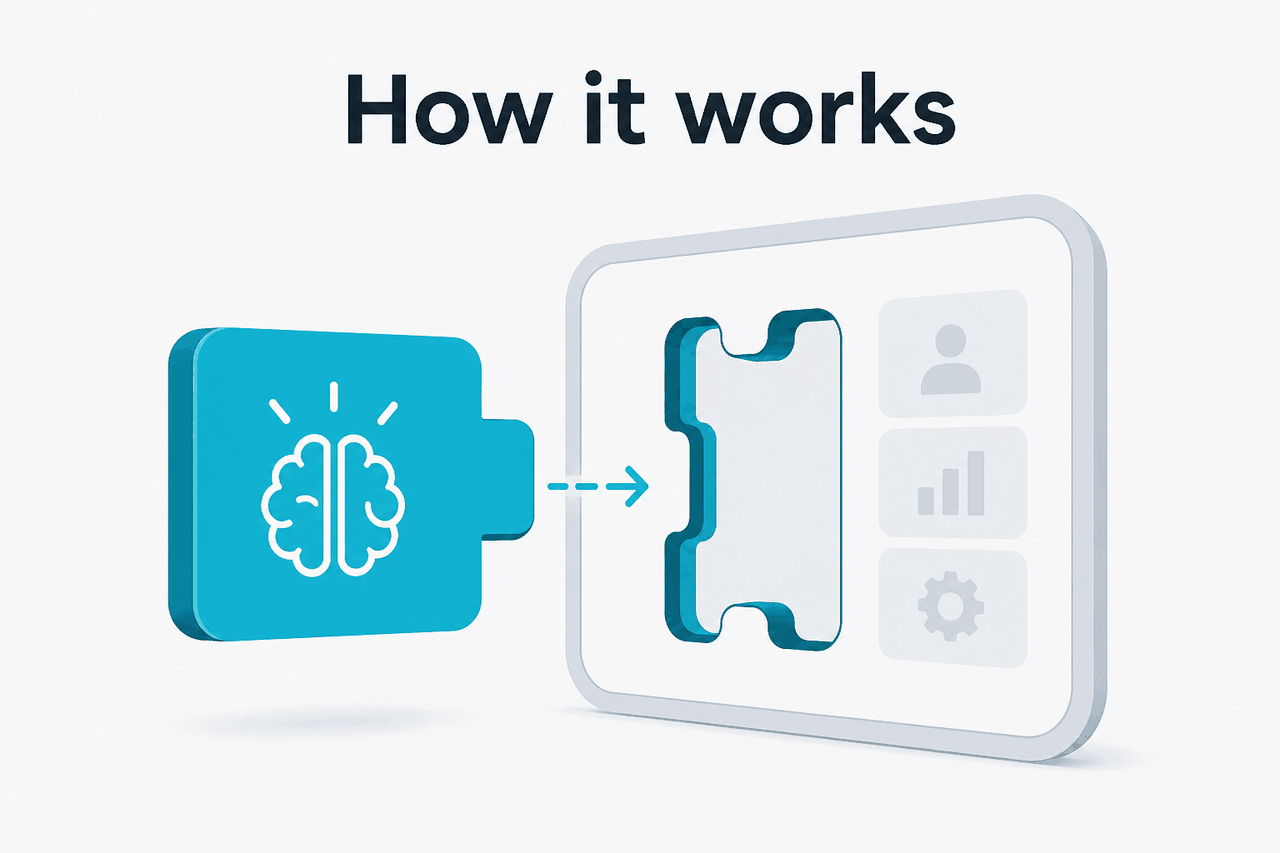
An agent built with the Claude Agent SDK has three main parts: a Claude model, a set of tools, and a control layer in your application.
The model interprets the user’s goal and decides when it needs a tool. Your code exposes approved capabilities such as file lookup, database search, issue creation, shell commands, browser automation, or calls to internal APIs. The control layer decides what Claude may do, what needs human approval, what gets logged, and when the agent must stop.
The technical flow is a loop. Your app sends Claude the task, context, system instructions, and tool definitions. Claude returns either an answer or a tool-use request. Your application executes the allowed tool call, returns the result, and Claude continues with the next step.
This differs from a single Claude API request because the agent can perform a sequence of actions. It also differs from the official Claude app, which is designed for end-user chat and supported product features rather than embedded agent runtimes.
Define the job
Write a narrow goal such as
triage support tickets,review pull requests, orproduce weekly account briefs. Agents work better when the job has clear inputs, allowed actions, and a stopping point.Choose the model and context
Select a Claude model through Anthropic’s API platform. Pass only the context the agent needs. Large context windows help, but clean retrieval usually matters more than dumping every file into the prompt.
Expose tools
Create tool functions with strict schemas. Keep tools small: search documents, fetch a ticket, update a CRM field, run a test command, or create a draft.
Add permissions
Separate read-only tools from write actions. Require approval for risky operations such as deleting files, sending messages, changing billing data, or deploying code.
Test with real failures
Run the agent against incomplete data, ambiguous requests, slow tools, and permission denials. A useful agent must handle blocked actions without pretending it succeeded.
For official implementation details, use Anthropic’s developer documentation on platform.claude.com/docs and the model reference at platform.claude.com/docs/en/about-claude/models/overview. If an SDK option is not documented there, treat it as unsupported until Anthropic documents it.
What you can build
The strongest Claude Agent SDK use cases have bounded work, reliable tools, and clear review points. The agent should complete a defined workflow faster than a human would, while leaving sensitive decisions to people or policy gates.
Good fit
- The task has repeatable steps.
- The agent can use reliable tools or data sources.
- You can log each action and inspect failures.
- There is a safe fallback when the agent is unsure.
Poor fit
- The task needs unrestricted access to private systems.
- No one can define what success looks like.
- The workflow cannot tolerate wrong tool calls.
- You only need a one-off answer or draft.
Developer support agent. Connect Claude to repository search, an issue tracker, a test runner, and a pull request draft tool. The agent can reproduce an error, inspect relevant code, suggest a fix, and prepare a draft PR. Keep merge and deployment actions behind human approval.
Customer support triage. Give the agent read access to support tickets, account metadata, product documentation, and refund policy. It can classify tickets, draft replies, suggest escalation, and flag high-risk accounts. Do not let it issue refunds, change subscriptions, or send customer messages without a permission layer.
Internal research assistant. Connect Claude to approved document search, meeting notes, CRM records, and a citation formatter. It can produce account briefs, competitor summaries, or project updates with links back to source material. This works best when your organisation already has clean access controls around the underlying documents.
Operations workflow agent. A logistics, finance, or IT team can expose narrow tools such as “check invoice status,” “open vendor record,” “draft approval request,” or “create access ticket.” The agent can reduce manual lookup work while leaving financial approval, access grants, and policy exceptions to humans.
Worked example
Support triage agent with read-only lookup and draft creation
get_ticket, search_docs, get_account_statuscreate_draft_reply only{
"agent": "support-triage",
"model": "claude-sonnet-5",
"instructions": "Classify the ticket, cite relevant policy, and create a draft reply. Do not send messages.",
"tools": [
{ "name": "get_ticket", "permission": "read" },
{ "name": "search_docs", "permission": "read" },
{ "name": "get_account_status", "permission": "read" },
{ "name": "create_draft_reply", "permission": "approval_required" }
],
"stop_when": "draft_created_or_escalation_needed"
}This setup keeps the agent useful but constrained. It can gather evidence and prepare work. It cannot take irreversible customer-facing action.
Content operations assistant. A marketing team can connect Claude to a brief database, style guide, CMS draft endpoint, and internal search. The agent can create outlines, check claims against approved sources, and prepare drafts. Publishing should remain a separate permissioned step. For a broader product map, see our guide to Claude features.
Model and cost choices
Agent cost depends on the model, context size, tool results, retries, and number of turns. A multi-step agent can use far more tokens than a single chat response.
Opus 4.8
$5 input / $25 output per million tokens.
Use for difficult planning, complex coding, high-stakes reasoning, and long-context work.
Context: 1M tokens.
Sonnet 5
$2 input / $10 output (introductory through 31 August 2026; standard $3/$15 from 1 September 2026) per million tokens.
Use for most production agents that need strong reasoning with better cost control.
Context: 1M tokens. Max output: 128K tokens.
Haiku 4.5
$1 input / $5 output per million tokens.
Use for routing, extraction, classification, and simpler tool workflows.
Prompt caching can reduce cached input cost by 90%. The Batch API gives 50% off both input and output. These discounts matter for agents that reuse long instructions, schemas, policy text, or reference material.
Claude subscription plans do not replace API billing for custom agent applications. Current plan prices are Free at $0, Pro at $20 per month or $17 per month annually, Max from $100 per month, Team and Enterprise plans give organizations more capacity and centralized admin controls (see our pricing guide). See our Claude pricing guide before estimating production cost.
Limits and watch-outs
Agent systems fail differently from chatbots. A chatbot can give a weak answer. An agent can call the wrong tool, use stale context, or perform an action the user did not intend. Design the runtime as if mistakes will happen.
- Do not treat autonomy as lack of supervision. Keep approval steps for destructive, financial, legal, customer-facing, or security-sensitive actions.
- Tool design is the real product work. Broad tools such as
run_any_commandorupdate_any_recordcreate avoidable risk. Prefer small tools with typed inputs and clear permission classes. - Prompt injection is a serious issue. If the agent reads emails, tickets, web pages, documents, or repository comments, those inputs can contain hostile instructions. Treat external text as data, not authority.
- Access control must sit outside the model. Claude should not be the only layer deciding whether a user may view a document, modify an account, or run an internal command.
- Logging is required for production. Store prompts, tool calls, tool results, approvals, errors, and final outputs where policy allows. You need an audit trail for debugging and governance.
- Latency can grow quickly. Multi-step agents may call several tools and make several model turns. A workflow that feels instant in a demo may need queues, progress states, and retries in production.
- Cost depends on task shape. Long context, repeated tool results, and retries increase token usage. Anthropic documents API pricing at platform.claude.com/docs/en/about-claude/pricing.
- Model output is not a source of truth. If the answer must be exact, make the agent retrieve verified data and cite the record it used.
- Compliance needs separate review. For regulated data, review Anthropic’s trust information at trust.anthropic.com and your own legal, security, and procurement requirements.
- Availability still matters. For production systems, monitor failures and check Anthropic service status through status.claude.com.
The Agent SDK does not turn Claude into a hosted workflow platform by itself. You still need authentication, user management, storage, observability, deployment, evaluation, and incident response. If you only need Claude inside the official chat product, use claude.ai. If you need to ship your own product experience, work from Anthropic’s API platform and SDK documentation.
FAQ
Is the Claude Agent SDK the same as Claude.ai?
No. Claude.ai is the official chat product. The Agent SDK is for developers building custom agentic applications that run inside their own products or internal systems.
Can I build a Claude agent with the normal API instead?
Yes, if you are comfortable implementing the loop yourself. You can call Claude, parse tool-use requests, execute tools, return results, and manage state. The SDK is useful when it reduces boilerplate and gives your workflow a cleaner structure.
Does an agent need access to my private data?
Only if the task requires it. Prefer retrieval from specific approved sources over broad access to drives, inboxes, or databases. Keep your existing permissions as the source of truth.
Which Claude model should I use for an agent?
Start with Sonnet 5 for most agent workflows. Use Opus 4.8 for complex planning, coding, or long-context reasoning. Use Haiku 4.5 for routing, extraction, and simple classification. Check Anthropic’s model overview before committing to production.
Can a Claude agent browse the web or use external apps?
It can use tools that you provide and authorize. If you expose a browser, search API, SaaS connector, or internal service, the agent can request those tools according to your schema and permissions. Do not assume arbitrary browsing or app access unless you built and approved that capability.
Is the Claude Agent SDK safe for production?
It can be part of a production system, but the safety work sits in your architecture. Use least-privilege tools, human approval for high-risk actions, logging, evaluations, retries, and incident handling.
Where should I start if I am new to Claude development?
Start with our Claude API documentation guide, then compare models in our Claude models guide. Build one narrow workflow before adding more tools or permissions.
Last updated: July 16, 2026