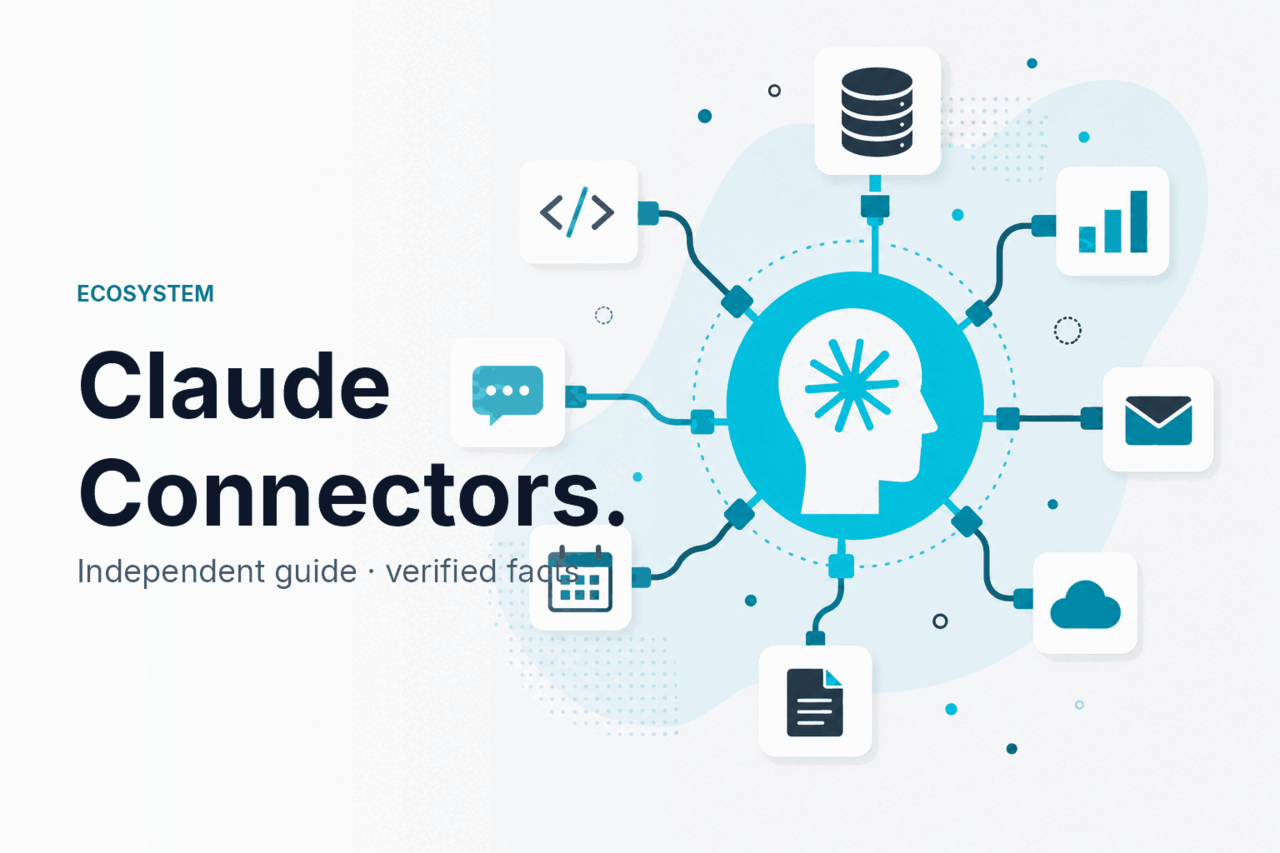
Claude connectors are Claude features that let the assistant reach into external services so it can find, use, and act on information outside a single chat; on c-ai.chat, we explain how that idea fits with Claude’s other extension concepts, where it overlaps with integrations, and what to check before you rely on it in real work. Start with our independent Claude guide if you want the broader product map first.
- What this is
- How it works
- What you can build
- Limits and watch-outs
- Other questions readers ask
- The honest take
- Connectors link Claude to external tools or data sources
- Different from API pricing and model access
What this is
When people search for claude connectors, they usually mean the ways Claude can connect to outside systems such as workplace apps, data stores, or developer tools. That is not the same thing as Claude models, API access, or every extension term you may see around Claude. The simplest rule: connectors are about accessing external services; agents are about multi-step task execution; plugins is a broader label people still use, but it can refer to older or generic extension patterns rather than one official Claude category. If you are comparing these terms with Claude’s wider capabilities, see Claude features for the product-level view.
| Concept | What it means in practice | When to think about it |
|---|---|---|
| Connectors | A bridge between Claude and an external service, workspace, or data source so Claude can retrieve or use information outside the chat itself. | Use this lens when you want Claude to work with files, apps, knowledge bases, or business systems. |
| Agents | An automated workflow that can reason through steps, use tools, and complete a task over multiple actions. | Use this lens when Claude is not just reading data but carrying out a process with decision points. |
| Plugins | A generic user term for add-ons or integrations. People often use it loosely, even when the official product language is different. | Use this term carefully. It may describe the same idea as a connector, or it may refer to a broader extension pattern. |
How it works
At a high level, a connector gives Claude a controlled path to an external system. Instead of relying only on text you paste into a prompt, Claude can query a connected source, pull back relevant information, and use that context in its response. The exact implementation depends on where you are using Claude: the consumer product at claude.ai, workplace features described on claude.com, or developer patterns documented on platform.claude.com and its developer docs.
Under the hood, the flow usually looks like this: you authenticate a service, define what Claude is allowed to access, send a request, and then Claude uses the returned content as context for reasoning or generation. In developer setups, that often means an API or tool layer mediates the exchange rather than Claude reaching into systems with unrestricted access. This distinction matters for security, auditability, and output quality. If you want the programmatic version of the same idea, our Claude API guide explains how tools and model calls fit together, and Claude Code covers developer-facing workflows.
Choose the connection point
Decide whether you need a product integration in Claude itself or a custom developer workflow built through the API and tools.
Authenticate the external service
Connect the account, workspace, or endpoint using the official sign-in and permission flow. Avoid broad admin credentials when read-only access will do.
Set access boundaries
Limit which files, folders, records, or actions Claude can use. Narrow scopes reduce both accidental exposure and irrelevant results.
Test with a specific request
Ask Claude for one concrete task, such as “summarise the latest project brief from the connected workspace” or “compare the last three support reports.”
Review the returned context
Check what Claude actually pulled in before you trust the answer. If needed, adjust the connector config, prompt, or tool schema.
What you can build
The practical value of Claude connectors is simple: they cut down on manual copying, speed up retrieval, and let Claude work from live or governed information instead of whatever text happened to be pasted into a chat. Here are common patterns that make sense for professionals and teams.
- Internal knowledge assistant: Connect Claude to approved company documents so it can answer policy, onboarding, or product questions with better context.
- Sales prep workflow: Pull CRM notes, meeting history, and account summaries into one briefing before a customer call.
- Support triage helper: Use external ticket data so Claude can classify requests, draft replies, and spot repeated failure patterns.
- Research workspace: Combine uploaded files with connected references so Claude can compare sources, extract themes, and build structured notes.
- Developer task runner: Pair Claude with code or tooling contexts to explain changes, summarise logs, or prepare implementation plans.
One good test is whether the workflow depends on information that changes often. If the answer is yes, connectors are usually more useful than static prompt templates, because the model gets fresh context at request time instead of stale pasted text.
Worked example
Connected support-summary workflow
This setup works well when a team needs consistent reporting from a live system without copying raw ticket data into every chat.
For developers, the same pattern can be made more explicit through a tool layer. A tool can accept a query, fetch records from an external service, and pass the result back into Claude for reasoning. That gives you stronger control over schema, permissions, and logging than a loose “connect everything” approach.
{
  "tool_name": "get_recent_billing_tickets",
  "input_schema": {
    "type": "object",
    "properties": {
      "days": { "type": "integer" },
      "limit": { "type": "integer" }
    },
    "required": ["days"]
  },
  "example_call": {
    "days": 7,
    "limit": 50
  }
}
That kind of setup is not a consumer “plugin store” experience. It is a controlled integration pattern. If you are deciding whether you need tool use, agent behaviour, or a simpler chat integration, our skills, agents, and plugins guide breaks down the overlap.
Pick when
- Your data already lives in approved systems
- You need fresher context than pasted prompts provide
- You want repeatable workflows with permission boundaries
Skip when
- Your task only needs a one-off file upload
- The source data is messy, duplicated, or poorly governed
- You cannot define clear access scopes or ownership
Limits and watch-outs
Connectors sound simple, but the hard part is not the connection itself. It is the combination of permissions, source quality, governance, and user expectations. Here are the main watch-outs.
- Not every external service is supported in the same way. Some workflows are native product integrations; others require custom API or tool work.
- Access is only as good as the source system. If the connected data is outdated, duplicated, or badly tagged, Claude will inherit those problems.
- Read access can still expose sensitive information. A connector does not need write permissions to create risk. Retrieval alone may surface private data to the wrong user if scopes are too broad.
- Governance matters more in teams. Shared workspaces need clear rules on who can connect services, who can use them, and what gets logged.
- Auditability varies by setup. A managed workplace feature may offer clearer admin controls than an ad hoc developer integration.
- Prompt injection and hostile content are real concerns. If Claude reads untrusted external text, that text may try to manipulate tool use or instructions.
- Latency can increase. A connected request may take longer than a plain chat because Claude has to authenticate, fetch, and process external context.
- Costs may move, not disappear. Connectors reduce manual work, but API-backed workflows still depend on model usage, token volume, and the amount of retrieved context.
- Compliance review may be required. For regulated teams, external data flows often need legal, security, or procurement approval before rollout.
If you are evaluating connected workflows for a business, the official places to verify security and platform status are trust.anthropic.com and status.claude.com. For product and plan details, Anthropic’s pricing page at claude.com/pricing is the ground truth.
Other questions readers ask
These are the nearby questions that usually come up in the same search journey.
The honest take
Claude connectors are useful when your real problem is access to external context, not lack of prompting skill. If your team keeps copying information from docs, tickets, or business tools into chats, a connector-style workflow can save time and reduce friction. If your source systems are messy or your permissions model is weak, connectors will expose those problems rather than fix them.
So the plain answer is this: use Claude connectors when you need Claude to work with live, scoped, external information. Do not treat them as magic. The quality of the result depends on the quality of the connected data, the safety of the integration, and how tightly you control access.
Independent guide. Not affiliated with Anthropic. For the official Claude product, visit claude.ai.
Last updated: July 16, 2026