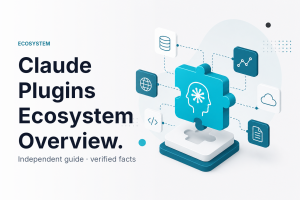
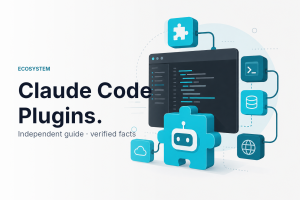
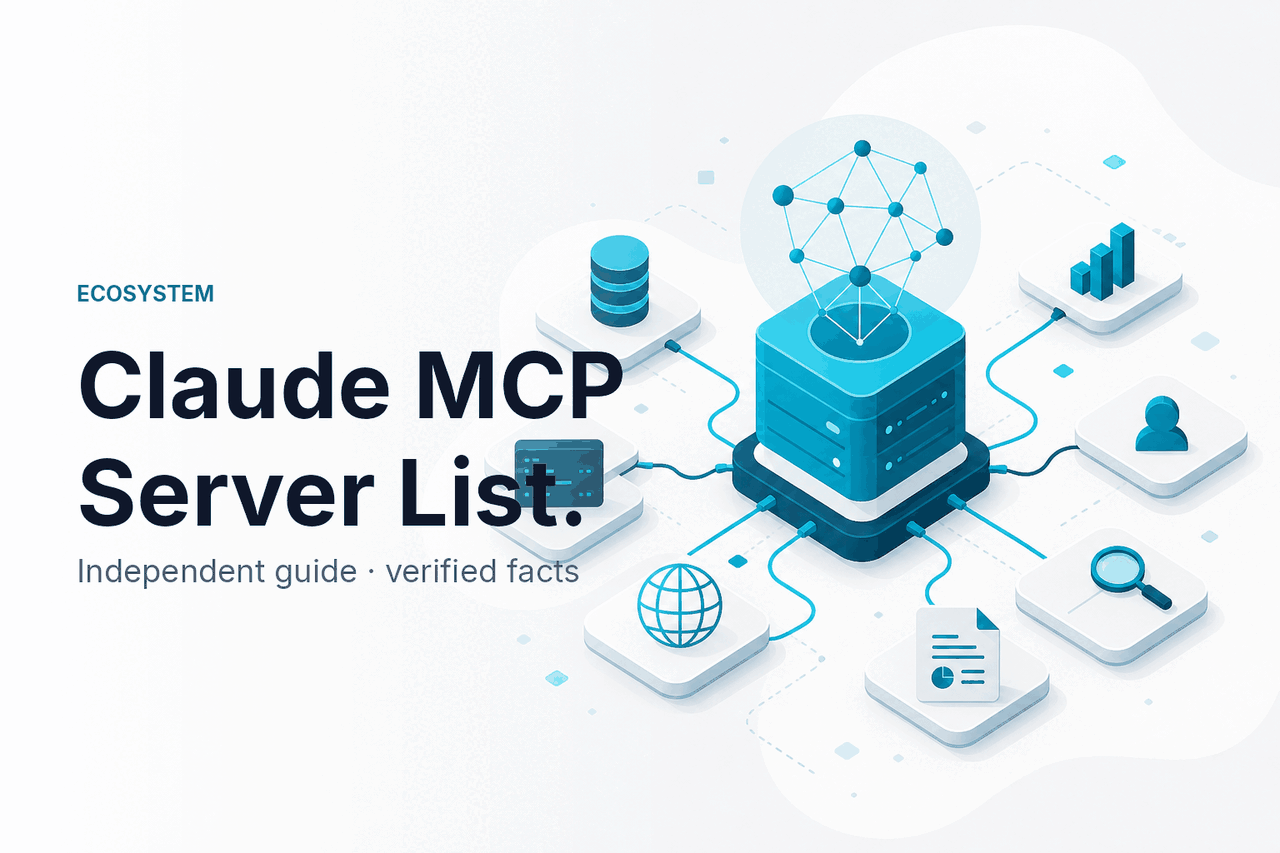
Claude MCP servers are Model Context Protocol servers that let Claude connect to external tools, data sources, and local or remote systems through a standard interface; this guide is an independent explanation from c-ai.chat, not Anthropic, and it maps what MCP servers are, how they work, what you can build, and where the limits are. See our broader guide to Claude skills, agents, and plugins if you want the bigger ecosystem first.
- What this is
- How it works
- What you can build
- Limits and watch-outs
- Other questions readers ask
- The honest take
What this is
When people search for “claude mcp servers,” they usually mean servers that speak the Model Context Protocol so Claude can discover tools and use them safely in context. That is different from older “plugins” language, and it is also not the same thing as a full “agent.” In practice, an MCP server exposes capabilities such as file access, database queries, browser actions, or internal APIs in a standard way so a Claude client or Claude-powered app can call them when needed. For related product concepts, see our pages on Claude features and Claude Code.
| Concept | What it is | How it differs from MCP servers |
|---|---|---|
| Skills | Reusable instructions, workflows, or capabilities packaged for repeat tasks. | A skill tells Claude how to behave; an MCP server gives Claude access to external tools or data. |
| Agents | Systems that plan, call tools, take actions, and loop through multi-step tasks. | An agent is the orchestration layer; MCP servers are often the tool layer an agent can use. |
| Plugins | Older or generic language for add-ons that extend an AI app. | MCP is the standard protocol concept people increasingly mean instead of a one-off plugin format. |
How it works
An MCP setup usually has three parts: the Claude client or Claude-powered application, one or more MCP servers, and the underlying systems those servers can reach. The server publishes a machine-readable list of tools, resources, or prompts. Claude sees those capabilities through the client integration, decides when one is relevant, and sends a structured request. The server then performs the action or fetches the data and returns a structured response for Claude to use in the conversation.
The important point is that Claude does not “magically” gain direct access to everything on your machine or network. Access depends on what the client supports, what the server exposes, and what permissions you allow. That makes MCP useful for standardising tool use, but it also means availability varies across Claude surfaces. Some setups are local for desktop workflows, while others are remote for shared team tools or app integrations. If you are building with the API, our Claude API guide explains the surrounding developer model.
-
Choose the Claude surface
Decide whether you are using Claude Desktop, a developer workflow such as Claude Code, or your own app built on Anthropic APIs.
-
Pick or run an MCP server
Start a local or remote server that exposes tools such as files, Git, SQL, browser automation, or internal APIs.
-
Register the server with the client
The client needs the server endpoint or launch command plus any auth details required by that server.
-
Review permissions
Check what the server can access. A file server, for example, may be limited to one folder instead of your whole disk.
-
Test with a narrow task
Ask Claude to do one concrete action such as “list project files” or “query the staging database schema” before trusting broader automations.
Pick when
- You want a standard way to connect Claude to tools
- You need reusable integrations across multiple workflows
- You want clearer separation between model and tool execution
Skip when
- You only need plain chat with no external actions
- Your team cannot manage tool permissions safely
- A simple built-in feature already covers the task
What you can build
MCP servers are useful when Claude needs fresh data or needs to act on systems outside the chat window. The strongest use cases are narrow, auditable, and tied to a real workflow rather than “let the model do anything.” Here are practical examples that fit what people usually want from Claude MCP servers.
- Local development assistant: Connect Claude to your project files, terminal-safe helpers, and Git metadata so it can inspect code, explain architecture, draft patches, and answer repo-specific questions.
- Internal knowledge lookup: Expose approved documentation, product specs, or runbooks through a controlled MCP server so Claude can answer with current internal context instead of stale pasted text.
- Database analyst workflow: Give Claude read-only access to selected schemas and query tools so it can inspect tables, propose SQL, and explain result sets without broad production permissions.
- Browser task automation: Use an MCP server that can open pages, inspect forms, or collect structured page data for repetitive internal web tasks.
- Support operations helper: Connect ticket systems, policy docs, and template actions so Claude can draft replies and gather the exact fields a human agent needs.
A good rule is to expose the minimum capability needed for the job. A read-only documentation server is safer than unrestricted network access. A project-folder file server is safer than full-disk access. This is where MCP is more useful than vague “AI plugins” language: it pushes you toward explicit tool boundaries.
Worked example
Repo-aware Claude setup for engineering support
/workspace/app onlyUsed well, this setup gives Claude live project context without giving it blanket access to everything on the machine.
{
  "server": "local-repo-tools",
  "tools": [
    "list_files",
    "read_file",
    "search_code",
    "git_diff"
  ],
  "permissions": {
    "root": "/workspace/app",
    "network": false,
    "write": false
  }
}
That example shows the pattern clearly: Claude is not the tool itself. The MCP server exposes tools, and the client decides how Claude can use them. If you later want the same repo workflow inside a custom app, the same concept can carry over to an API-based build with Anthropic’s platform documentation as the reference point.
Limits and watch-outs
Claude MCP servers are promising, but they are not a universal “app store” and they are not risk-free. Support depends on the client, the integration, and the server implementation. Governance matters more than the demo.
90% off
cached input tokens with prompt caching
- Free tier · no card
- API priced per million tokens
If you are evaluating MCP for a team product, keep the tool boundary narrow and pair it with clear review controls. Anthropic’s official references for Claude models, pricing, trust, and status are the right place to confirm platform details before deployment.
Other questions readers ask
These are the closely related questions that usually sit around the same search intent as “claude mcp servers.”
The honest take
If you are looking for a “Claude MCP server list,” the honest answer is that the useful part is not a giant directory. It is understanding the pattern: MCP servers are the tool bridge between Claude and external systems, and their value comes from narrow, well-governed integrations. For most people, the right question is not “what are all the servers?” but “which one solves my exact workflow without exposing too much?”
Start small. Pick one controlled use case such as repo search, document lookup, or read-only database inspection. Confirm support in the Claude surface you actually use, and check permissions before you trust outputs. If you need the wider product picture, start with our skills, agents, and plugins guide, or use the official Claude product directly.
Independent guide. Not affiliated with Anthropic. For the official Claude product, visit claude.ai.
Last updated: July 16, 2026